Phone Repair & More® • PlayStation Repair • Florida
Professional PlayStation Repair Services & Support (PS5, PS4, PS3)
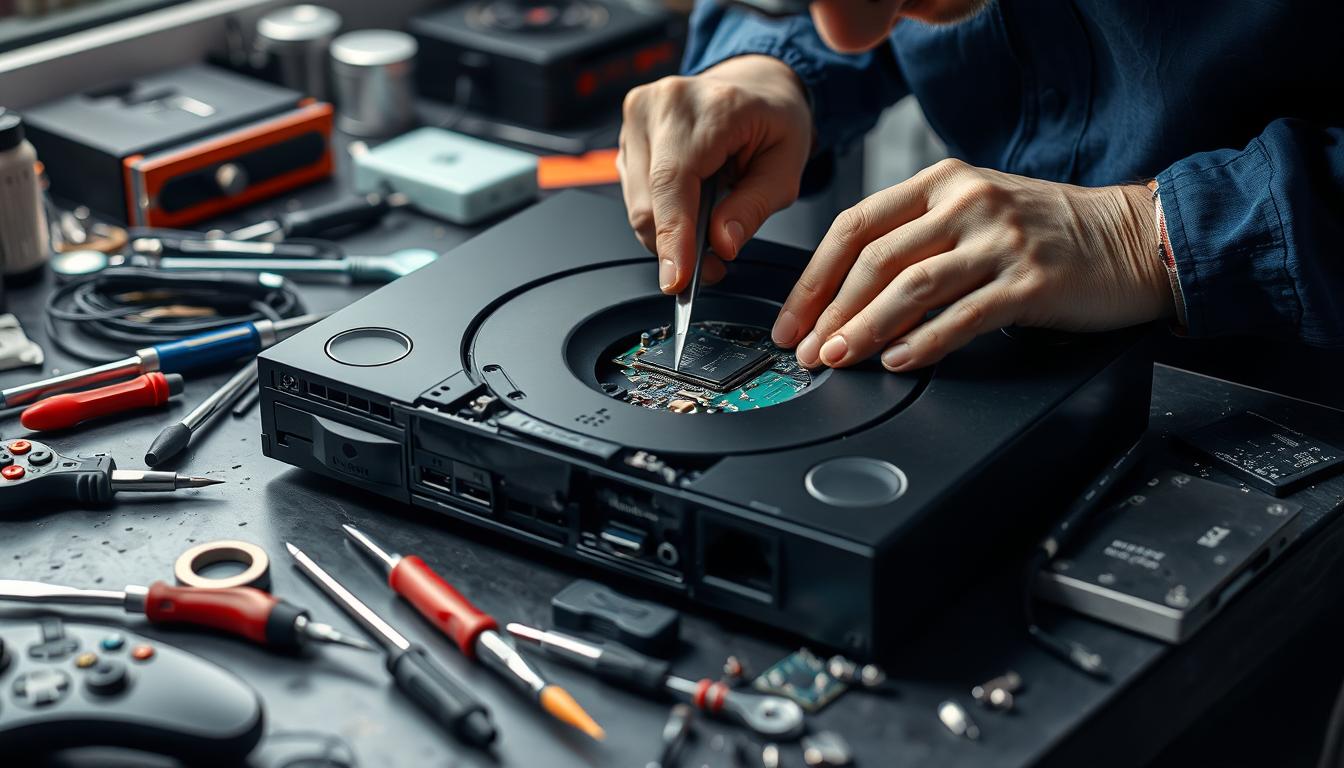
If your PlayStation is showing No Signal, overheating, shutting off, refusing discs, or acting “fine one minute / dead the next,” the fastest route is a clean diagnosis — not random fixes. Below is how we verify the symptom safely, what usually causes it, and when it’s time to stop DIY and bring it in.
TL;DR (Quick Answers)
- No Signal is often HDMI-port damage, a failing video section, or a TV/handshake setting issue — start with safe cable & input checks.
- Overheating / shutdown usually points to airflow blockage, thermal stress, or internal cooling failure — don’t keep “testing” it hot.
- Disc drive problems can be mechanical wear or sensor errors — avoid forcing discs in/out.
- If you’re not 100% sure, start with our Game Console Repair hub and then book a diagnostic.
Quick answer
In most cases, yes — PlayStation issues like “No Signal,” random shutdown, loud fan/overheat warnings, disc read errors, and storage problems can be repaired. The key is identifying whether the problem is external (cable/TV/settings), connector wear (ports), power/thermal stress, or storage/software corruption. If you want the broad “all consoles” view first, start here: Game Console Repair.
What we fix (and what we won’t)
We focus on real, measurable faults — the kind you can verify with testing — not guesswork. If you’re also dealing with another console in the house, we cover those too: Xbox Repair, Nintendo Switch Repair, Steam Deck Repair, and ASUS ROG Ally Repair.
- Video / HDMI issues: “No Signal,” flicker, dropouts, loose port symptoms (diagnosis first; repair depends on model and damage).
- Power issues: won’t turn on, shuts off under load, beeps then dies, power cycling.
- Overheating & loud fan: thermal shutdowns, warning messages, performance drops from heat stress.
- Storage errors: corrupted database, failed updates, boot loops, “cannot start” type screens.
- Disc drive problems: won’t accept/eject, won’t read, grinding noises, intermittent reads.
What we won’t advise (for safety + to prevent expensive damage)
If a step requires opening the console, heat, soldering, or “bending the port,” stop and bring it in. Those attempts often turn a fixable issue into a board-level failure.
Symptom map: what it often means (and the safest first check)
This is not “one symptom = one part.” It’s a fast way to choose the right first test without making things worse.
| Symptom | Common root causes we see | Safe first check | When to stop |
|---|---|---|---|
| “No Signal” / black screen | HDMI port wear/damage, handshake/input mismatch, internal video section fault | Try a known-good cable + different TV port, confirm correct input | If the port feels loose, wobbly, or the screen cuts when you touch the plug |
| Shuts off while playing | Thermal shutdown, power instability, internal protection triggers | Check airflow (clear vents), move console to open space | If it’s hot to the touch or repeatedly shuts off within minutes |
| Won’t boot / update loop | Storage corruption, update failure, system software errors | Safe Mode recovery options (software-only) | If it clicks, beeps oddly, or you smell heat/burning |
| Disc won’t read / won’t eject | Mechanical wear, sensor issues, alignment problems | Remove any stuck disc using official/manual steps only | If you hear grinding, or the drive forces then stops |
Safe checks you can do at home (no tools, no opening)
- Swap the HDMI cable: use a known-good cable. If the symptom changes, you just saved yourself a lot of guesswork.
- Try another TV/monitor port: confirm you’re on the correct input and the port works with another device.
- Power cycle correctly: shut down, unplug, wait ~60 seconds, then reconnect.
- Check ventilation: move the console into open air (not inside a cabinet). Clear dust around vents without forcing anything inside.
- Safe Mode (software-only): if you’re stuck in a boot loop, use Safe Mode options that do not require opening the unit.
Important
Do not spray cleaners into vents, do not “wiggle” a loose port, and do not keep running a console that’s overheating. Heat testing often causes the next failure.
If you need a model-specific guide after safe checks, jump here: PS5 Repair PS4 Repair PS3 Repair
When to stop DIY and bring it in
- The HDMI port is loose or the image cuts in/out when the plug is touched.
- Overheating repeats quickly after you’ve improved ventilation.
- There’s a burning smell, unusual buzzing, or the unit is getting abnormally hot.
- Power is unstable (beep + off, power cycling, random shutdowns under load).
- Disc drive grinds or tries to pull/eject then stops.
- Any “fix” requires opening the console, heat, soldering, or specialized tools.
Why we draw a hard line here
The most expensive repairs we see start as a smaller issue (port wear, thermal shutdown, storage errors) and become a board-level problem after risky DIY. A quick diagnostic is almost always the cheaper first step.
What to expect in our diagnostic (technician workflow)
Here’s the real shop-floor flow we follow before recommending any repair:
- Symptom confirmation: reproduce the issue with known-good cables, display, and power.
- Port & connection check: inspect for looseness or damage (especially HDMI/power input behavior).
- Thermal behavior: evaluate airflow + shutdown timing (overheat patterns matter).
- Storage/software checks: verify update/boot behavior using software-only steps first.
- Clear recommendation: we explain what failed, why, and the safest fix path.
PS5 vs PS4 vs PS3: quick guides
Choose your model guide for the most common symptoms and the right “next step.”
PS5
- “No Signal” after a bump or tugged cable
- Shuts off mid-game / overheating warning
- Storage/update issues that feel random
PS4
- Loud fan & heat shutdowns
- Disc read / eject problems
- Boot loops & “cannot start” screens
PS3
- Power issues / unstable startup
- Video output problems
- Heat-related failures over time
For console history nerds (and for buying used), this comparison is helpful: PS2 Fat vs Slim
Short video walkthrough
Quick visual overview of common PlayStation issues and when to book service.
Prefer manufacturer support first? Here’s PlayStation’s official hardware support hub: PlayStation Support
FAQ: PlayStation repair
1) Can a PlayStation with “No Signal” be repaired?
Often, yes. First we rule out cable/TV input issues. If the HDMI port is loose or the picture drops when the plug moves, it’s commonly a port/connection problem or a related video section fault — and a diagnostic is the safest next step.
2) My PS5/PS4 overheats and shuts off. Is it safe to keep testing?
No. Repeated overheating tests can push a marginal cooling or power issue into a hard failure. Improve airflow once, and if it still shuts down quickly, stop and bring it in.
3) Do you work on PS5, PS4, and PS3?
Yes — and we keep model-specific notes. Use the quick guides: PS5 PS4 PS3.
4) My PlayStation won’t read discs. Should I try to force it?
Don’t force discs in or out. If the drive is grinding or intermittently reading, it’s better to stop and book service. Forcing often breaks internal mechanisms.
5) What should I bring to my appointment?
Bring the console, power cable, and if it’s a display issue, the HDMI cable you were using (optional but helpful). If you have multiple controllers, bring the one that won’t sync.
6) Do you offer same-day repairs?
On many common repairs, yes — when parts are in stock and the diagnostic confirms a straightforward fix. Some issues require deeper testing and may take longer.
7) Is there a “best store” to visit?
Visit whichever is closest. Start here: Find Locations. If you’re in the Tampa Bay area, many customers choose Palm Harbor or Tampa.
8) Can you fix other consoles too?
Yes. See: Xbox, Nintendo Switch, Steam Deck, and ROG Ally.
9) My console boots, but crashes during games. What does that mean?
Crashes under load often point to heat stress, power instability, or storage issues. We confirm the pattern, check thermals, and verify storage/firmware behavior before recommending repair.
10) Do you need my account password?
Usually not. For software-only troubleshooting, you may be asked to sign in at home. For most hardware diagnostics, we don’t need your login details.
11) Should I mail it in or use a local shop?
If you need the manufacturer route, PlayStation support is a solid starting point. If you want faster local diagnosis and face-to-face explanations, book service with us: Repair Device.
12) What’s the fastest way to start?
Book a diagnostic, choose your nearest store, and bring the console in: Find a Store.
Ready to get your PlayStation back?
We offer free diagnostics, and same-day service on many repairs when parts are in stock. If you’re seeing “No Signal,” overheating, shutdowns, or disc issues, don’t keep testing it — book a diagnostic and we’ll confirm the real cause.