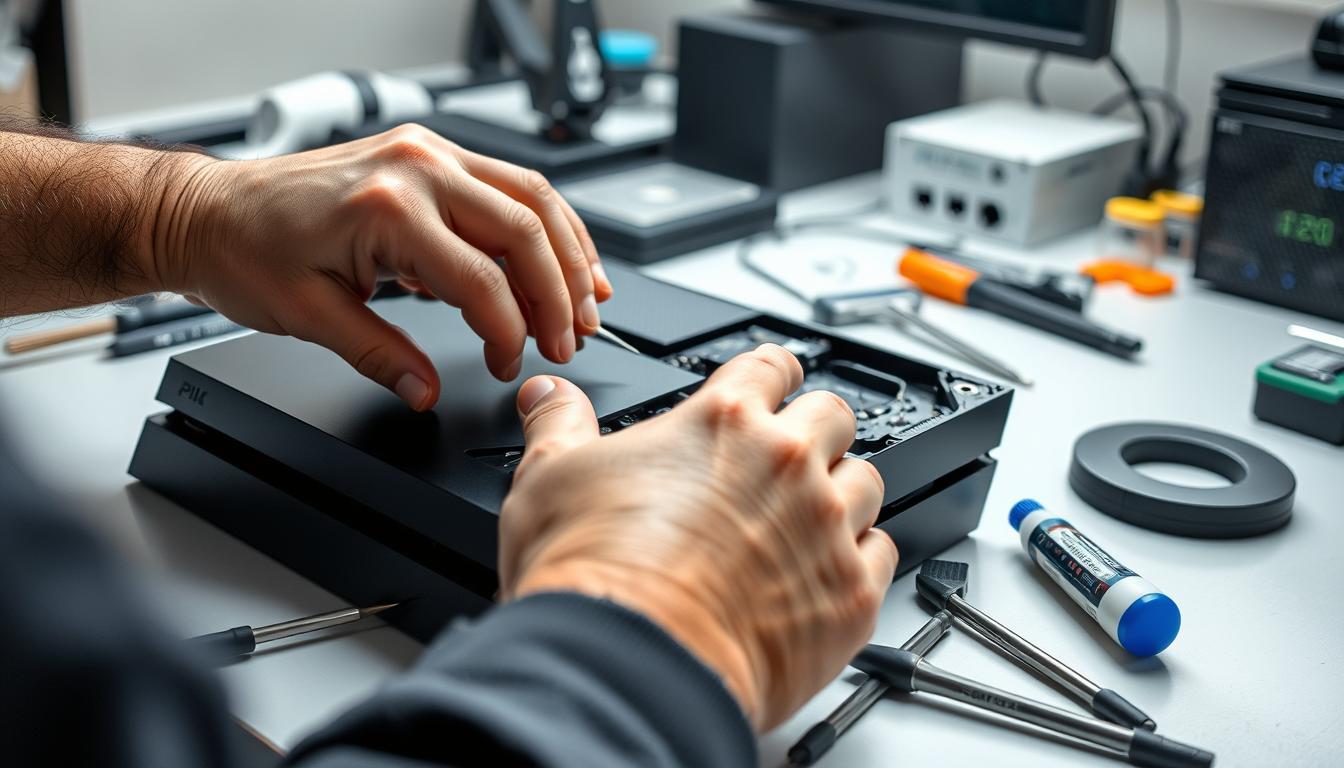
PlayStation 4 Repair Services: PS4 HDMI Port Repair, Hard Drive & Disc Drive Problems (Plus PS5 Help)
If your PS4 suddenly shows “No Signal,” won’t accept discs, overheats, or won’t power up, the fix isn’t guessing — it’s clean, safe troubleshooting. This guide is written the way we work on the bench: confirm the symptom, rule out the simple stuff, then decide whether it’s a shop-level repair. You’ll know what to try safely at home — and exactly when it’s smarter to stop.
TL;DR (shop-floor quick answer)
- “No Signal” is often a cable/TV input or handshake issue — but it can be a damaged HDMI port (common on PS4/PS5 when the cable gets stressed).
- Won’t power on can be outlet/strip/cord — or internal power circuitry that needs bench testing.
- Overheating shutoffs start with airflow; if it shuts down fast even in open air, stop and bring it in.
- Disc read errors can be bad media; true disc-drive failures are a repair job (not a settings trick).
- Best next step: Game console repair hub → then book service.
Parent hub: Game console repair • Related PlayStation service: PlayStation repair
Why PS4 Issues Look Random — and Aren’t
In the shop, most PS4 problems are repeatable once you test the right “chain.” A PS4 is basically a small computer: it needs stable power, healthy storage, and a clean video-out path. When one link fails, you get the same symptom over and over — black screen, disc errors, overheating shutdowns, boot loops, or freezing.
The goal here is simple: safe checks first. If a step requires opening the console, heat, soldering, reflow/reball, or advanced tools, we won’t recommend it. That’s exactly where “DIY fixes” turn into permanent damage.
Causes: The Most Common PS4 Failures We See
1) “No Signal” (video-out chain)
- Wrong TV input, handshake/HDCP confusion, or a weak/failed HDMI cable.
- Physical HDMI port wear (plug feels loose, image cuts in/out, bent pins).
- Less common: internal video circuitry damage (usually after a hard hit, liquid, or power event).
Official troubleshooting that’s safe to follow: PS4 picture/sound issues (PlayStation Support).
2) Overheating + shutdowns (cooling chain)
- Blocked vents / airflow restriction (cabinet, wall, stacked gear).
- Dust/pet hair at the exterior intake/exhaust.
- Long sessions + hot room temps (the console can’t breathe).
3) Disc read / eject problems (disc-drive chain)
- Scratched/dirty/warped discs (most common).
- Drive wear: alignment and laser issues (true disc-drive repair).
- Mechanical grinding/clicking when forced (stop — it can worsen quickly).
4) Freezing, errors, boot loops (software + storage chain)
- Database corruption after crashes or failed updates.
- Low free storage causing instability.
- Failing hard drive symptoms that look like “random software bugs.”
Quick symptom-to-next-step table (safe + practical)
| Symptom | Most common causes (bench view) | Safe checks you can do | What we do in-store |
|---|---|---|---|
| No Signal / black screen | TV input/handshake, bad cable, or HDMI port damage | Known-good HDMI cable + different TV port; fully power cycle TV + console | Signal-chain confirmation; HDMI port inspection/repair if needed |
| Overheats / shuts down | Airflow restriction, cooling failure, thermal instability | Open-air placement; clean exterior vents; listen for fan behavior at startup | Thermal inspection + controlled test; safe cooling service |
| Disc won’t read | Bad disc vs drive wear/laser failure | Test 2–3 known-good discs; full restart | Disc mechanism diagnosis; drive repair options |
| Freezes / boot loops | Database corruption, update issues, storage problems | Safe Mode “Rebuild Database” (non-destructive) | Storage health checks; recovery workflow; data-safe guidance |
| Won’t power on | Outlet/strip/cord vs internal power circuitry | Different wall outlet; remove power strip; proper power cycle | Bench power testing; targeted repair with verification |
Safe Checks: What You Can Try Without Risking Damage
These checks are owner-safe: no opening the console, no heat, no soldering, no “reflow tricks.” We’re isolating the problem so you can decide: simple setup fix vs real repair.
Safe check #1: Confirm the display chain (“No Signal” trap)
- Use a known-good HDMI cable (not the one bent behind the TV).
- Try a different HDMI port on the TV/monitor and manually switch inputs.
- Power cycle the TV/monitor (unplug briefly, plug back in), then test again.
- If the image appears sometimes and drops out when touched, treat that as a hardware red flag.
Official, safe troubleshooting: PS4 picture & sound issues (PlayStation Support).
Safe check #2: Use Safe Mode the right way (read before you press anything)
If your PS4 boots poorly, freezes, loops, or errors after an update, Safe Mode can help — but some options erase data. Start with the official menu guide: How to use Safe Mode on PS4 (PlayStation Support).
- Safer first options: Restart System, Change Resolution, Rebuild Database.
- Stop point: “Initialize” / “Reinstall System Software” can wipe data. If you’re unsure, stop and bring it in.
Safe check #3: Storage + stability (simple isolation)
- Disconnect external USB drives and boot again (a bad accessory can create weird symptoms).
- Make sure you have free storage space (low space can trigger slowdowns and update failures).
- If freezes are repeatable, test one game/app at a time after a full restart.
Official system software help (including USB update options): PS4 system software update/reinstall (PlayStation Support).
Safe check #4: Overheating prevention (owner-safe only)
- Move the PS4 into open air (not a cabinet) and keep rear vents clear.
- Clean exterior vents gently. Avoid blasting air deep into the console (it can push dust inward).
- If it shuts down quickly even in open air, stop testing — it likely needs proper cooling service.
Safe check #5: Disc read problems (disc first, drive second)
- Test 2–3 known-good discs (game + Blu-ray if possible).
- Look for deep scratches and warped discs.
- If every disc fails the same way, it’s likely the disc mechanism — a bench repair.
When to Stop DIY and Bring It In
The fastest way to turn a repairable PS4 into a “parts-only” console is to keep pushing tests that stress the hardware. If any of these are true, stop and bring it in.
- HDMI plug feels loose or the picture cuts out when the cable is touched.
- Burn smell, smoke, or a loud pop: unplug immediately. Don’t retry power.
- Repeated overheating shutdowns even in open air.
- Safe Mode won’t start or you’re stuck in a loop and don’t want to risk data loss.
- Grinding/clicking from the disc drive: forcing it can worsen damage.
- Liquid exposure: powering it on can cause board damage.
A good shop will explain what can be confirmed safely, what needs bench tools, and when it’s smarter to repair or replace. If you’re also having PS5 issues, start here: PS5 repair.
Time Expectations (and What Affects Your Quote)
How long does PS4 repair take?
Turnaround depends on two things: diagnosis confidence and parts availability. Some fixes are quick once confirmed, while HDMI port work requires careful testing before and after the repair. After inspection, we’ll give you a clear expectation — not a guess.
- Quick wins: setup/handshake problems or a recoverable system state.
- Common repairs: often same-day on many repairs when parts are in stock.
- Complex board work: may take longer because verification matters (we don’t skip the post-repair test).
What affects the price (without misleading averages)
- HDMI issues: cable/TV checks are easy; true HDMI port repair is skilled bench work.
- Storage problems: “software symptoms” can be a failing hard drive underneath.
- Disc system faults: media vs drive hardware changes the job completely.
- Power issues: can range from external power to internal circuitry that must be tested safely.
CTA: Book PS4 Repair (HDMI Port, Storage, Disc Drive, Power)
If you need your PlayStation back for family night or a weekend session, the fastest path is a clean intake and real diagnostics. We’ll confirm the root cause, explain your options, and test after the repair so you don’t come back with the same symptom.
Related console services: PS5 repair Xbox repair Nintendo Switch repair Steam Deck repair
FAQ: PS4 Repair Services (PS4, Slim, Pro — plus PS5)
How much does it cost to have a PS4 repaired?
It depends on the failure type. HDMI port repair, storage problems, disc-drive faults, and power issues are different jobs. The reliable approach is diagnose first, then quote. If you want pricing ranges on this page, share what ranges you’re comfortable listing and we’ll format them clearly.
Can a PlayStation 4 be repaired?
Yes. Most PS4 failures we see are repairable — especially when the console hasn’t been “stress-tested” with risky DIY steps. If your safe checks point to hardware (loose HDMI, repeat overheating shutoffs, consistent disc failures), it’s time for service.
How do I know if my PS4 HDMI port is bad?
Strong signs include a loose-feeling plug, no video on multiple screens with a known-good cable, or an image that cuts out when the cable is touched. If it works on one TV but not another, it may be a handshake/input issue — try the safe display-chain checks first.
Do you repair PS4 Slim and PS4 Pro too?
Yes. The same core symptoms apply (video-out, storage, cooling, disc drive, power), and the same safe checks are a good starting point. Book here: Start a repair ticket.
Will I lose my data during a PS4 repair?
Most hardware repairs (like HDMI port work) don’t require wiping data. However, certain system recovery options (like “Initialize” or “Reinstall System Software”) can erase data. If your saves matter and you’re unsure, stop and bring it in before choosing destructive options.
My PS4 beeps once and turns off — what does that mean?
That can point to power instability, overheating protection, or internal faults. Start with the safe basics: wall outlet (no strip), correct cord, and a proper power cycle. If it’s repeatable, it needs bench testing.
Can Best Buy repair a PS4?
Some people start with manufacturer service or big-box options, but availability and process vary by location and symptom. The practical tip: ask if they handle your exact issue (No Signal/HDMI, disc read, power, overheating), what turnaround looks like, and what happens if they can’t fix it.
Is PlayStation repair worth it?
If the issue is isolated (HDMI port, storage, disc system, or a specific power fault), repair is often the sensible move. If there’s severe board damage or multiple failures, a good shop will talk honestly about repair vs replacement.
Do you fix PS5 too?
Yes. Many symptoms overlap (especially video-out). Start here: PS5 repair.
What should I bring when I drop off my PS4 for repair?
Bring the console and (if your symptom is “No Signal”) your HDMI cable. If the issue is storage/update related, tell us what you last saw on screen. You can start the intake here: Start a repair ticket.
Trademark note: PlayStation® is a registered trademark of Sony Interactive Entertainment. This page is not affiliated with Sony.