
Phone Repair in Tampa (Town ’n’ Country) + iPhone/Android, Computer & Game Console Fix
If your device is acting up in the Sheldon Rd / Town ’n’ Country area—cracked screen, weak battery, charging issues, random shutdowns, overheating, water exposure, or “won’t turn on”—we’ll diagnose it clearly and walk you through the best repair path.
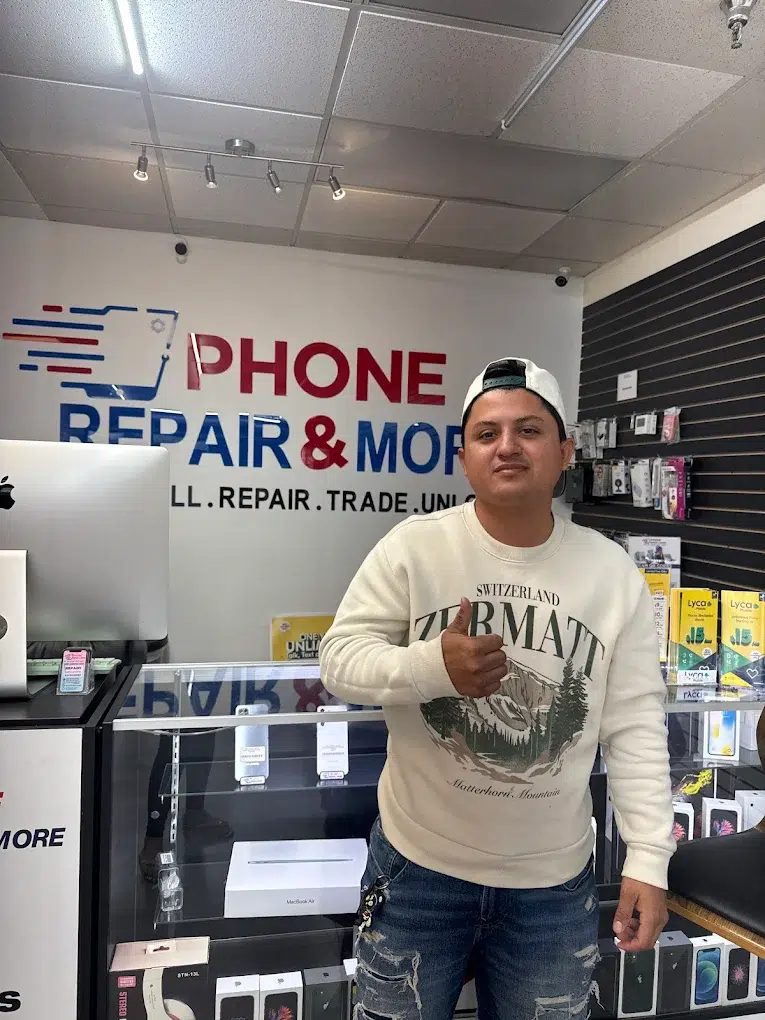
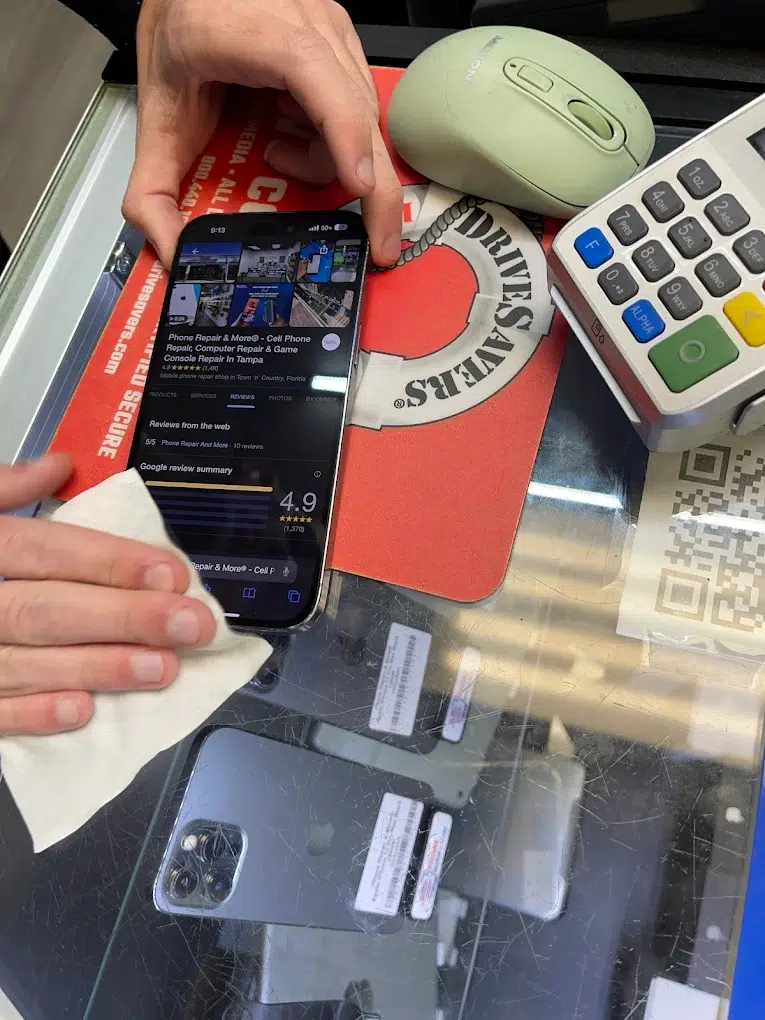
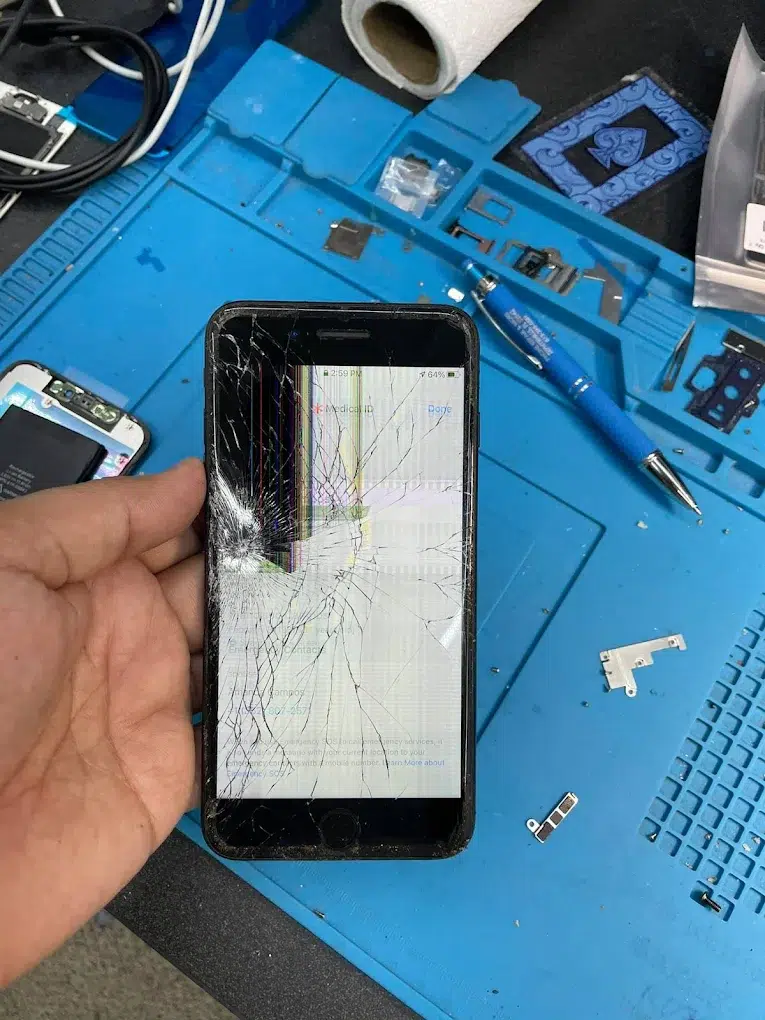
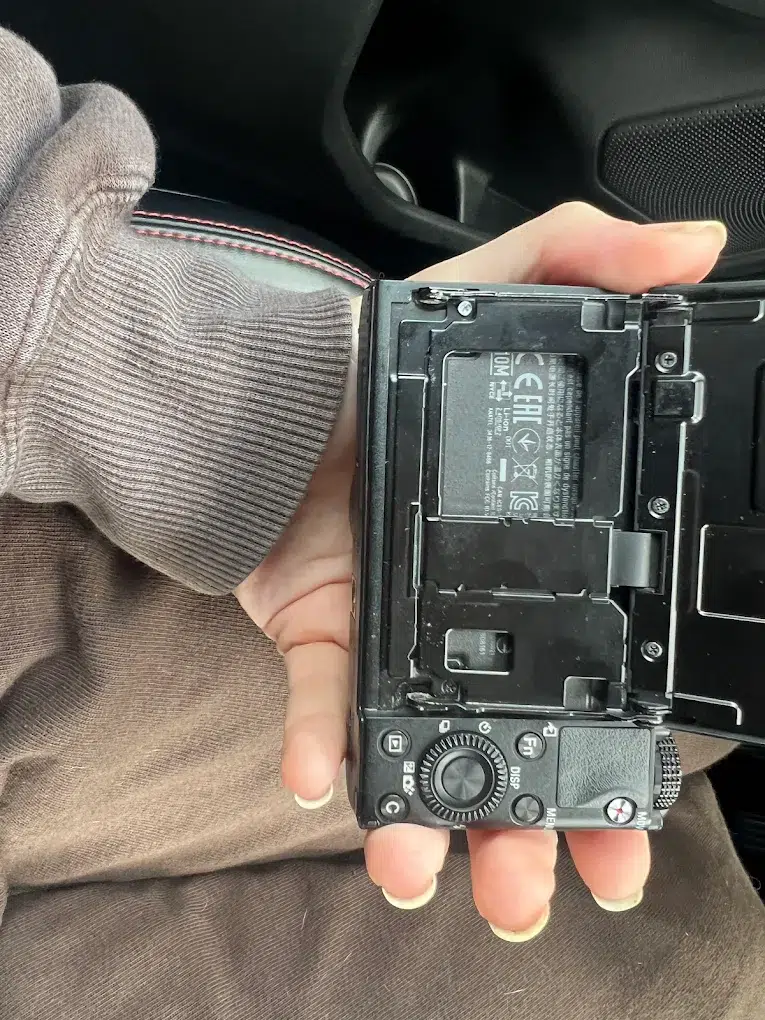
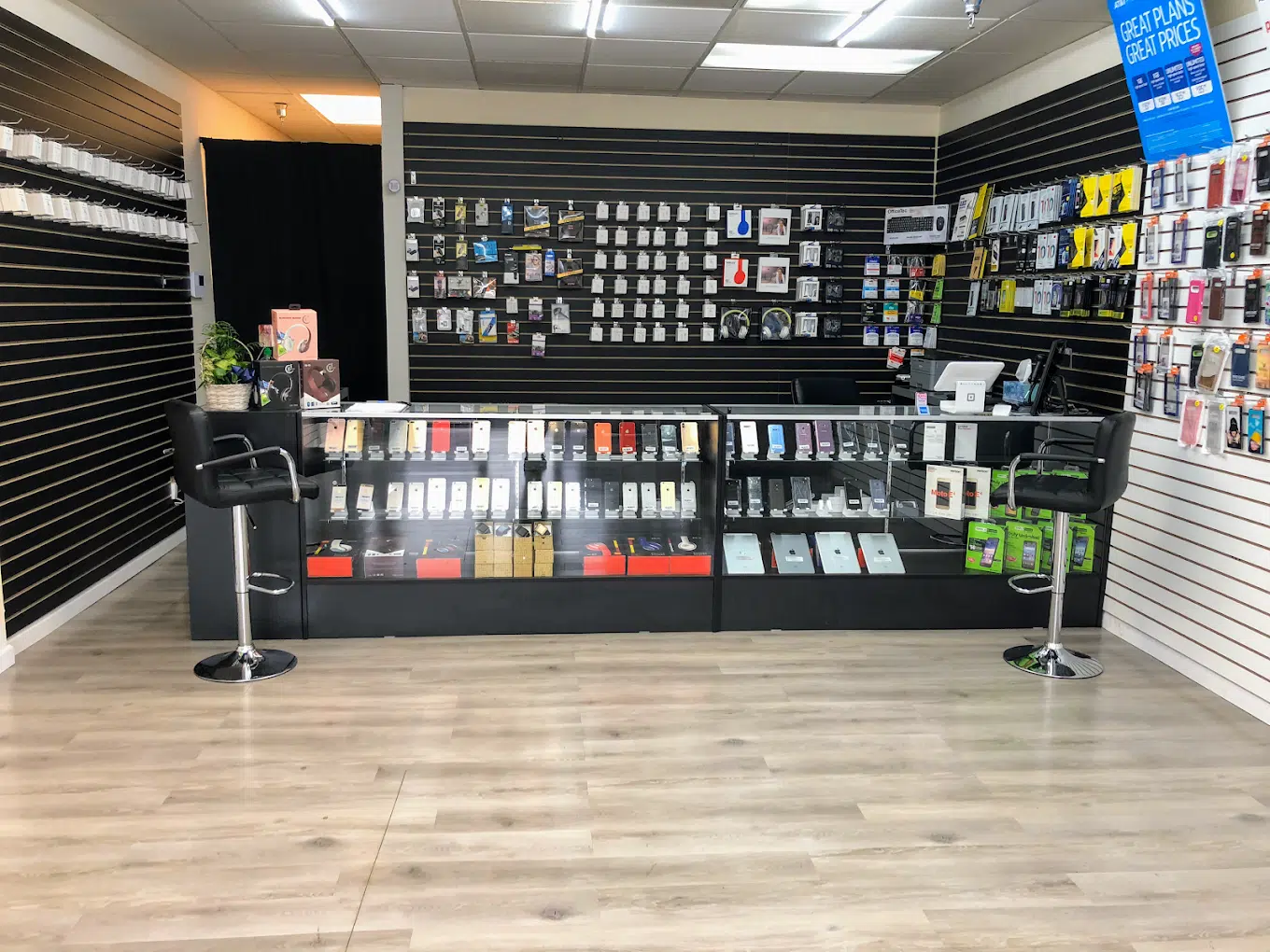
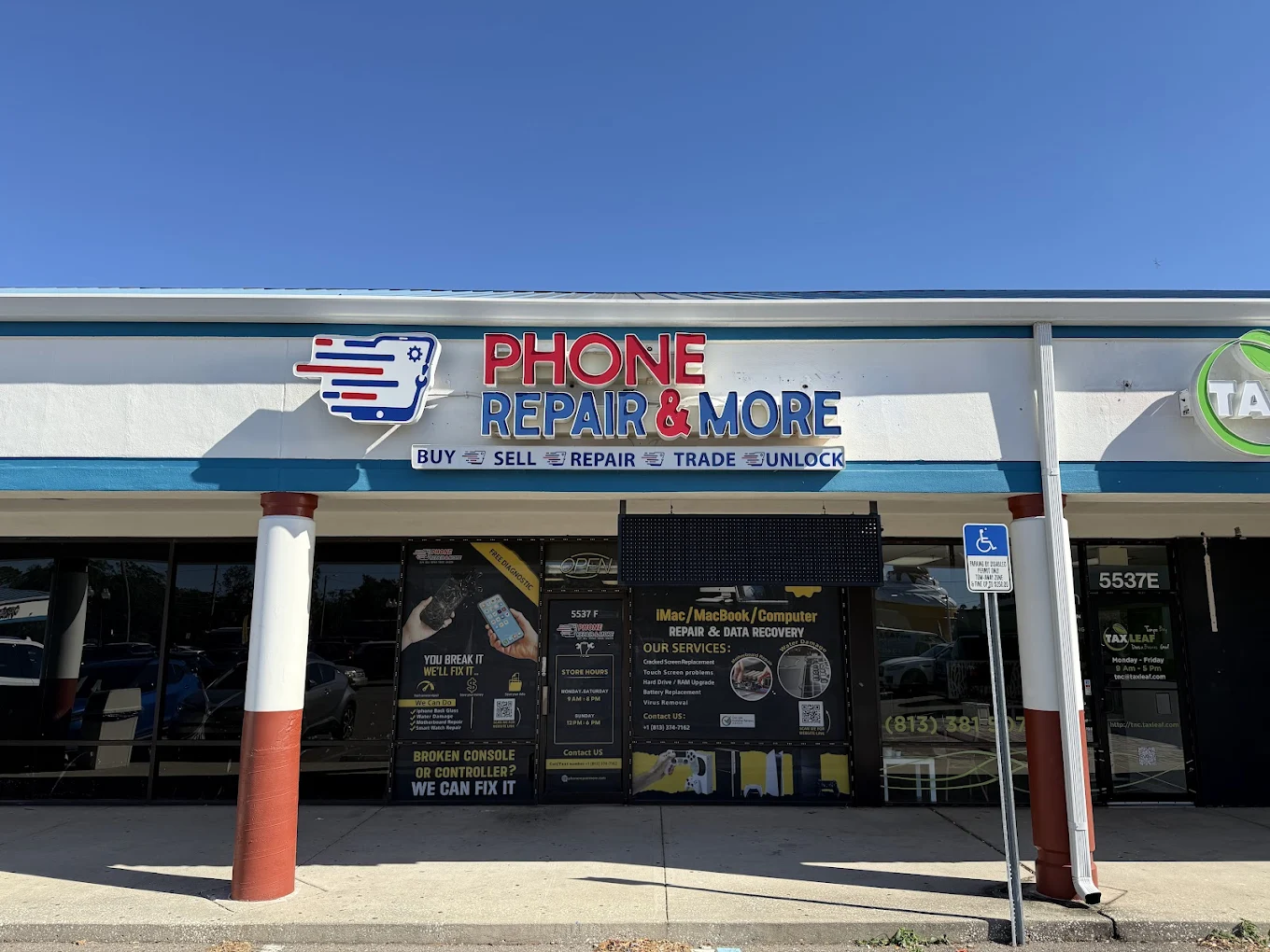
Real Store Photos & Local Repairs (Tampa)
Use these photos to help customers recognize the shop and the kind of work we handle every day in Town ’n’ Country.
Start Here: Search Your Device + Book at the Tampa Store
Use the tool below to select your device and repair type. If you’re unsure what’s wrong, choose the closest symptom—our team will confirm after inspection.
Prefer a quick call instead? Call (813) 374-7162 and we’ll point you in the right direction.
Tampa Repair Services Hub (Phones • Tablets • Computers • Consoles)
This page is designed as a “hub” for the Tampa (Town ’n’ Country) store—so customers can find the right service fast, without bouncing around multiple pages.
Phone Repair (iPhone + Android)
- Cracked screens, touch issues, black display, lines/flicker
- Battery draining fast, swelling, random shutdowns
- Charging port problems, loose connection, won’t fast-charge
- Speaker/mic/camera issues, call audio problems
- Water exposure inspection + corrosion cleanup (diagnostic first)
Common brands: iPhone, Samsung Galaxy, Google Pixel, OnePlus, Motorola, LG.
Tablet Repair
- iPad/Android tablet screens, digitizers, and frame damage
- Charging issues, battery problems, ports and connectors
- “Won’t turn on,” boot loops, software and update issues
- Camera/speaker problems and weak Wi-Fi symptoms
Great for students, families, and travel devices around Tampa Bay.
Computer & Laptop Repair
- Slow PC, freezing, overheating, fan noise
- Blue screen, boot failures, Windows issues
- Broken laptop screens, keyboard/trackpad issues
- Charging port, battery, and power problems
- Data checks, drive upgrades, and cleanup
Typical brands: Dell, HP, Lenovo, Acer, ASUS, MSI (plus more).
Game Console Repair
- PS5/PS4/Xbox/Nintendo Switch: no power, overheating, loud fan
- HDMI/display issues, random shutdowns, storage errors
- Disc read errors, drive problems, and controller drift support
We’ll explain what failed (and why) before any repair is approved—especially on HDMI and power symptoms.
Apple Devices (iPhone • iPad • Mac • Watch)
- iPhone + iPad screens, batteries, ports, cameras
- MacBook issues: power, charging, performance symptoms
- Apple Watch screen/battery issues (model dependent)
If you’re not sure whether it’s “hardware” or “software,” we’ll isolate the cause first.
Popular Repairs & Starting Prices (Tampa)
Pricing depends on model and damage. We confirm the exact quote after inspection (and after we verify parts availability).
| Repair Type | Example “Starting At” | Notes |
|---|---|---|
| iPhone screen replacement | $35+ | Varies by model (newer models differ significantly). |
| Samsung Galaxy A-series screen | $49.99+ | Model dependent; confirm after device check. |
| Charging port repair (phones) | $29–$29.99+ | Exact price depends on model and port type. |
| Laptop screen replacement | $135+ | Size/model + panel type affects cost. |
| Laptop battery replacement | $89.99+ | Depends on model and battery type. |
| Laptop charging port repair | $59.99+ | Inspection required to confirm board/port condition. |
| Water damage diagnostic | Free diagnostic | We’ll assess corrosion and talk options before proceeding. |
What to Expect at the Tampa Store
1) Check-in + symptom review
We ask what changed, when it started, and what you’ve tried—so we don’t treat symptoms and miss the cause.
2) Focused diagnostic
We test the likely failure points first (screen, power, charging, thermal, ports, audio) and confirm before recommending parts.
3) Repair + quality checks
After the fix, we verify core functions like charging, touch, cameras, speakers, buttons, Wi-Fi, and sensors where relevant.
4) Pickup + prevention tips
We’ll show you what failed and how to avoid repeat issues (cases, charging habits, heat, moisture, and safe cleaning).
Want to speed up the counter time? Use the booking/search tool above, and bring your passcode (if needed for testing), plus your charger if the issue is charging-related.
Customer Reviews (Tampa)
Recent customer feedback helps new visitors know what to expect. (If the widget doesn’t load inside the editor preview, check the live page.)
You can also view more feedback here: Reviews.
Directions to Phone Repair & More® (Tampa • Sheldon Rd)
Address & Hours
5537 Sheldon Road Suite F, Tampa, FL 33615
Phone: (813) 374-7162
Hours: Mon–Sat 9:00 AM–8:00 PM • Sun 12:00 PM–6:00 PM
Nearby: Town ’n’ Country, Bay Crest Park, Rocky Point, Dana Shores, Citrus Park, Westchase/Countryway, Sweetwater Creek.
Map
If you’re using GPS, search: “Phone Repair & More Tampa Sheldon Rd”.
FAQs: Tampa Phone, Computer & Console Repair
Do you repair both iPhone and Android phones in Tampa?
Can you tell me the exact price over the phone?
My phone charges only at a certain angle—what does that usually mean?
Is it safe to keep using a phone with a cracked screen?
Do you offer same-day repairs at the Tampa store?
What should I do right after water exposure?
Do you help with laptops that won’t turn on?
Can you fix PS5/console HDMI or “no display” problems?
Do I need an appointment?
What should I bring with me?
Get Help Fast in Town ’n’ Country (Tampa)
Tell us the symptom, we’ll verify the cause, and you’ll get a clear plan—repair, data-first options, or next best step.
Learn more about the company: About Phone Repair & More®.