
Laptop screen repair
Cracked glass, damaged LCD panels, lines, flickering, dim screens and displays that stop showing an image.
Laptop Screen Replacement →5.0 from 15,000+ Google reviews Free diagnostics • 8 Florida stores • Many repairs same day
Check repair pricingLaptop Repair Service
Bring us your laptop or MacBook for screen, battery, charging, keyboard, hinge, storage, software, power and performance problems. We diagnose the problem, explain what we find and give you a quote before repair work begins.
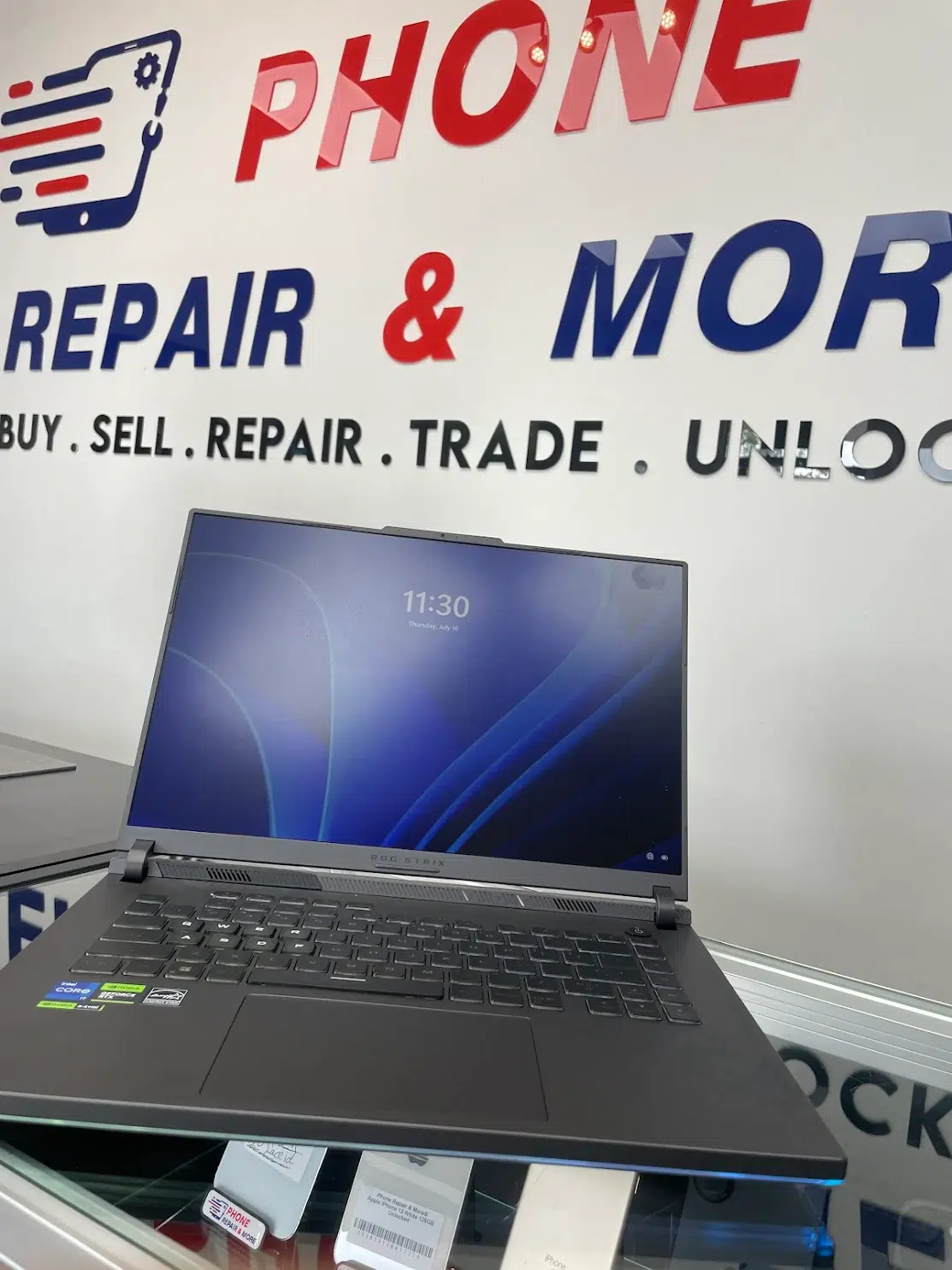
Laptop Repair Services
You do not need to know which part has failed. Tell us what the laptop is doing and we can start with a diagnostic.
Cracked glass, damaged LCD panels, lines, flickering, dim screens and displays that stop showing an image.
Laptop Screen Replacement →Help for batteries with poor runtime, charging problems, swelling or other signs that the battery may need replacement.
Laptop Battery Replacement →We check the charger, cable, charging port and laptop before deciding what needs repair.
Why a laptop may not charge →Bring in laptops with keys that do not respond, damaged keyboards, trackpad problems or input problems after a spill.
A loose or damaged hinge can make the laptop difficult to open and can put extra stress on the screen and frame.
We help with storage problems, operating-system trouble, software errors, data transfer and laptops that have become unusually slow.
Why a computer may be running slowly →Laptop Repair Prices
The exact price depends on the laptop model and the repair. These are current prices for supported models in our repair price list.
Start With Diagnosis
Bring the laptop in for a diagnostic. We will check the problem and explain the repair before you approve the work.
For supported Lenovo, Dell, Microsoft Surface, Asus, Acer, HP, Samsung and Toshiba models.
For supported PC laptop models in our current repair price list.
The final price can vary with the model and the type of charging-port repair required.
For supported software problems listed in our current laptop repair pricing.
For supported MacBook Pro and MacBook Air models in our current repair price list.
The exact repair depends on your MacBook model and the condition of the charging system.
MacBook screen prices vary by exact model. Gaming laptops and some premium laptops also have different screen prices. We identify the exact model before giving you the final screen-repair quote.
Laptop Screen Repair
Screen prices vary because different laptops use different display assemblies. The laptop model helps us identify the correct screen and price.
| Laptop brands | Screen repair price |
|---|---|
| Lenovo, Dell, Microsoft Surface, Asus, Acer, HP, Samsung and Toshiba | Starts at $135 |
| Gateway, MSI and Razer | Starts at $200 |
| Alienware and Sony | Starts at $250 |
| MacBook Air and MacBook Pro | Varies by exact model |
A cracked screen is not the only reason a laptop can lose its picture. If the screen is black without visible damage, diagnosis can help determine whether the display, power, startup process or another part is causing the problem.
Laptop Problems
Several different problems can create the same symptom. These guides can help you understand what may be happening before you bring the laptop in.
If pressing the power button gives you no usable response, the battery, charger, charging system, power circuit or another component may need testing.
Laptop Won’t Turn On Guide →A laptop can appear to power on while the screen stays black. The cause is not always the screen itself.
Computer Black Screen Guide →Charging trouble can come from the adapter, cable, charging port, battery or another part of the laptop.
Laptop Not Charging Guide →Storage trouble, software problems, heat and limited hardware can all affect performance.
Slow Computer Guide →Unexpected shutdowns may be related to heat, battery or power problems, software trouble or unstable hardware.
Laptop Keeps Shutting Off Guide →Liquid can affect several parts of a laptop. Avoid unnecessary power-on attempts and bring the device in for diagnosis.
Laptop Water Damage Guide →What to Expect
Bring us the laptop and the symptoms. We will check the device and explain the repair before you make a decision.
Tell us what happened, what the laptop is doing and when the problem started.
We check the symptoms and the device before recommending repair work.
We explain what we found and what the repair is expected to cost.
Repair work begins after you understand the recommendation and approve the quote.
We also repair desktop PCs, all-in-one computers, Mac desktops and gaming computers for power, startup, storage, software, display and hardware problems.
PRM Repair Intelligence
Our research uses selected samples of real repair records from Phone Repair & More’s internal service data to help explain the problems customers bring in.
Read findings from a selected sample of 2,142 completed computer and laptop repair records, with methodology and limitations included.
See findings from 538 primary display cases in Phone Repair & More repair records.
Read the Screen Repair Report →Browse repair reports and practical guides for screen, power, charging, battery and performance problems.
Explore Laptop & Computer Research →Laptop Repair Near You
Phone Repair & More® provides laptop repair in Tampa, Carrollwood, St. Petersburg, Wesley Chapel, Land O’ Lakes, Zephyrhills, Spring Hill and Davenport.
Laptop Repair Questions
If you are unsure what repair you need, bring the laptop in and describe the problem. We can begin with a diagnostic.
Laptop Repair Near You
Bring the laptop and, when relevant, the charger you normally use. Tell us what happened and what the laptop is doing now. We will check the problem and give you a quote before repair work begins.