
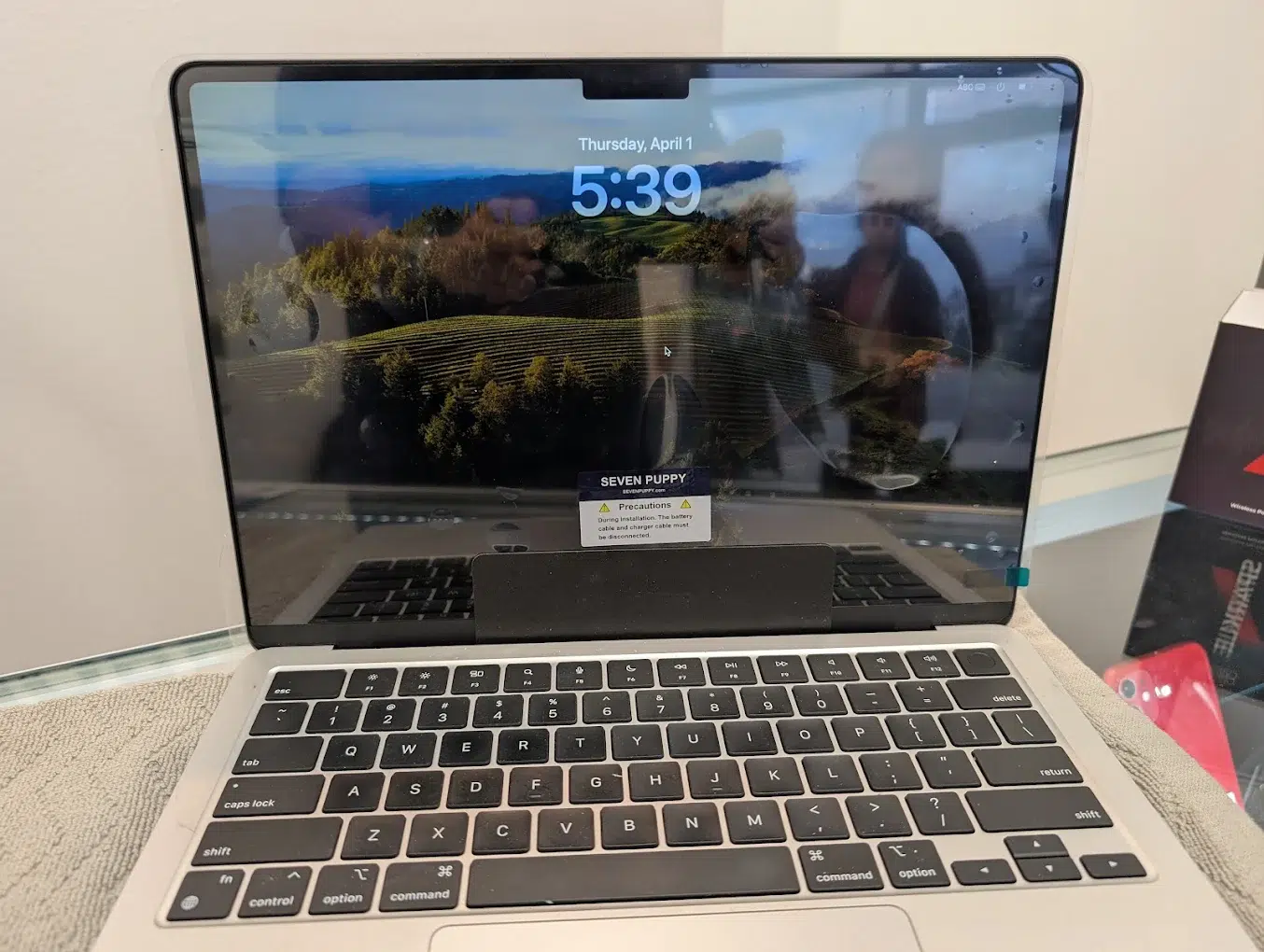
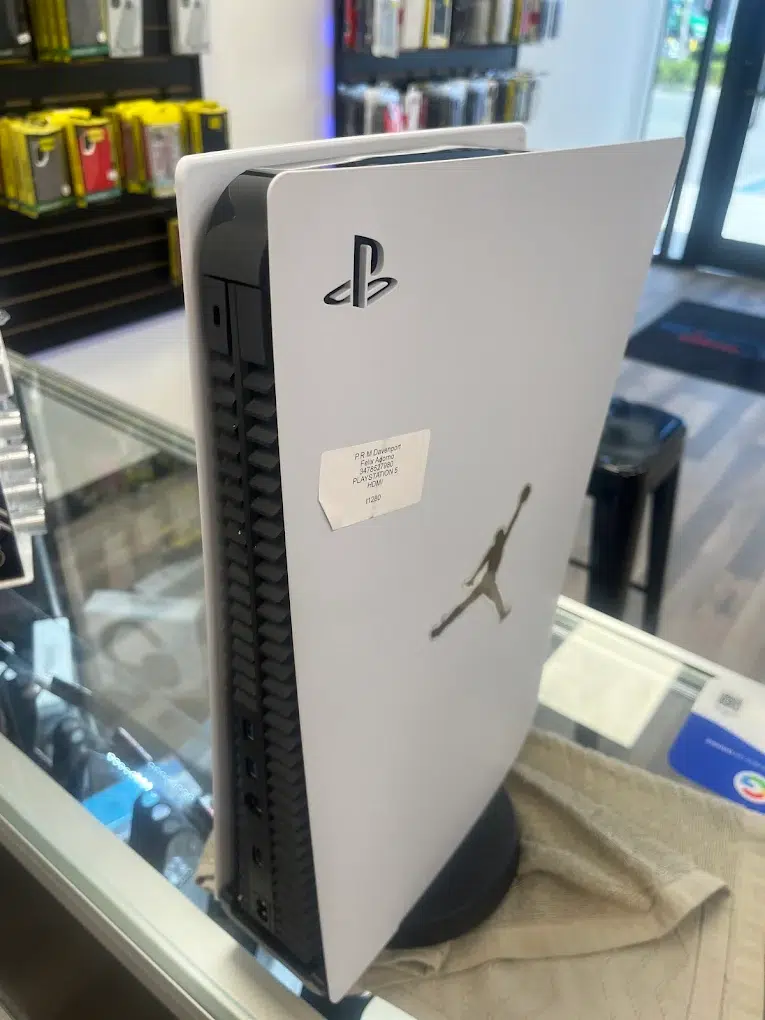
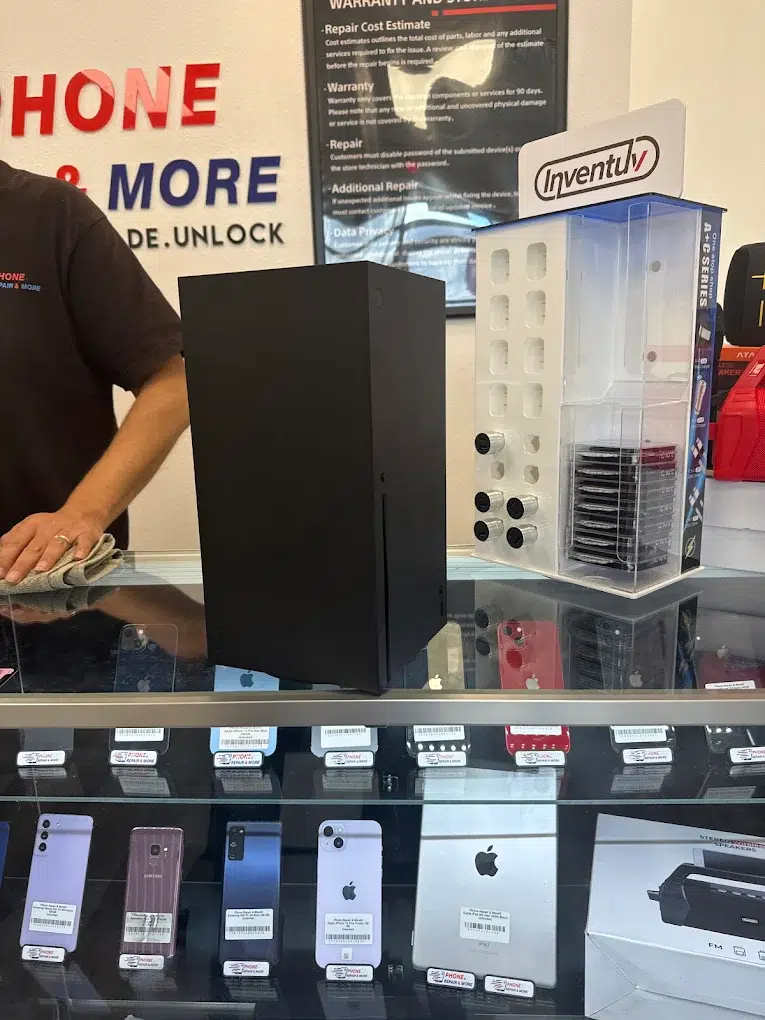
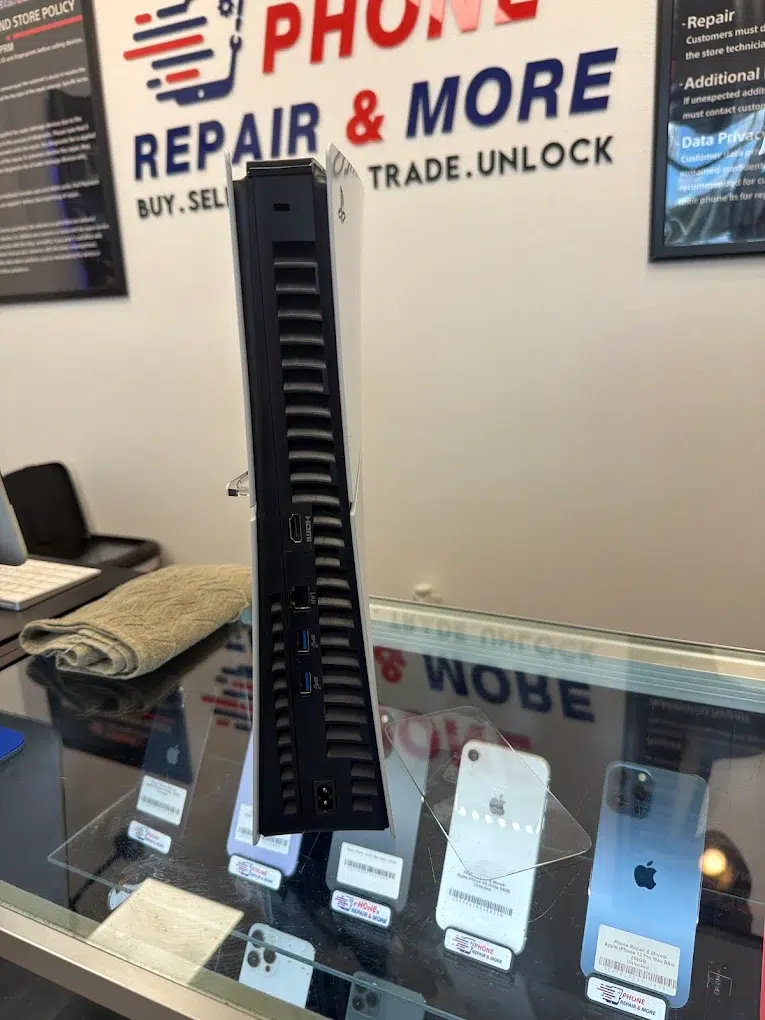
Swipe to view phones, tablets, computers, consoles, and our store.
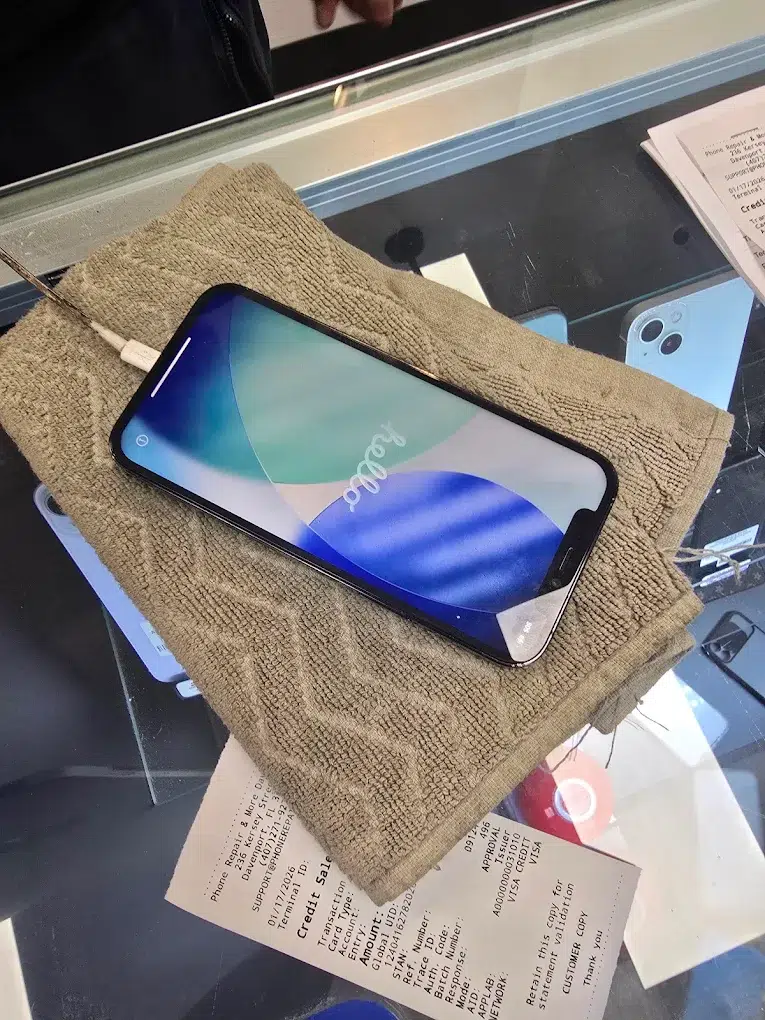
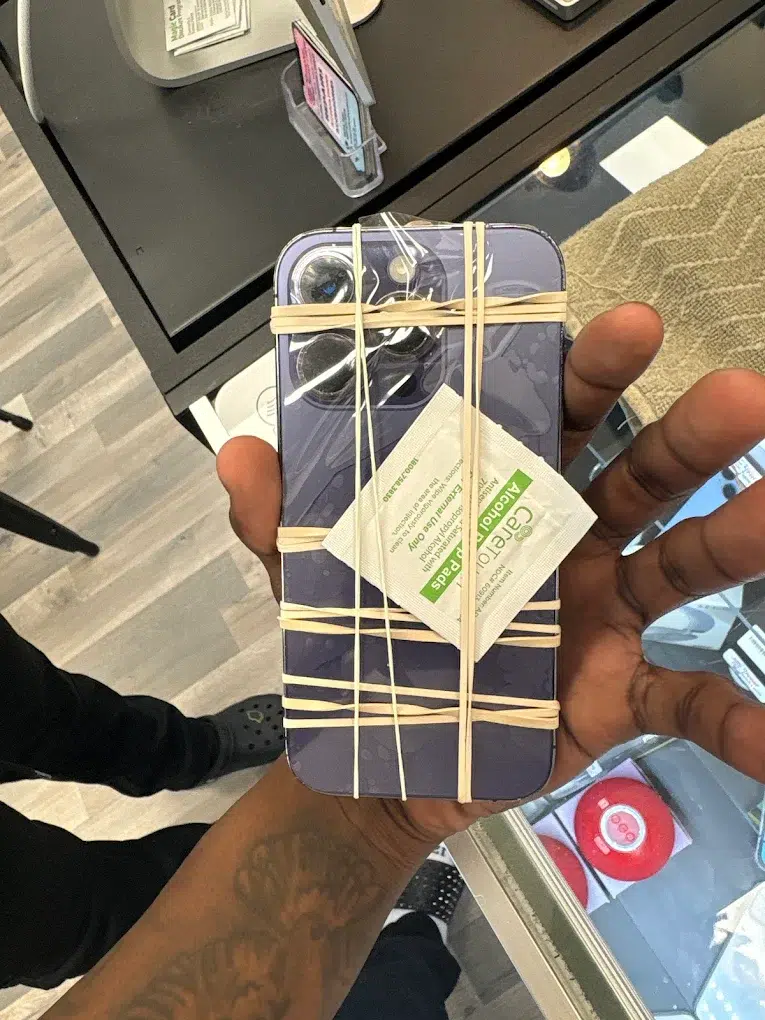
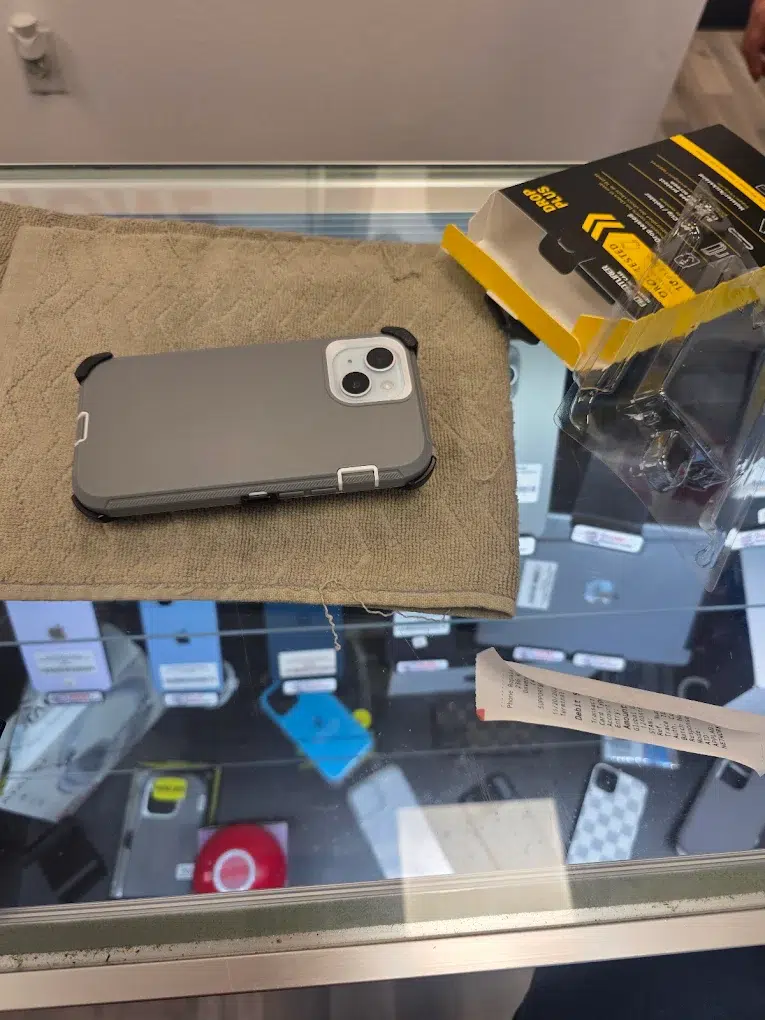
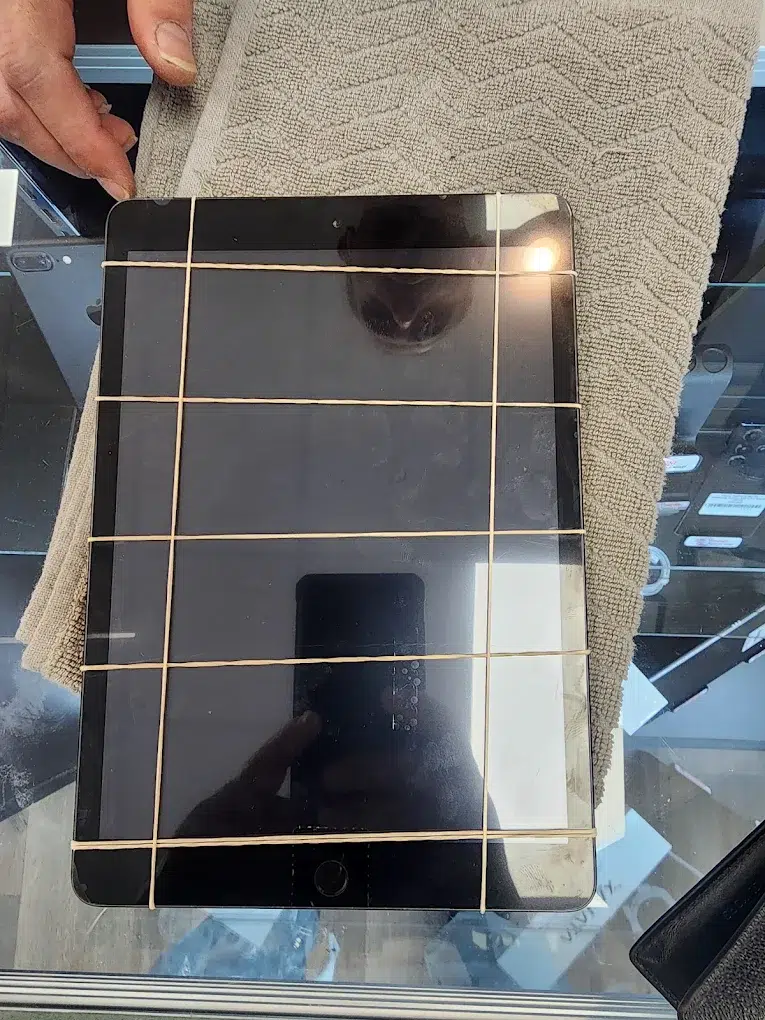

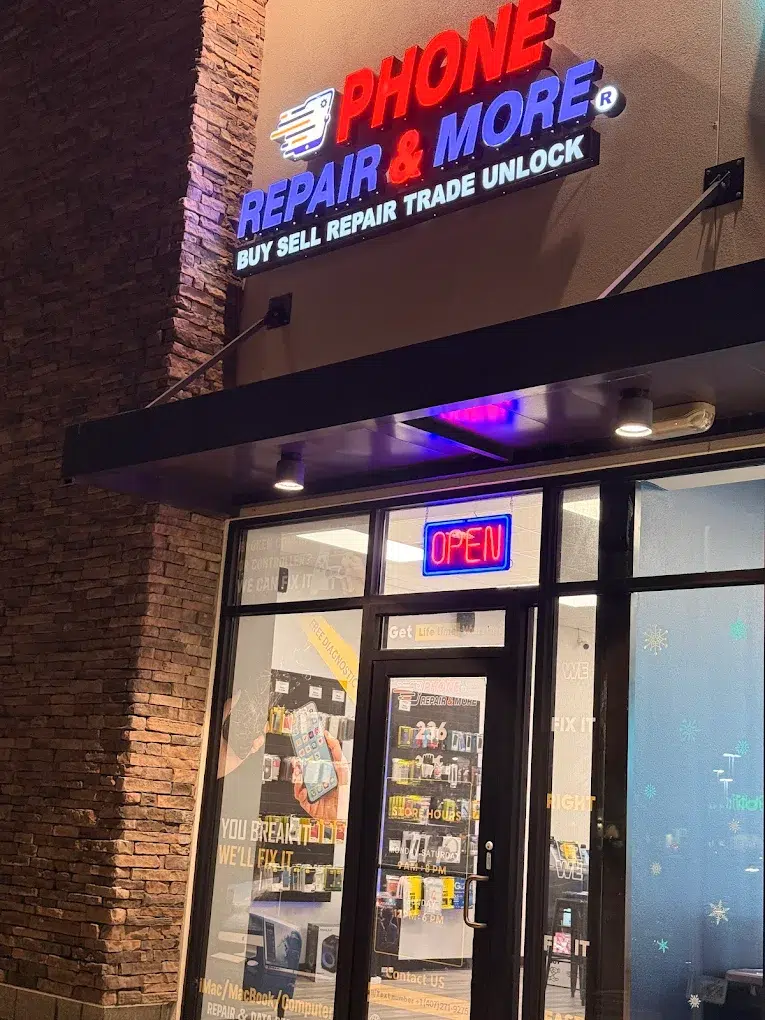
Phone Repair & More® — Davenport, FL Device Repair Hub
Visiting from the I-4 / US-27 corridor or living nearby? If your phone won’t charge, your laptop won’t boot, your tablet glass cracked, or your console shows “No Signal,” this page helps you choose the right repair and book service at our Davenport store.
Start Your Repair (Davenport)
Use the booking/search tool for our Davenport location, or call if you need quick guidance.
Quick Answers
- Charging issues: we rule out the cable/adapter first, then inspect the port + battery behavior.
- Cracked screen: we check frame alignment and touch response so the fix lasts.
- Water exposure: power off and don’t charge it—bring it in before corrosion spreads.
- Console “No Signal”: we confirm the port and video chain before recommending repair.
Live Reviews
Widget loads here when enabled on your site.
Choose Your Repair
Pick the category that matches your device, then book service for the Davenport store.
What We Fix Most in Davenport
- Cracked screens, ghost touch, lines, and black displays after drops
- Charging ports (loose cable, only charges at an angle, intermittent charging)
- Fast battery drain, random shutdowns, or swelling warning signs
- Water exposure (pool/rain/humidity) — corrosion prevention checks
- Laptops that won’t boot, slow performance, loud fans, or overheating
- Console HDMI “No Signal,” overheating shutdowns, and fan noise
- Nintendo Switch charging/docking problems and joy-con drift symptoms
- Tablet glass cracks and “won’t turn on” troubleshooting
Local note: We regularly help customers from Four Corners, ChampionsGate, and West Haven—especially when a device fails mid-trip and you need a clear, quick plan.
Fast Diagnosis Without Guessing
Many issues look identical on the surface. We isolate the cause first—then recommend the cleanest fix (and explain what we’re seeing).
If the device got wet: don’t charge it and avoid repeated power attempts—those steps often turn a recoverable repair into board damage.
Popular Repairs & Starting Prices
Prices vary by model and internal damage. These are “starting at” anchors; we confirm your exact quote after inspection.
| Repair | Starting at | Notes |
|---|---|---|
| iPhone screen repair | $35 | Varies by model; we verify fit + touch response before finishing. |
| iPhone battery replacement | $35 | We match symptoms (drain/shutdown) before replacing. |
| iPhone charging port repair | $29 | We rule out lint/debris vs worn port vs power-management symptoms. |
| Game console HDMI port repair (PS/Xbox) | $89.99 | “No Signal” may be port damage or video chain issues—diagnosis first. |
| Nintendo Switch charging port repair | $69.99 | Common when charging/docking only works at an angle or fails intermittently. |
| Water damage diagnostic | Free Diagnostic | Bring it in powered off to reduce corrosion and data loss risk. |
Final pricing depends on model, part type, and what we find during inspection.
How Repair Works (Davenport)
- Check-in: Share what happened (drop, water, update, charger, heat).
- Diagnosis: We test the symptom and confirm the root cause.
- Approval: You approve the plan before we proceed.
- Repair + QC: We complete the fix, then test core functions.
- Pickup: We review results and prevention tips for the same issue.
Some repairs can be completed quickly; others vary by parts and the type of damage. If you’re in a hurry, call first so we can guide the best next step.
Before You Visit
- Back up if possible: iCloud / Google Drive (if the device still powers on).
- Bring the right charger if the issue is charging-related (helps isolate accessories).
- Know your passcode (optional; sometimes needed for full testing).
- Wet device? Power off, don’t charge it, and avoid rice/heat tools.
- Console “No Signal”? A different HDMI cable test helps—but bring the console either way.
Phone Repair & More® — Davenport
Davenport Repair FAQs
Do you fix more than phones at the Davenport store?
How can I tell if a charging issue is the port or the battery?
What should I do right after water exposure?
Can you help if my PS5/Xbox shows “No Signal”?
- Try a different HDMI cable and confirm the correct TV input.
- Power-cycle the console + TV/monitor.
- Inspect the HDMI port for looseness or visible damage (common after a bumped plug).