
Phone Repair & More® in Spring Hill, FL — Phones, Tablets, Computers & Game Consoles
Screens, charging issues, laptops, and consoles—handled here in Spring Hill.

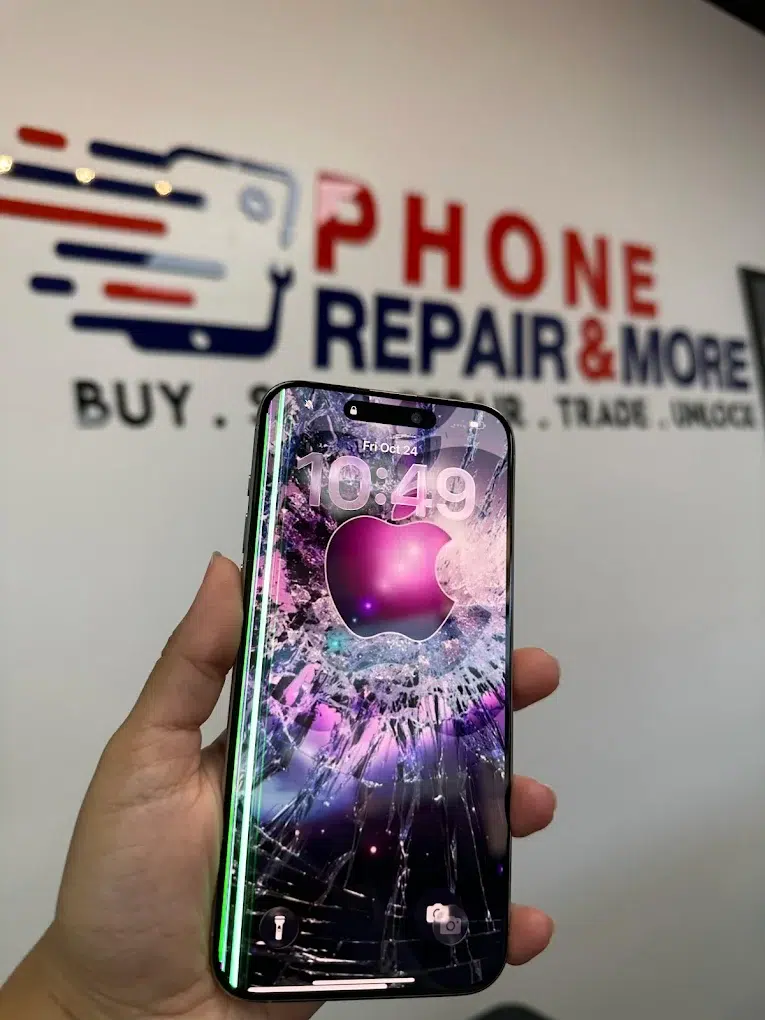


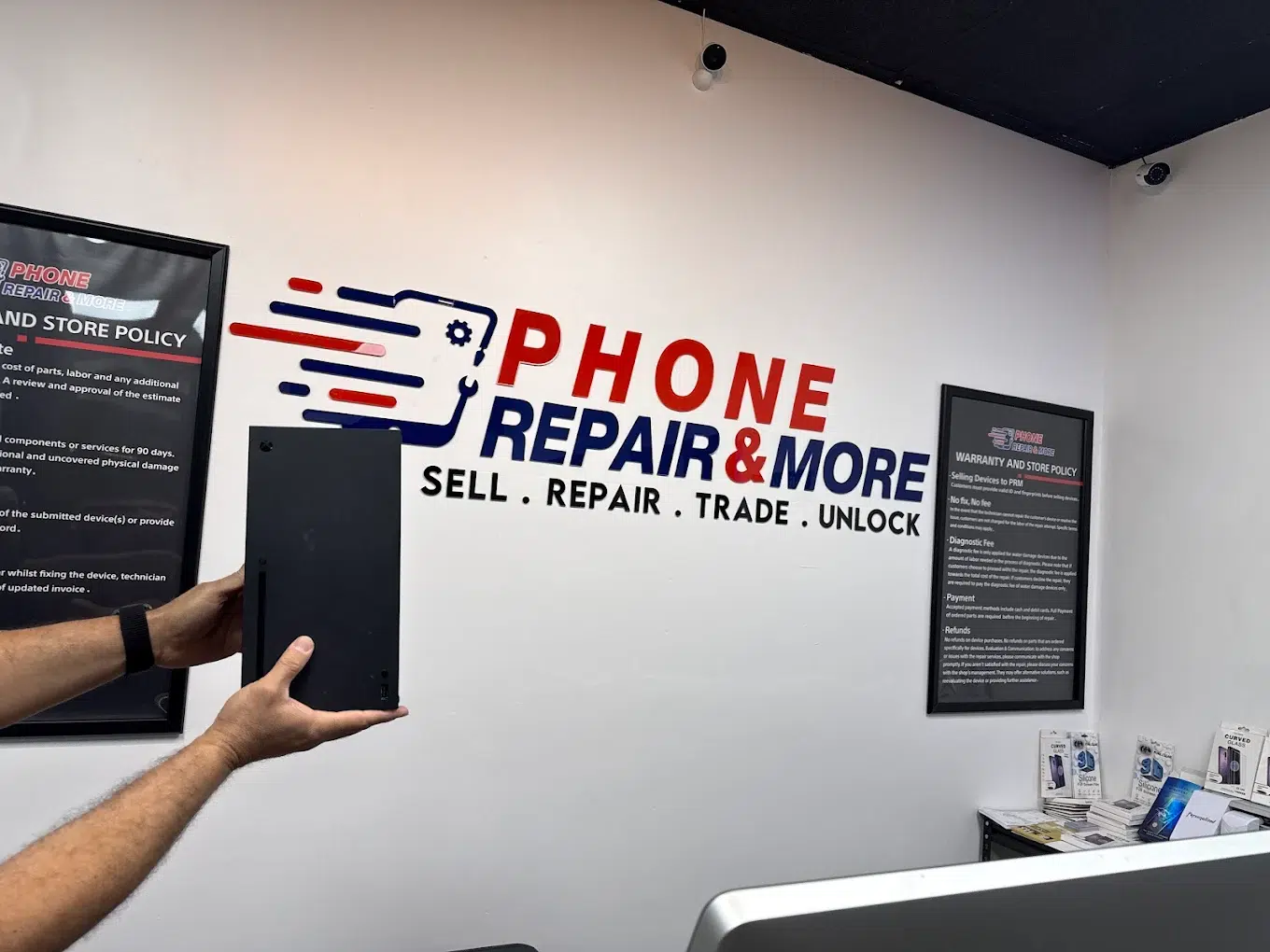
Cracked screen, charging problems, water exposure, boot loops, slow laptops, or “no signal” on a console—this page is your Spring Hill hub. We confirm the cause first, explain options clearly, and only proceed after you approve the plan.
Start Your Repair (Spring Hill)
Use the booking/search tool for our Spring Hill location.
Quick Answers
- Cracked screen? We check frame alignment + display behavior before installing parts.
- Not charging? We rule out accessories first, then inspect the port and power symptoms.
- Water exposure? Power off, don’t charge it—bring it in for inspection before corrosion spreads.
- Console “no signal”? We verify the HDMI chain before recommending repairs.
Live Reviews
(Widget loads here if enabled on your site.)
Choose Your Repair
Use this page as your Spring Hill hub—pick the category that matches your device, then book service.
What We Fix Most in Spring Hill
- Cracked screens, ghost touch, lines, and black display after drops
- Batteries draining fast, random shutdowns, “stuck” percentage behavior
- Charging ports (loose cable, only charges at an angle, moisture alerts)
- Speaker/mic issues (muffled calls, low audio, intermittent sound)
- Water exposure (pool, rain, humidity) — corrosion-risk inspection
- Laptop overheating, loud fans, slow boot, storage upgrades, and “no power”
- PS5/Xbox HDMI and “no signal,” console overheating, loud fan noise
- Tablet glass cracks, charging, and “won’t turn on” troubleshooting
Fast Diagnosis Without Guessing
Many symptoms look identical. We isolate the real cause first—then recommend the cleanest fix.
Tip: If the device got wet, don’t charge it and avoid repeated power attempts—those steps can turn a recoverable repair into board damage.
Popular Repairs & Starting Prices
Pricing depends on model and damage. These are “starting at” anchors from our price list; we confirm your exact quote after inspection.
| Repair | Starting at | Notes |
|---|---|---|
| iPhone screen repair | $35 | Varies by model; we verify fit + display behavior before install. |
| iPhone battery replacement | $35 | We confirm battery symptoms (drain, shutdowns, swelling signs). |
| iPhone charging port repair | $29 | We rule out lint/debris vs port wear vs power symptoms. |
| Samsung Galaxy A-series screen repair (example: A01) | $49.99 | Android screens vary widely; we confirm part type and availability by model. |
| Samsung Galaxy A-series battery replacement (example: A01) | $29.99 | We test charging behavior + connections before replacing. |
| Nintendo Switch USB-C port repair | $69.99 | Common when charging only works at an angle or docking fails. |
| PS5 / PS4 / Xbox HDMI port repair | $89.99 | “No signal” can be port damage or video-chain issues—diagnosis first. |
| Water damage check (diagnostic) | Free Diagnostic | Bring it in ASAP (powered off). Final repair quote depends on internal condition. |
Note: “Starting at” pricing is for the lowest-priced models/services listed. Final pricing may vary based on model, part type, and any internal damage discovered during inspection.
How Repair Works (Spring Hill)
- Check-in: Tell us what changed (drop, water, update, charger, heat).
- Diagnosis: We confirm the root cause and explain options.
- Approval: You approve the plan before we proceed.
- Repair + QC: We fix it, then test core functions.
- Pickup: We review results and share prevention tips.
Some repairs are quick; others depend on parts and the type of damage. If parts are needed, we’ll explain options clearly.
Before You Visit
- Back up if you can: iCloud/Google Drive (if the device still powers on).
- Bring the right charger if the issue is charging-related (helps isolate accessories).
- Know your passcode (optional; may help for full testing case-by-case).
- Wet device? Power it off, don’t charge it, and avoid rice/heat tools.
- Console “no signal”? Bring the console—cables help, but aren’t required.
Phone Repair & More® — Spring Hill / Brooksville
Spring Hill Repair FAQs
Do you fix more than phones at the Spring Hill store?
How do I know if my charging problem is the port or the battery?
What should I do immediately after water exposure?
Can you help if my PS5/Xbox shows “No Signal”?
- Bad HDMI cable / wrong TV input (try a different cable + confirm the correct HDMI input).
- Handshake / resolution glitch (power-cycle the console + TV; try Safe Mode video reset if available).
- HDMI port damage from a bumped plug (common if the console was moved while connected).
- Internal HDMI circuit fault (less common; possible after surges or repeated stress).
How much is HDMI port repair for PS5/PS4/Xbox?
How much is Nintendo Switch USB-C port repair?
Do I need an appointment at the Spring Hill store?
Get Help Fast in Spring Hill
Tell us the symptom, we’ll confirm the cause, and you’ll get a clear plan—repair, prevention tips, or the next best option.