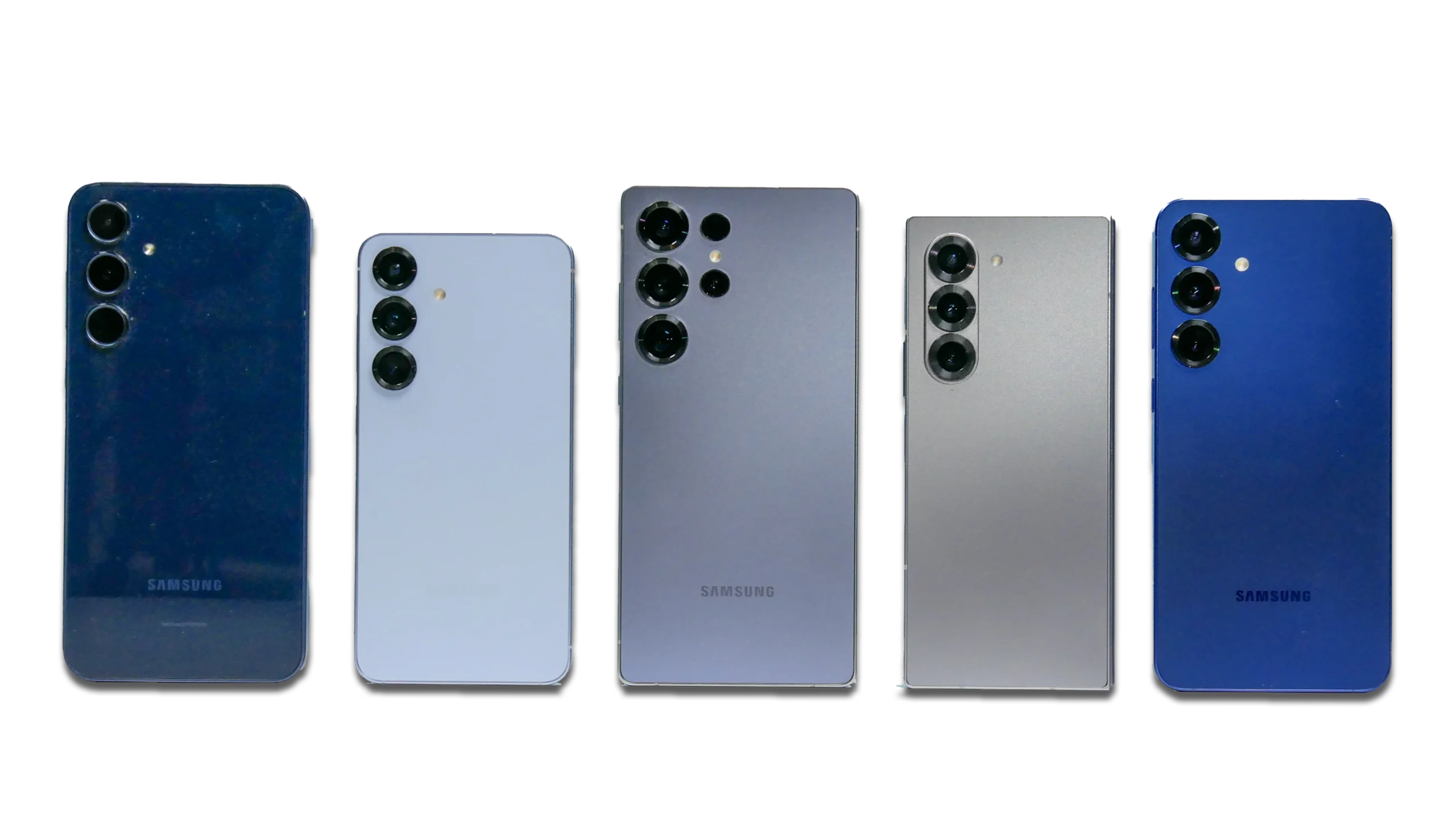
Phone Repair
Cracked screens, battery drain, charging issues, water exposure, speakers, cameras.
Palm Harbor Phone Repair
Visit Phone Repair & More® in Alderman Plaza on US Hwy 19 N for clear diagnostics, upfront options, and careful testing before pickup. If you’re ready to start, you can also check in online at Repair Device.
Palm Harbor — here’s what most customers want to know before they drive over.
Pick the service you need. Each page goes deeper on symptoms, what to try safely at home, and what we check before you leave the store.
Cracked screens, battery drain, charging issues, water exposure, speakers, cameras.
Palm Harbor Phone Repair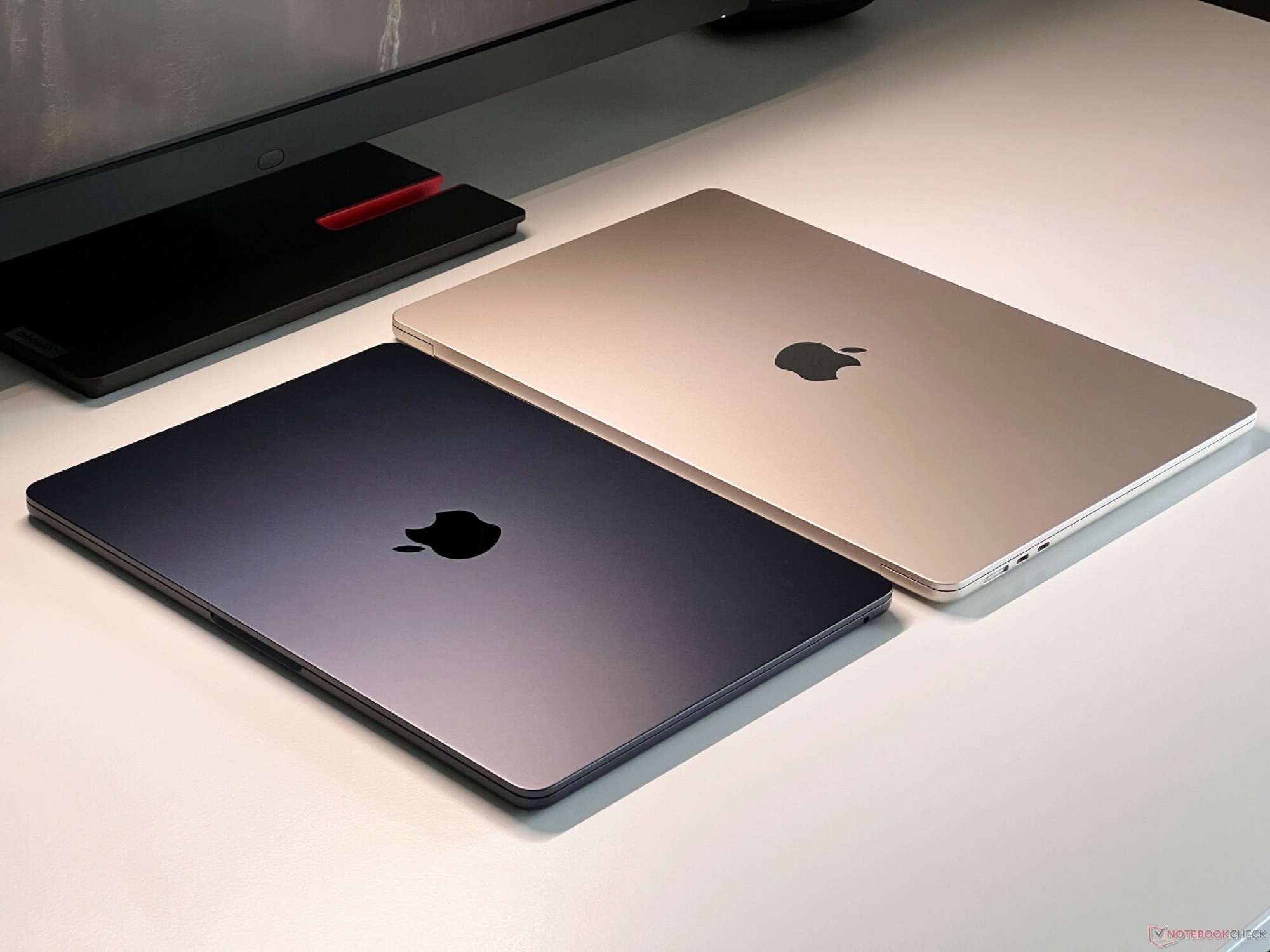
iPhone, iPad, Apple Watch, MacBook troubleshooting, parts options, careful testing.
Palm Harbor Apple Repair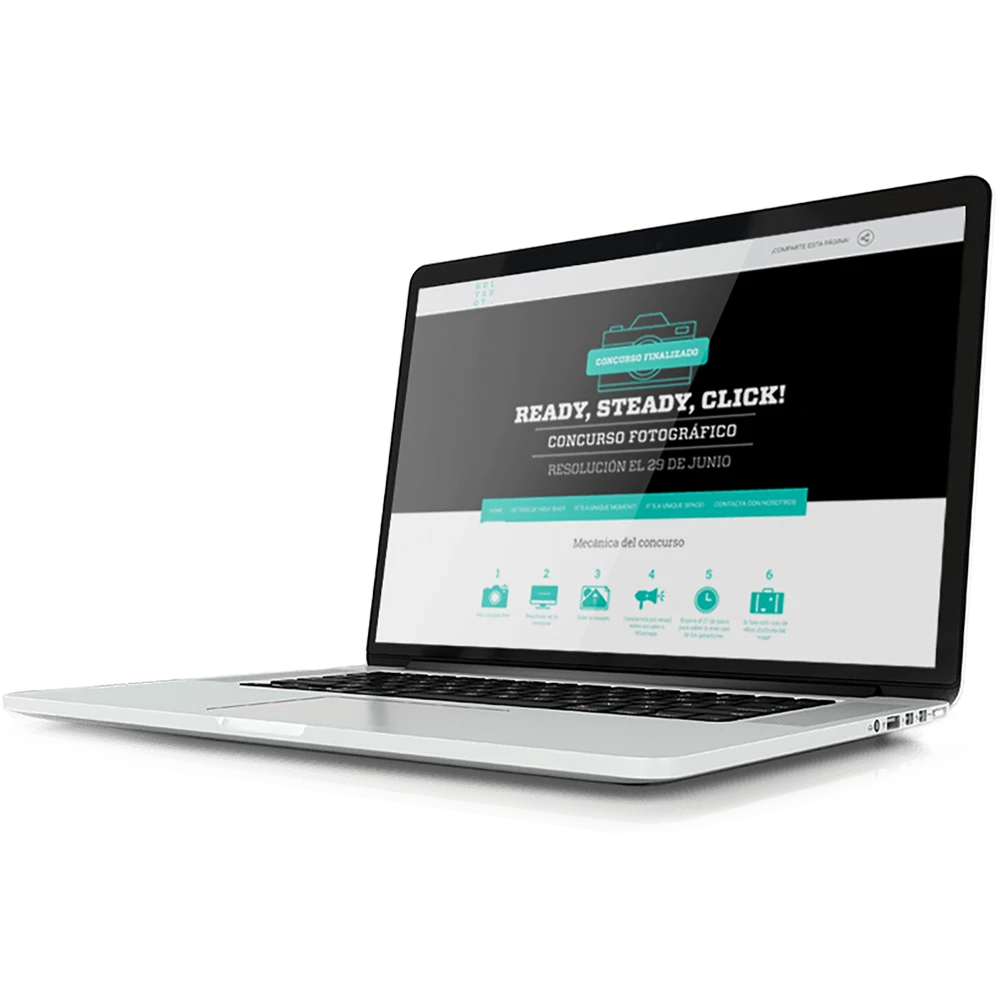
Laptops & computers: screens, batteries, charging ports, performance issues and more.
Palm Harbor Computer Repair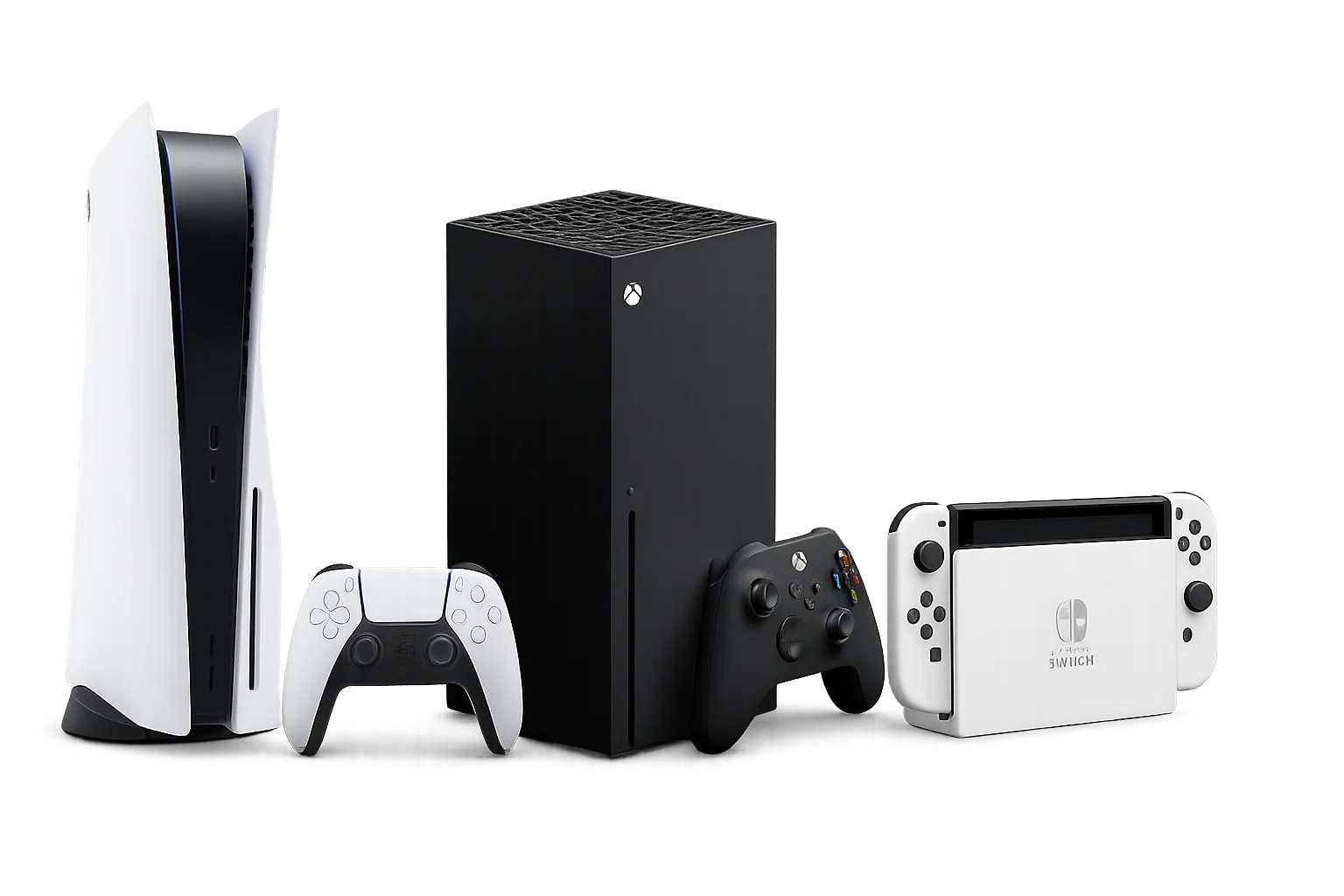
PS5/PS4, Xbox, Nintendo Switch: HDMI, power, fan noise, storage, controller drift.
Palm Harbor Game Console Repair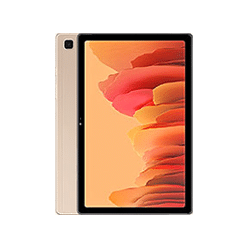
iPads & Android tablets: screens, batteries, charge ports, software issues.
Palm Harbor Tablet RepairThese are starting price examples. Final price depends on your exact model and what we find during inspection.
Many “what’s wrong?” situations start with a diagnostic so we can confirm the safest repair path before quoting final work.
Use these tabs to see common repair types by category. If you don’t see your model, call us—pricing is confirmed after inspection.
Phone repair pricing: examples below vary by model. Exact quote after inspection.
| Repair | Popular examples | Starting price | Notes |
|---|---|---|---|
| Screen repair | iPhone 8 (example) | $35 | Older models can be lower; newer models vary by screen type. |
| Screen repair | Samsung A-Series (example) | $49.99 | Model matters across A-series generations. |
| Screen repair | Samsung Note (example: Note 10) | $149.99 | Higher-end screens vary widely by generation. |
| Screen repair | Google Pixel 6 (example) | $140 | Pixels vary by series and part availability. |
| Charging port repair | Many phones | $29 | We check cable/brick and inspect port condition first. |
| Software issue | Many phones | $29 | Diagnostics confirm software vs hardware causes. |
| Water exposure | Most phone categories | Free Diagnostic | We inspect corrosion risk and confirm options first. |
Fastest check-in: Repair Device → choose “Palm Harbor.”
Apple repair pricing: iPhone, iPad, Apple Watch, and MacBook examples (model-based).
| Repair | Popular examples | Starting price | Notes |
|---|---|---|---|
| iPhone screen repair | Older iPhones (example: iPhone 8) | $35 | Newer iPhones vary by screen type and model. |
| iPad screen repair | iPad mini 1 (example) | $49.99 | Generation affects price. |
| iPad screen repair | iPad Air 5 (example) | $139.99 | Quote depends on exact model and part availability. |
| Apple Watch screen repair | Series 3 38mm (example) | $89.99 | Size and series change pricing. |
| Apple Watch screen repair | Series 9 45mm (example) | $175 | We verify touch + display before release. |
| MacBook screen repair | MacBook Pro/Air (select models) | Starts at $260 | Model ID matters; confirmed after inspection. |
| MacBook battery replacement | MacBook Pro/Air (baseline) | $99.99 | We check cycle health and swelling risk. |
| MacBook charging port | MacBook Pro/Air (select) | Starts at $65 | We confirm if it’s port vs board-level charging issue. |
Computer repair pricing: laptop-related examples (model-based). Diagnostics confirm the real cause first.
| Repair | Popular examples | Starting price | Notes |
|---|---|---|---|
| Laptop screen repair | Lenovo / Dell / HP (select) | Starts at $135 | Screen size + resolution + model affect price. |
| Laptop battery replacement | Select laptops | $89.99 | We verify battery health and charging behavior. |
| Laptop charging port | Select laptops | Starts at $59.99 | We check adapter first, then port and internal power path. |
| Water exposure evaluation | Laptops / computers | Free Diagnostic | Corrosion risk assessment before any parts work. |
| Software issue | Laptops / computers | $49.99 | Confirms software vs storage vs hardware instability. |
Game console repair pricing: HDMI and common fixes. We confirm the root cause before replacing parts.
| Repair | Popular examples | Starting price | Notes |
|---|---|---|---|
| HDMI repair | PS5 / PS4 / PS3 | $89.99 | We verify “no signal” cause and port condition. |
| HDMI repair | Xbox One / Series X (example) | $89.99 | We confirm whether the port is the true failure point. |
| Joystick drift | Controller drift | Starting $35 | Verification + calibration/testing where supported. |
| Power supply issue | PS / Xbox | Starting $49.99 | We confirm power path symptoms before parts replacement. |
| Hard drive / storage | PS / Xbox | Starting $59.99 | We verify storage failure vs software corruption. |
| General maintenance | PS / Xbox | $69.99 | Helpful for loud fans and thermal symptoms. |
| Nintendo Switch USB-C port | Switch / Lite / OLED | $69.99 | We check dock behavior and port condition. |
| Nintendo Switch charging IC | Switch family | $89.99 | We confirm charging logic symptoms before repair. |
Tablet repair pricing: iPad + tablet examples. Exact generation confirmed before final quote.
| Repair | Popular examples | Starting price | Notes |
|---|---|---|---|
| iPad screen repair | Older iPads | $49.99 | Newer iPads may be higher depending on generation. |
| iPad screen repair | iPad mini 6 (example) | $199.99 | We verify touch + display and inspect frame alignment. |
| iPad screen repair | iPad Air 5 (example) | $139.99 | Quote depends on exact model and part availability. |
| Charging port repair | Tablets | $29 | We confirm port wear vs debris vs charging logic. |
| Kindle Fire screen | Fire HD 8 (example) | $79.99 | HD 10 models can vary by year. |
| Kindle Fire battery | Fire HD (example) | $59.99 | We verify charging behavior before replacement. |
| Water exposure evaluation | Tablets | Free Diagnostic | Corrosion risk assessment first. |
For real customer feedback, read reviews anytime—or leave your own after your visit.
Thanks for supporting local repair in Palm Harbor. ❤️
Around US-19, Tampa Rd, Curlew Rd, and the Ozona / Crystal Beach side of town, we see a mix of everyday drops, charging issues, and “it just stopped working” situations.
We’re located in Alderman Plaza at 35168 US Hwy 19 N. Tap Directions for turn-by-turn navigation.
Our Palm Harbor shop serves nearby cities and neighborhoods—especially along US-19 and the Tampa Rd / Curlew Rd corridor.
A straightforward process designed to prevent surprises and protect your device.
Walk in or start online via Repair Device. Share symptoms + history (drops, water, overheating).
We verify the problem, inspect for hidden damage, and confirm the safest repair route for your model.
You get repair options and pricing before we proceed—no pressure and no surprise add-ons.
We test what matters (touch, charging, audio, cameras, HDMI output, cooling) before pickup.
We review results with you and confirm the fix before you head back onto US-19.
You’re not just paying for a part—you’re paying for correct diagnosis and careful testing. Browse real feedback on our Reviews page.
A few small steps can save you time at the counter and protect your data.
Prefer booking online? Use the form below, or call the store and we’ll help you choose the right service.
Clear answers before you drive over to Alderman Plaza.
You can call first for the fastest check-in, but many customers simply come in. If you prefer, start online at Repair Device to reduce counter time.
It depends on the model and screen type. Older iPhone screens can start around $35 and some Samsung models start at $49.99. We confirm your exact quote after inspection.
Yes. We rule out cable/brick issues and check for debris first, then inspect the port and charging behavior. Many common charging port repairs start around $29 depending on device type.
Power it off and avoid charging it. Water damage can short components when power is applied. Bring it in as soon as possible so we can inspect and discuss the safest next step.
Yes. HDMI repair for PS5/PS4 and Xbox models is listed at $89.99. We verify the real cause before repair (port damage vs other video issues).
Yes. We check dock behavior, charger behavior, and USB-C port condition. USB-C port repair is listed at $69.99 (Switch/Lite/OLED).
Yes. We handle iPad screens, batteries, and charging issues, plus many other tablets. Older iPad screen repairs can start at $49.99 and vary by generation.
Yes. We work on MacBooks and laptops for common issues like screens, batteries, and charging. Laptop screen repairs can start around $135, and select MacBook screen repairs can start around $260.
You can browse our Reviews page anytime, or leave your own review after your visit.
Call (727) 309-1268 with your model and symptoms, or start your check-in at Repair Device. Final pricing is confirmed after inspection.
Call now for the fastest help, or tap Directions to head to Alderman Plaza on US Hwy 19 N. If you want to start online, use Repair Device and choose Palm Harbor.