It won’t turn on at all
No lights, no fans, nothing. Usually the power supply on a desktop, or the charging circuit or battery on a laptop. Occasionally a board fault.

Palm Harbor store · Computers & laptops
Desktops, custom PCs, all-in-ones, Windows laptops, Chromebooks and MacBooks — all diagnosed and repaired in-house at 35168 US Hwy 19 N. Free diagnostic, a firm price before any work, and screens from $135.

Start here
You do not need to know the cause — that is our job. Find the symptom that matches and you will see what it usually turns out to be.
No lights, no fans, nothing. Usually the power supply on a desktop, or the charging circuit or battery on a laptop. Occasionally a board fault.
Fans spin and lights are on, but no picture. Points to the display panel, the backlight, the video cable, RAM seating or the graphics chip.
Cracks, bleeding ink, vertical lines, dead zones or a dim display. On laptops this is a panel replacement; hinge damage sometimes comes with it.
Rapid drain, shutdowns at 40%, or only works plugged in. If the case is bulging or the trackpad has lifted, stop using it and bring it in today.
Loose connection, charges only at an angle, or the charger is not recognised. Often a worn port — but we always rule out the adapter first, because that is free to test.
A machine that used to be fine and now is not. Most often a failing hard drive, thermal throttling from dust, low memory, or malware.
Dust buildup, dried thermal paste or a failing fan. Left alone, heat shortens the life of everything else inside the machine.
Boot loops, recovery screens, or a Windows error before the desktop loads. Could be storage failure, corrupted startup files or a failed update.
Dead keys, stuck keys, liquid spills or an unresponsive trackpad. Liquid damage is time-sensitive — the sooner it is opened and cleaned, the better the outcome.
If none of these fit, that is fine. Bring it in and we will find out what is actually wrong before anyone talks about money.
Before you drive over
We would rather tell you how to fix it yourself than take your money for something simple. These take two minutes and occasionally save you a trip.
2026 Pricing
Published, not hidden behind a contact form. These are starting prices — the final quote comes after a free inspection, and you approve it before we touch anything.
| Brand | Screen | Battery | Charging port |
|---|---|---|---|
| Dell | from $135 | $89.99 | from $59.99 |
| HP | from $135 | $89.99 | from $59.99 |
| Lenovo | from $135 | $89.99 | from $59.99 |
| Asus | from $135 | $89.99 | from $59.99 |
| Acer | from $135 | $89.99 | from $59.99 |
| Microsoft Surface | from $135 | $89.99 | from $59.99 |
| Samsung | from $135 | $89.99 | from $59.99 |
| Toshiba | from $135 | $89.99 | from $59.99 |
| MSI | from $200 | $89.99 | from $59.99 |
| Gateway | from $200 | $89.99 | from $59.99 |
| Razer | from $200 | $89.99 | from $59.99 |
| Alienware | from $250 | $89.99 | from $59.99 |
| Sony | from $250 | $89.99 | from $59.99 |
| Model | Screen | Battery | Charging port |
|---|---|---|---|
| MacBook Pro 16" (A2485) | $729.99 | $99.99 | from $65 |
| MacBook Pro 16" (A2141) | from $649.99 | $99.99 | from $65 |
| MacBook Pro 15" Touch Bar (A1990 / A1707) | from $700 | $99.99 | from $65 |
| MacBook Pro Retina 15" (A1398) | from $449.99 | $99.99 | from $65 |
| MacBook Pro 13" (A2338) | $429.99 | $99.99 | from $65 |
| MacBook Pro Retina 13" (A1502) | from $400 | $99.99 | from $65 |
| MacBook Pro 13" (A2289 / A2251 / A2159) | from $260 | $99.99 | from $65 |
| MacBook Air 13" (A2337) | $429.99 | $99.99 | from $65 |
| MacBook Air 13" (A2681) | from $360 | $99.99 | from $65 |
| MacBook Air 13" (A2179 / A1932) | from $260 | $99.99 | from $65 |
| MacBook Air 11" (A1465) | from $240 | $99.99 | from $65 |
| MacBook Air 13" (A1466) | from $220 | $99.99 | from $65 |
Not sure which model you have? Read the Axxxx number off the bottom of the case, or bring it in and we will identify it in seconds.
| Service | What it covers | Price |
|---|---|---|
| Diagnostic | Confirming the real fault before anything is quoted | Free |
| Software repair | Virus removal, OS reinstall, failed updates, driver conflicts, boot loops | $49.99 |
| Battery replacement | Windows laptops | $89.99 |
| Battery replacement | MacBook | $99.99 |
| Charging port repair | Windows laptops | from $59.99 |
| Charging port repair | MacBook | from $65 |
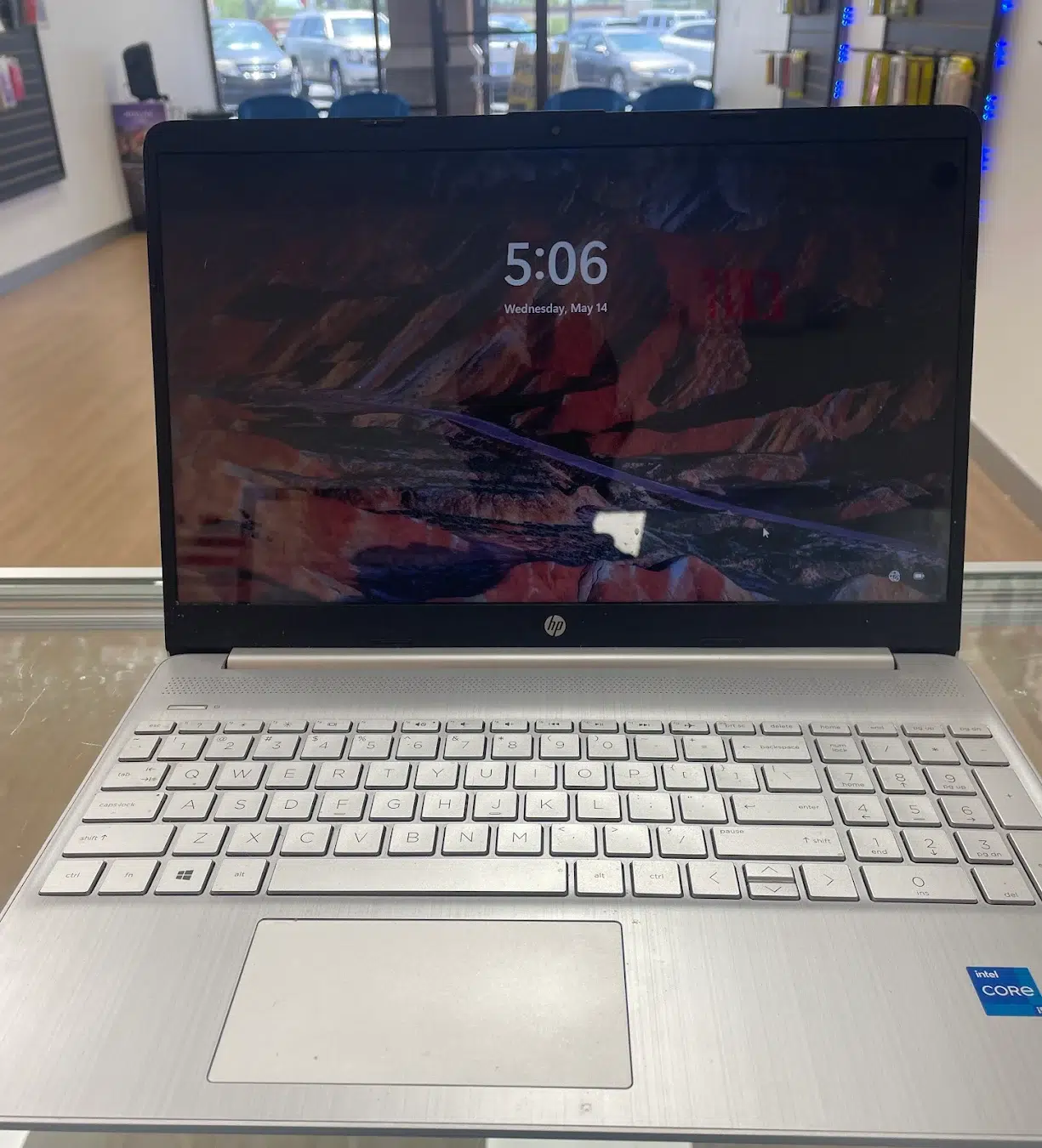
| Screen replacement | Windows laptops | from $135 |
| Screen replacement | MacBook | from $220 |
| Water / liquid damage evaluation | Corrosion assessment before any parts work | Free diagnostic |
Storage upgrades, memory upgrades, fan replacement and thermal service are quoted after inspection, because the part cost depends entirely on your machine.
Want a number before you drive over?
Coverage
One bench, one team. You do not get bounced between a “phone place” and a “computer place” on opposite ends of US-19.
Cracked and black screens, swollen batteries, worn charging ports, dead keyboards, liquid spills, hinge damage, overheating and machines that will not boot. Dell, HP, Lenovo, Asus, Acer, Microsoft Surface, MSI, Razer, Alienware, Samsung, Toshiba, Sony and Chromebooks.
Towers, office workstations, all-in-ones and custom gaming builds. Power supply failures, no-display faults, storage replacement, memory upgrades, dust and thermal service, and the general diagnosis a machine needs when nobody can say what is wrong.
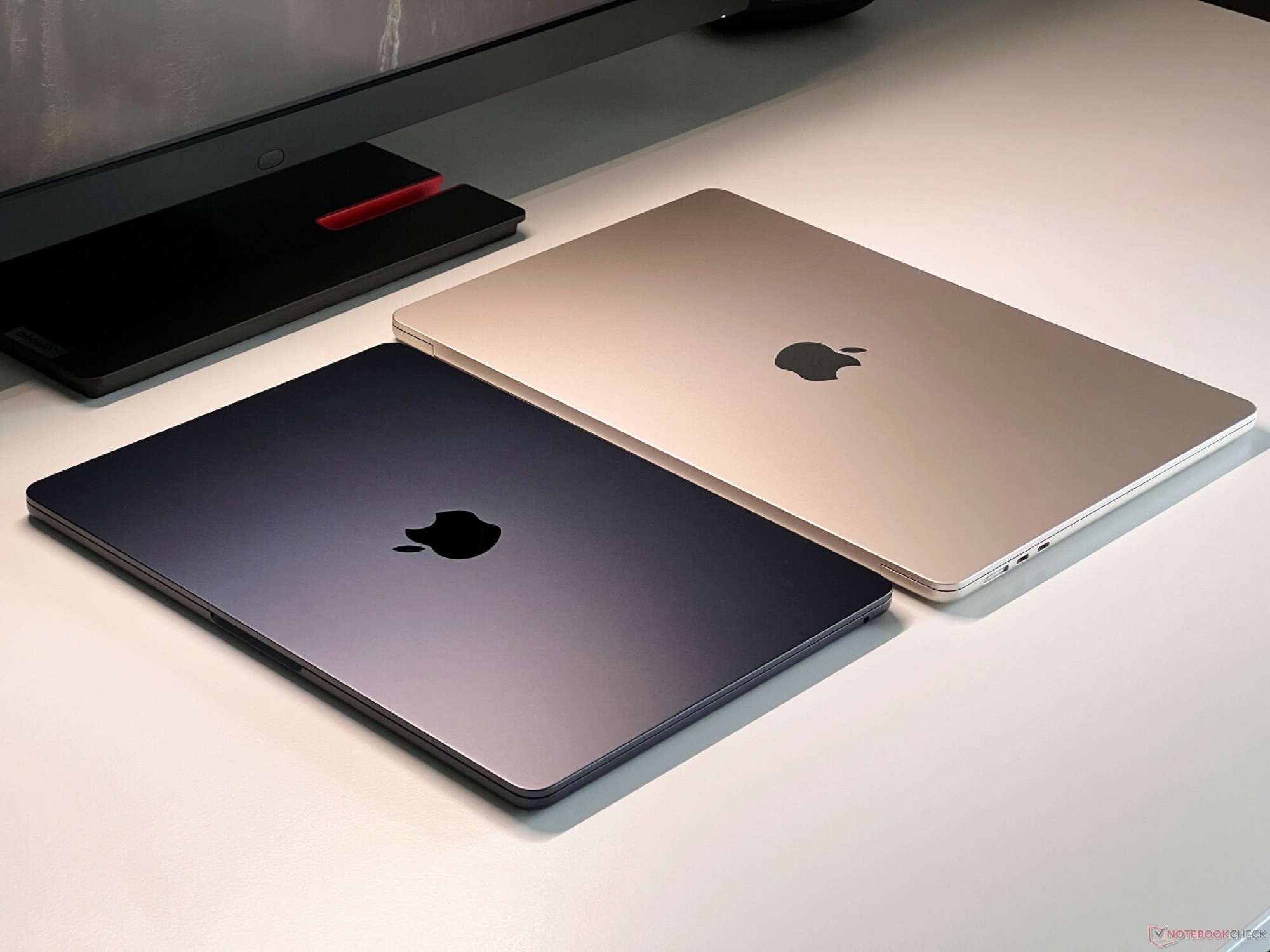
MacBook Air and MacBook Pro screens, batteries, charging boards and keyboards. Model identification matters a lot on Apple hardware, so we confirm the Axxxx number before quoting rather than guessing from the year.
We are an independent repair shop, not an Apple Authorised Service Provider. More detail in our MacBook repair guide.
Virus and malware removal, operating system reinstalls, failed Windows updates, corrupted startup files, driver conflicts and general tune-ups on machines that have simply got slow with age.
If your files matter, tell us at check-in before we start. It changes the order we do things in.
How it works
The diagnostic is free and it comes with no obligation. If the repair is not worth doing, we will say so.
Walk in or book online. Tell us the symptoms and anything that happened — a drop, a spill, a failed update.
Free. A slow machine can be storage, heat, memory or malware, and they are not the same repair. We confirm which before quoting.
Firm quote, plus a realistic timeframe. If a cheaper option does the job, we will tell you about it.
We run the machine under load, check thermals, ports, display and battery behaviour, then walk you through it at the counter.
Telling you when to go somewhere else is not a sales technique. It is why people come back.
Find us
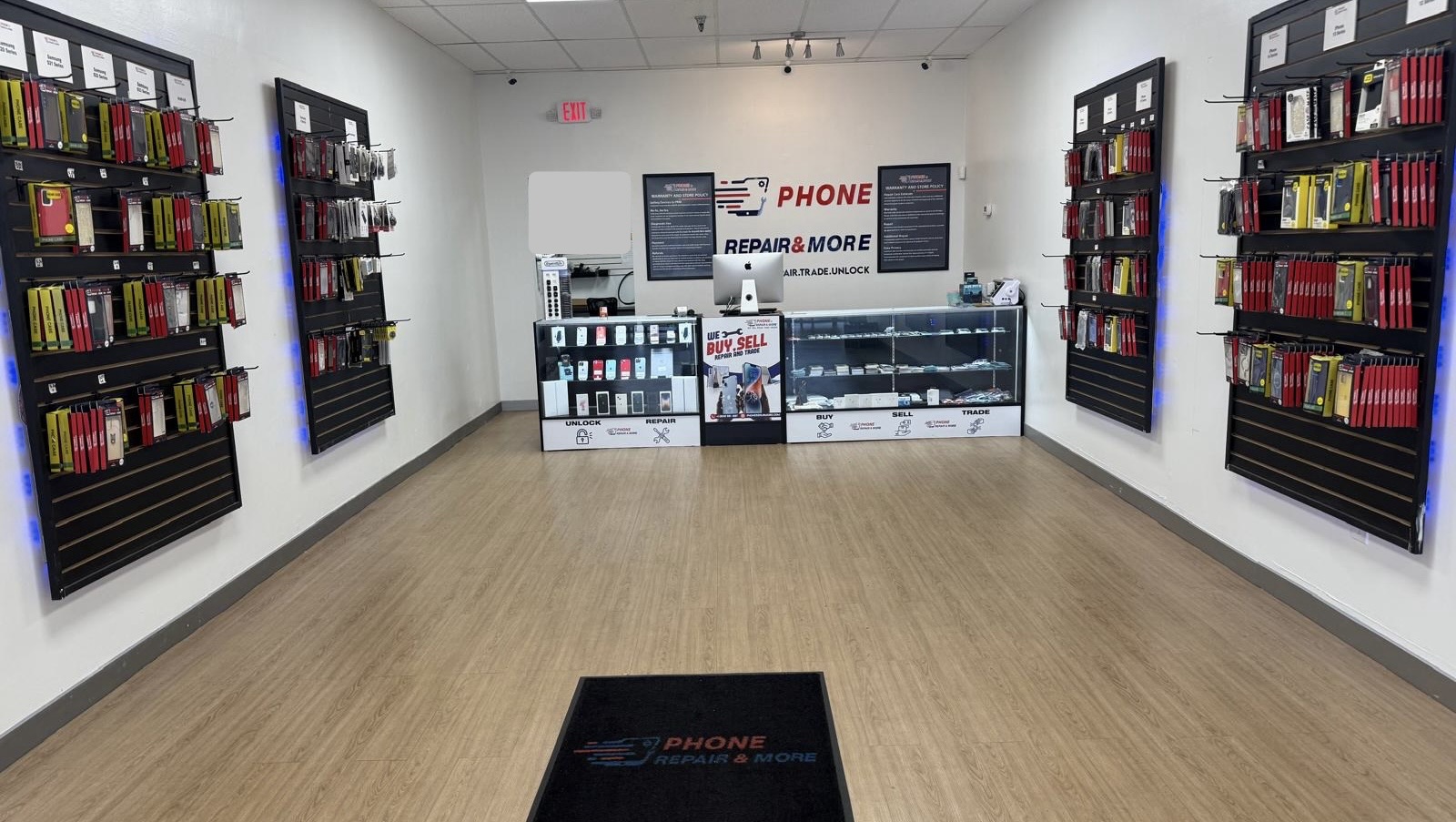
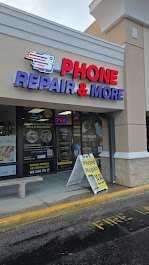
On US Highway 19 North between Tampa Road and Curlew Road, with parking directly out front. Easy from Dunedin, Clearwater, Tarpon Springs, Oldsmar and Safety Harbor.
| Monday | 10:00 AM – 7:00 PM |
|---|---|
| Tuesday | 10:00 AM – 7:00 PM |
| Wednesday | 10:00 AM – 7:00 PM |
| Thursday | 10:00 AM – 7:00 PM |
| Friday | 10:00 AM – 7:00 PM |
| Saturday | 10:00 AM – 7:00 PM |
| Sunday | Closed |
Real work, this store
Across our nine Florida stores we hold a 5.0 rating from more than 15,000 Google reviews. The Palm Harbor store accounts for 808 of them. Read the reviews
Questions
Not covered here? Call (727) 309-1268 — we would rather answer it on the phone than have you drive over for nothing.
Diagnostics are free. Software repair is $49.99, laptop batteries are $89.99, charging ports start at $59.99, and laptop screens start at $135 for most Dell, HP, Lenovo, Asus, Acer and Surface models. MacBook screens start at $220 and vary considerably by model. Full tables are above.
Software work and battery replacements are often same-day. Screen replacements depend on whether the panel is in stock — commonly one to three days if it has to be ordered. Board-level diagnosis takes longer because it is genuinely investigative work. You get a realistic estimate with your quote, not an optimistic one.
Sometimes not, and we will tell you. A rough rule: if the repair costs more than half of what the machine is worth used, think hard about it. A $135 screen on a laptop that still runs well is usually good value. A $429 screen on an eight-year-old MacBook usually is not. The diagnostic is free either way, so you can make that decision with real numbers.
Screen, battery, port and keyboard repairs do not touch your storage. Operating system reinstalls and storage replacements can. Tell us at check-in if there is anything on the machine you cannot replace — it changes how we approach the job, and we will discuss the risk before starting rather than after.
Both. MacBook Air and Pro screens, batteries, charging boards and keyboards are all handled here. We are an independent shop and not an Apple Authorised Service Provider — if your Mac is still under warranty or covered by AppleCare, use Apple first, because that route will be cheaper for you.
Power it off, unplug it and do not try to boot it again. Every power-on cycle on a wet board spreads corrosion and turns a repairable machine into a write-off. Do not use rice. Bring it in as fast as you can — liquid damage is the one repair where hours genuinely matter. Assessment is free.
The four usual causes are a failing hard drive, heat throttling from dust buildup, not enough free storage or memory, and malware. They need completely different fixes, which is why we diagnose before quoting. An SSD upgrade on an older machine running a mechanical drive is often the single biggest improvement available.
Yes — towers, all-in-ones, office workstations and custom builds. Gaming machines usually come in for thermal problems, power supply failures or graphics faults. We check power stability and thermals properly rather than swapping parts until something works.
No, walk-ins are welcome. Calling ahead on (727) 309-1268 helps us tell you whether the part is likely in stock, which can save you a second trip. You can also start online at Repair Device and choose Palm Harbor.
Repairs carry a written warranty of up to 90 days. The exact term depends on the repair and the part fitted — it is stated on your receipt, and you are welcome to ask us to confirm it before you approve the work.
Bring the laptop or desktop to 35168 US Hwy 19 N in Alderman Plaza. We diagnose it at no charge, quote a firm price, and you decide from there.
Phone Repair & More® is an independent, third-party repair service. We are not affiliated with, endorsed by or authorised by Apple Inc., Dell, HP, Lenovo, Microsoft, Asus, Acer or any other manufacturer. All product names, logos and brands are the property of their respective owners. Prices shown are starting prices and are confirmed after a free inspection.