No Signal / Flicker
Often HDMI port damage, solder cracks, or internal video output fault — especially if the plug feels loose.

This is your local “under one roof” repair store for smartphones, cell phones, tablets, laptops, desktops, and game consoles. If you searched for repair in Tampa, you’re in the right place—Carrollwood is one of the fastest ways to get your device fixed without the corporate wait. We’re a local service provider focused on clear estimates, strong customer service, and repairs that help you get your phone (or laptop/console) back to normal. You can also browse all services, view our locations, or learn more on about us.
See more on our reviews and awards & recognition.


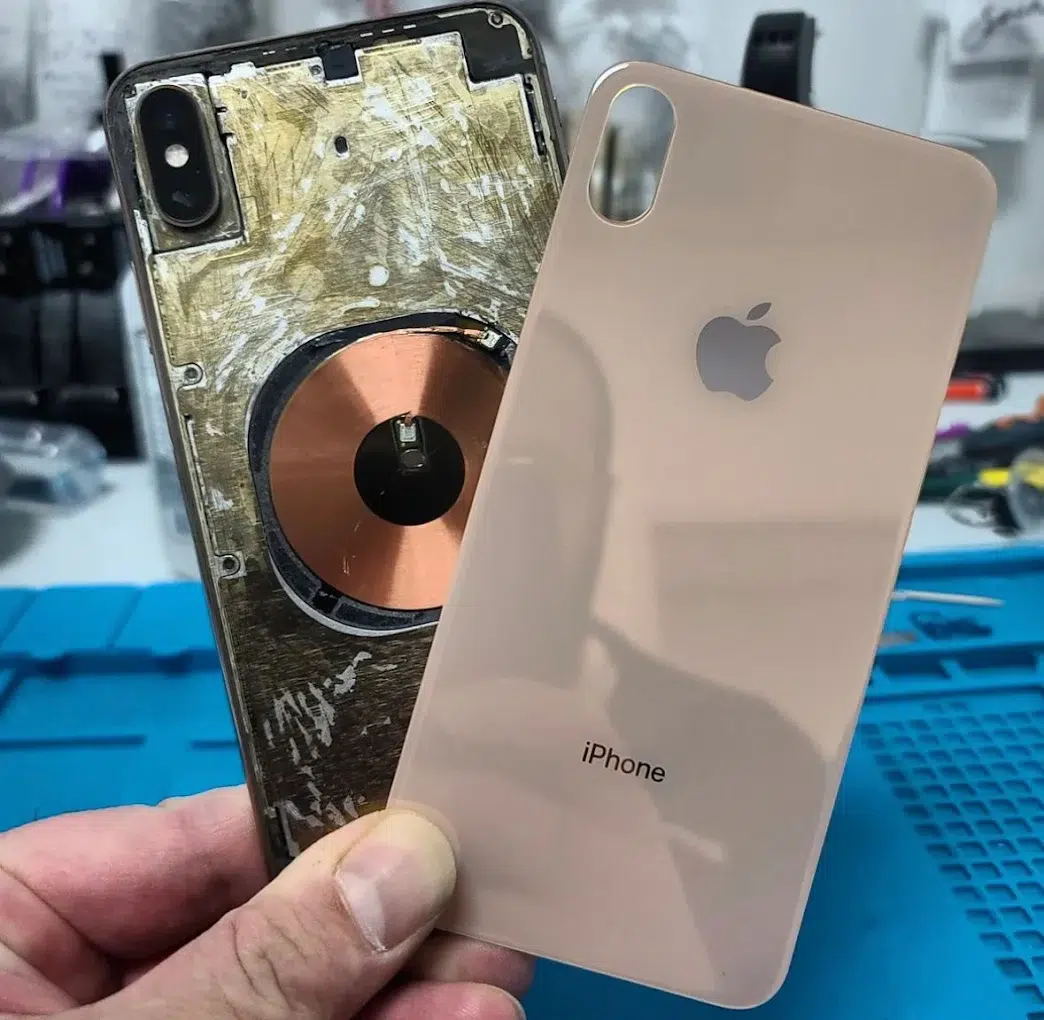
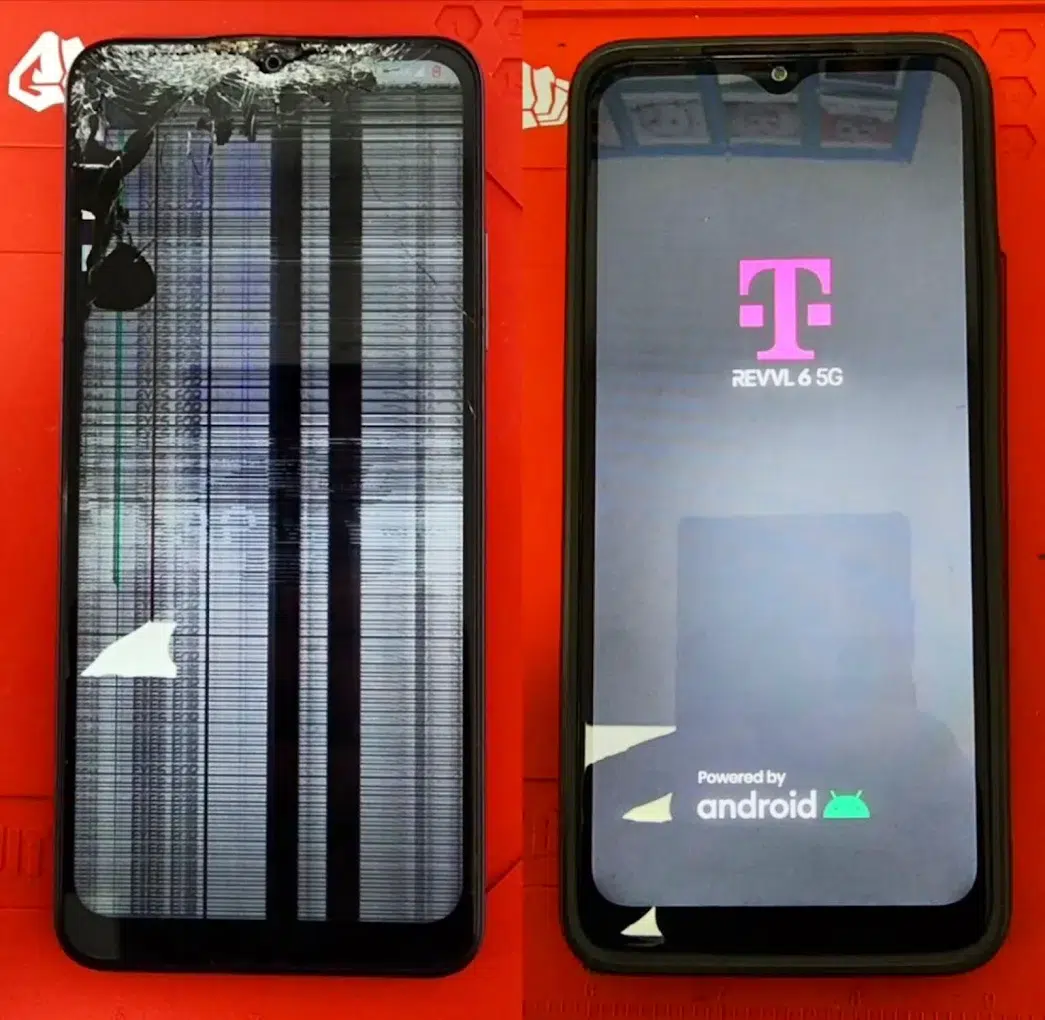


Choose the closest match—this helps our repair technicians route you to the right quote and fastest turnaround. (Yes, we fix cellphone issues too.)
Shattered glass, flickering, lines, black screen, touch not working.
Dies fast, shuts off, won’t charge, loose port, overheating.
Dropped in water, liquid exposure, random reboots, no power.
This section is built to rank for cell phone repair in Tampa while still being locally accurate to Carrollwood, FL. If you need a reliable cell phone for work or family, we’ll help you choose the best fix—not just the fastest one. Explore phone repair and Apple repair for related info.
Sometimes yes—but if the glass is splintering, touch is failing, or the display has lines/black spots, keep usage minimal. Using a damaged screen can worsen the issue and may affect data safety. If it’s urgent, call first—our technician can advise.
The best way is a proper screen replacement (not glue kits). It restores touch accuracy and protects internal components from dust/moisture.
If you searched “ipdad” by mistake, you’re not alone—most people mean iPad. We handle tablet repair with the same care as phones. This section targets iPad repair intent with real answers (not thin copy).
In many cases, yes—depending on the iPad model and whether the issue is the button mechanism, flex cable, or board-level symptom. We’ll start with diagnostic checks to confirm the root cause before quoting.
The “best” usually means: clear estimate, honest options, tested results, and warranty clarity. That’s why we document the symptom, run checks, and re-test the repaired function before pickup.
Clear path from “something’s wrong” to a verified fix—covering laptops, desktops, and Macs without guesswork.
No boot, no display, freezes, overheating, weird noises, Wi-Fi drops, storage errors.
We separate OS/app issues from failing parts (SSD/HDD, RAM, fan, battery, board power).
Screen/keyboard/battery, SSD/RAM upgrades, OS reinstall, malware cleanup, thermal service.
Boot testing, stability checks, updates, and basic performance validation before handoff.
| Category | Examples | Good next step |
|---|---|---|
| Laptop repair | Screen, keyboard, trackpad, battery, hinge, charging, overheating | Bring device + charger |
| Desktop / PC repair | No power, random restarts, fan noise, GPU artifacts, BSOD | Note any error messages |
| Mac repair | MacBook issues, storage errors, slow boot, heat/fan issues | Describe last change/update |
| Software & OS | Windows/macOS reinstall, update failures, driver conflicts | Back up if possible |
| Data & storage | SSD/HDD not detected, corrupted files, recovery checks | Stop “repair tools” installs |
| Security cleanup | Virus, malware, popups, hijacked browser | Disconnect from Wi-Fi |
When a console dies right before game night, the goal is simple: identify the real failure, fix it cleanly, and verify it under load — not a “hope it works” swap.
Quick rule: If the symptom changes when you swap the HDMI cable, power outlet, or TV input — tell us. That detail often cuts diagnosis time in half.
Often HDMI port damage, solder cracks, or internal video output fault — especially if the plug feels loose.
Airflow blockage, fan failure, thermal compound issues, or heat-stressed power sections.
Laser/drive wear, spindle issues, or disc-drive mechanics — plus the occasional board-level fault.
Charging faults, worn sticks, sync/BT issues, or port wear — we test with known-good accessories.
Carrollwood console links:
Not every visit needs a repair. Sometimes you just need an accessory upgrade or protection after a fix—especially screen protectors to prevent repeat cracks.
If your phone or laptop is slow, a cleanup + storage upgrade can restore responsiveness. If a repair doesn’t make sense, you can sell instead. Start at sell electronic devices, sell my phone, or sell iPhone.
At Phone Repair & More®, we know you don’t have time to drive across town or wait in line at a big-box center. If you searched for a phone repair shop in Tampa, this Carrollwood location is a fast option for the entire Greater Carrollwood community.
We are located at 10019 N Dale Mabry Hwy, right near the intersection of W Linebaugh Ave. We’re in the same plaza as Queenie Hair Studio (edit if needed), making it easy to drop off your device while you run errands.
Unlike big-box centers that require appointments and data wipes, our Carrollwood repair lab focuses on speed and data preservation. Whether you live near Carrollwood Commons or commute down from Cheval, we aim to be your local express lane for tech repair today. Read more on reviews and recognition.
Pick the exact page you need (service or guide). These links support the most common laptop models we repair: MacBook Air/Pro, Dell, HP, Lenovo, Acer, ASUS, Surface, MSI/Razer and more.
For diagnostics, performance issues, ports, storage, software problems, and general fixes.
Open Laptop RepairLines, flicker, black display, cracked panel, dim backlight, or “works on external monitor.”
Open Screen ServiceSwollen battery, rapid drain, sudden shutoffs, charging issues, or “service recommended.”
Open Battery ServiceSafe checks you can try first for boot loops, slowdowns, Wi-Fi issues, or overheating.
Open TroubleshootingUnderstand what drives repair cost: model, parts availability, damage level, and labor.
Open Cost GuideCan I get an estimate? Yes—your model + repair type drive the quote. Here’s what impacts pricing so there are no surprises.
Newer models and specialized displays can cost more. Some repairs require extra calibration steps.
Frame bends, water exposure, and prior repairs can change what’s required to finish correctly.
Same-day options depend on parts availability. If a part needs ordering, timing changes.
Not sure what’s wrong with your device? That’s normal. We diagnose first, then recommend the cleanest fix. This is one of the reasons our repair services in Tampa perform well on trust.
We document the problem: no charge, no display, slow system, overheating, no signal, etc.
Power/charging tests, display/touch checks, audio checks, connectivity, and stability checks.
You get a clear plan before work begins. If anything changes, we tell you first.
Call the Carrollwood store with your name and device model and we’ll confirm status. This is the fastest way to get updates on in-progress repairs.

Reviews help customers choose confidently. You can also browse all reviews. (This supports “cell phone repair services” intent naturally—once, not stuffed.)
Embedded via Trustindex (your loader script):
Located at 10019 N Dale Mabry Hwy Suite 600, Tampa, FL 33618. If you’re coming from Greater Carrollwood, Northdale, Lutz, or Westchase, this is a quick drive.
Built for real searches: cracked screen, estimates, iPhone models, water damage, PS5, and “can you fix it?”
Carrollwood is a fast option for Tampa cell phone repair because the store is set up for quick diagnostics and common repairs. Start online to speed up check-in, or call to confirm parts for your model.
We service many iPhone generations. The exact repair plan depends on your model and the symptom (screen, battery, charging, camera, etc.). If you’re unsure, start with diagnostics and we’ll confirm the correct part and approach.
We start with diagnostic testing. Outcomes depend on corrosion level and how quickly the device is brought in after exposure. Avoid charging wet devices and bring them in ASAP.
If you’re near Carrollwood, our console section covers common PS5 issues like no signal and overheating. Start diagnostics first so we confirm the cause before repair.