
No boot after a build or upgrade
Component seating, compatibility, power delivery and BIOS configuration can all stop a PC from starting.
5.0 from 15,000+ Google reviews Free diagnostics • 8 Florida stores • Many repairs same day
Check repair pricingGaming & Custom PC Service · Phone Repair & More®
Gaming towers and custom-built desktops fail differently from off-the-shelf computers. We diagnose no-boot, graphics card, power supply, cooling and stability problems across the whole system, then give you a quote before any part is replaced.
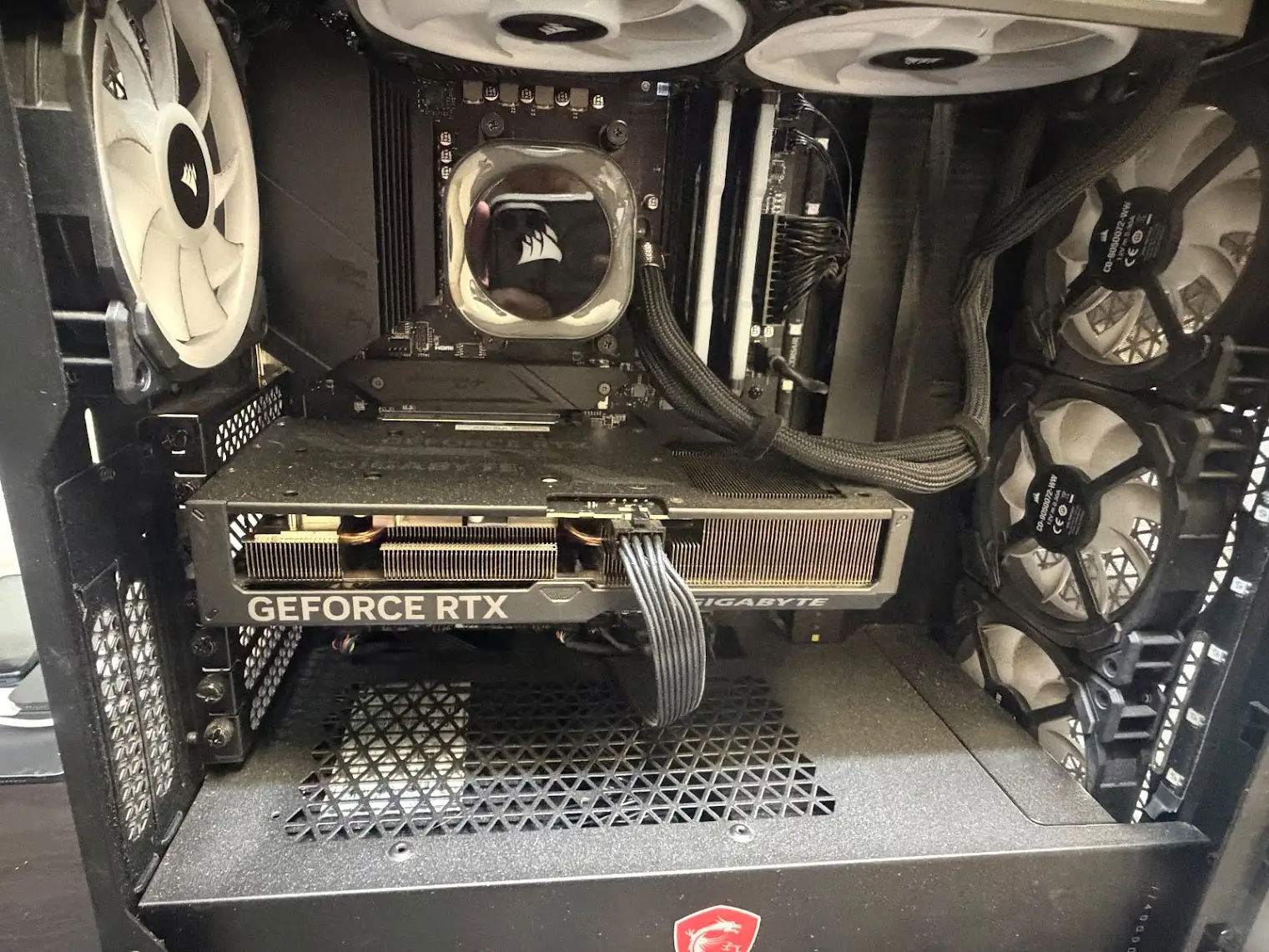
Common problems
Most gaming PC faults show up as a symptom first: no boot, crashes, a black screen or shutdowns under load.
Component seating, compatibility, power delivery and BIOS configuration can all stop a PC from starting.
Artifacts, crashes or no signal need diagnosis before a graphics card is replaced.
Black screen guide →Resets under load and unstable power can involve more than the power supply alone.
Dust, airflow, fan behavior, cooler mounting and load temperatures all affect stability.
New RAM, storage, a new GPU or firmware changes can expose compatibility or configuration problems.
A system built from multiple vendors often needs whole-system testing rather than a single-brand checklist.
Other computers
Windows desktops, iMacs and all-in-one computers.
Computer Repair →Screens, batteries, charging ports, keyboards and liquid damage.
Laptop Repair →Start with a free diagnostic at any of our eight Florida stores.
Find a store →Before service
New GPU, RAM, SSD, power supply, BIOS update, driver or Windows update.
Whether the problem happens at idle, during startup, under gaming load or only in one application.
Bring any unusual external power adapters or proprietary accessories involved in the problem.
FAQ
Gaming PC repair near you
For intermittent faults, note what triggers the problem and whether anything in the system recently changed.