
iPhone Screen Repair in Florida: What It Really Costs in 2026 (Replacement Guide + How to Save)
Florida life is hard on phone screens. Beach sand, humid pockets, hot car dashboards, and quick drops add up—so when your screen is cracked, you need a clear plan. This statewide guide explains iphone screen replacement costs, safer decision paths (Apple vs local repair companies vs DIY), and how to get your phone screen back fast—often same-day.
How much does it cost to replace an iPhone screen in 2026?
Quick answer for snippet capture: costs vary by model, coverage, and whether you choose a replacement service with Apple or another service provider.
- With AppleCare+: commonly around $29 for screen damage service.
- Apple out-of-warranty: often $129–$379+, depending on model.
- Trusted local repair service: often $90–$250 (varies by model and screen quality).
- DIY kit: usually $70–$200+ plus tools and risk (including replacement parts errors).
Costs by coverage type (simple)
AppleCare+ can lower the service fee significantly. Without coverage, accidental damage from handling is usually treated as out-of-warranty. (This is why many customers search “warranty doesn’t cover” after a drop.)
iPhone screen replacement costs by repair route (Apple vs local shop vs DIY)
The smartest comparison is price + outcomes: screen feel, touch accuracy, and risk. Different repair companies can quote the same number but deliver different results depending on parts and testing.
Apple pricing baseline (official-style route)
Apple pricing varies by model and display tech. Newer iPhones (especially OLED models) usually cost more than older LCD models. If you want repairs using genuine apple parts, Apple/authorized repair is the most direct route.
Example Apple out-of-warranty screen estimates (U.S.)
| Model (examples) | Common out-of-warranty estimate | Why it varies |
|---|---|---|
| iPhone SE (2nd/3rd gen) | $129 | LCD cost baseline |
| iPhone 11 | $199 | LCD baseline + model specifics |
| iPhone 15 | $279 | OLED cost + model specifics |
| iPhone 15 Pro Max | $379 | Premium OLED + size + model specifics |
Prices change—confirm a quote for your exact model and symptoms.
Trusted local repair service (value route)
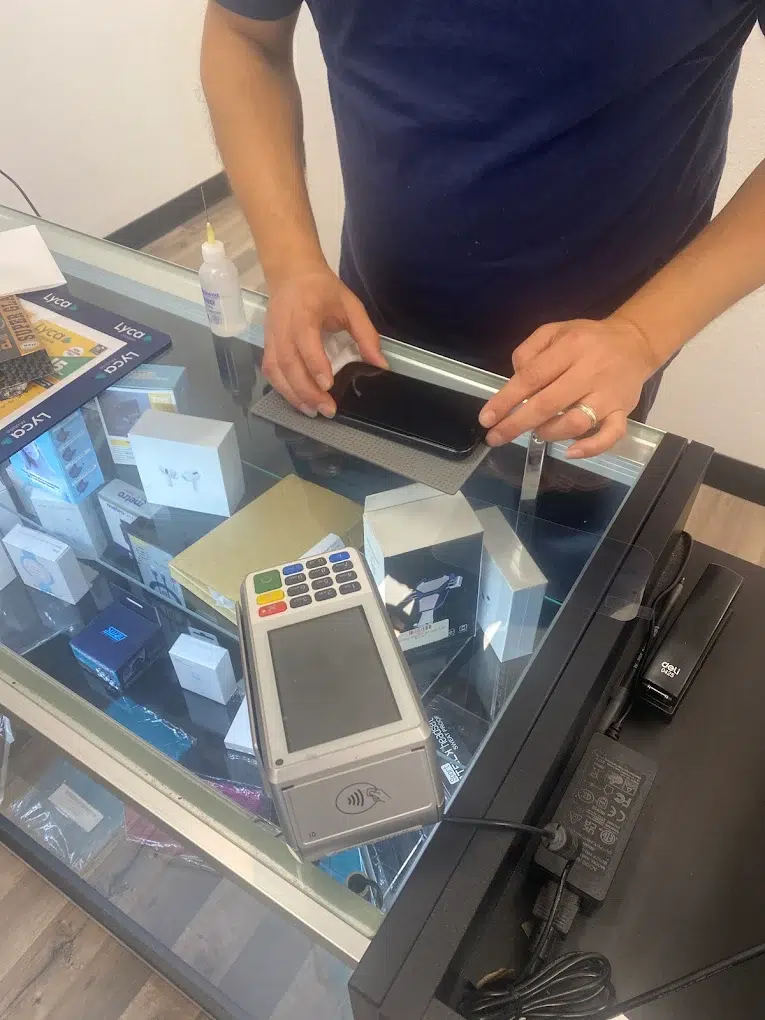
Local iPhone repair services can be a great choice for speed and value—especially if you need same-day service in Florida. The key is part quality and post-repair verification. Ask what’s being installed (OEM-quality vs premium aftermarket) and how they test touch, brightness, and sensors.
DIY kits (highest risk route)
DIY can be cheaper upfront, but it’s also the easiest way to turn a simple phone screen repair into a larger device repair. If the display is unresponsive after a DIY attempt or connectors are damaged, professional inspection is often required. (DIY context varies by model and iOS behavior; iFixit notes that newer workflows can change what’s possible after replacement.)
Florida pricing factors (why quotes vary)
This mini-table helps you spot real-world expertise. In Florida, heat, sand, and moisture increase the chance that a “screen only” job also needs seal work, frame correction, or even a quick water damage diagnostic.
| Factor | What it changes | Why it matters |
|---|---|---|
| Model (OLED vs LCD) | Part cost + repair complexity | OLED screens typically cost more than LCD |
| Aftermarket vs OEM-quality | Look/feel + sensor behavior risk | Higher quality screens reduce compatibility surprises |
| Frame damage / bend | Fit + durability | A bent frame can cause lifting or repeat cracks |
| Same-day part availability | Turnaround time | Parts in stock = faster repair service |
| Water-resistance reseal | Post-repair protection | Cracks compromise seals; reseal helps reduce future risk |
Do I need AppleCare for screen repair?
No. You can repair your iPhone with Apple/authorized service, a trusted local repair service, or (for experienced users) a DIY path. AppleCare mainly changes the costs by coverage type and the smoothness of the repair or replacement process.
Limited warranty vs accidental damage
Apple’s limited warranty typically does not cover accidental damage from handling—this is why many people discover “warranty doesn’t cover” after a drop. AppleCare+ can reduce your out-of-pocket costs for a replacement service.
Damage diagnosis guide: what you’re actually fixing
Cracked glass but display still works
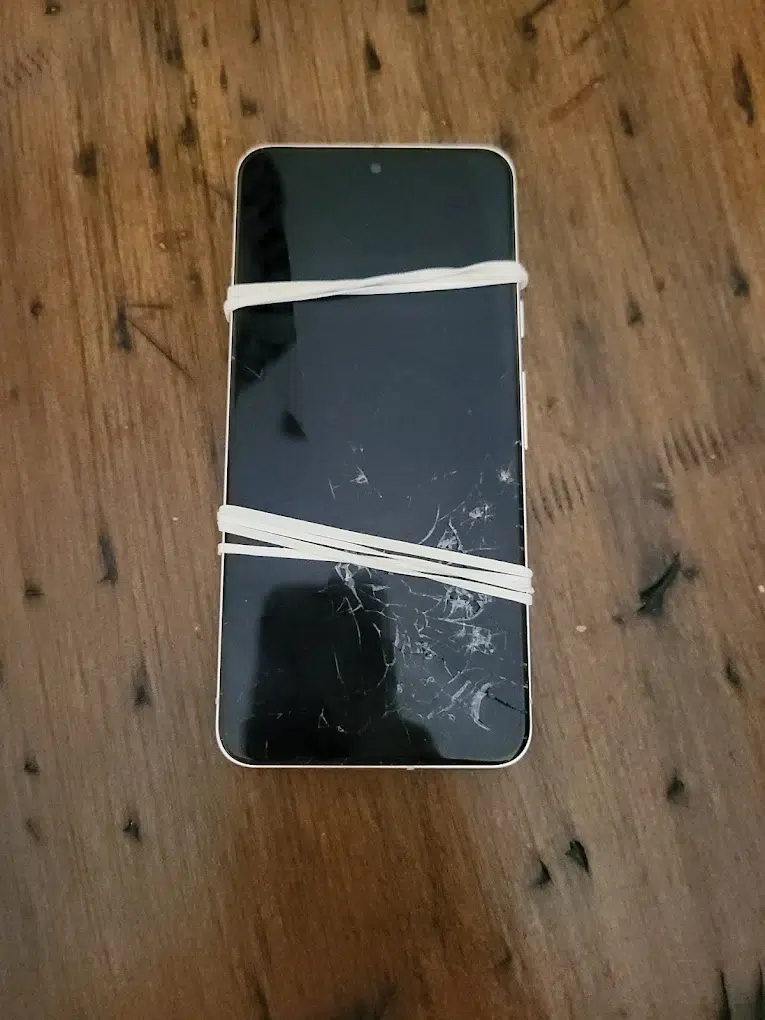
You can see cracks, but image and touch respond. This is common after a phone is accidentally cracked on a corner. Even if it “works,” it can worsen, and moisture can creep in.
Touch issues or dead zones
The screen lights up, but parts don’t respond. This often grows over time. It usually points to digitizer problems—typically resolved via full iPhone screen replacement.
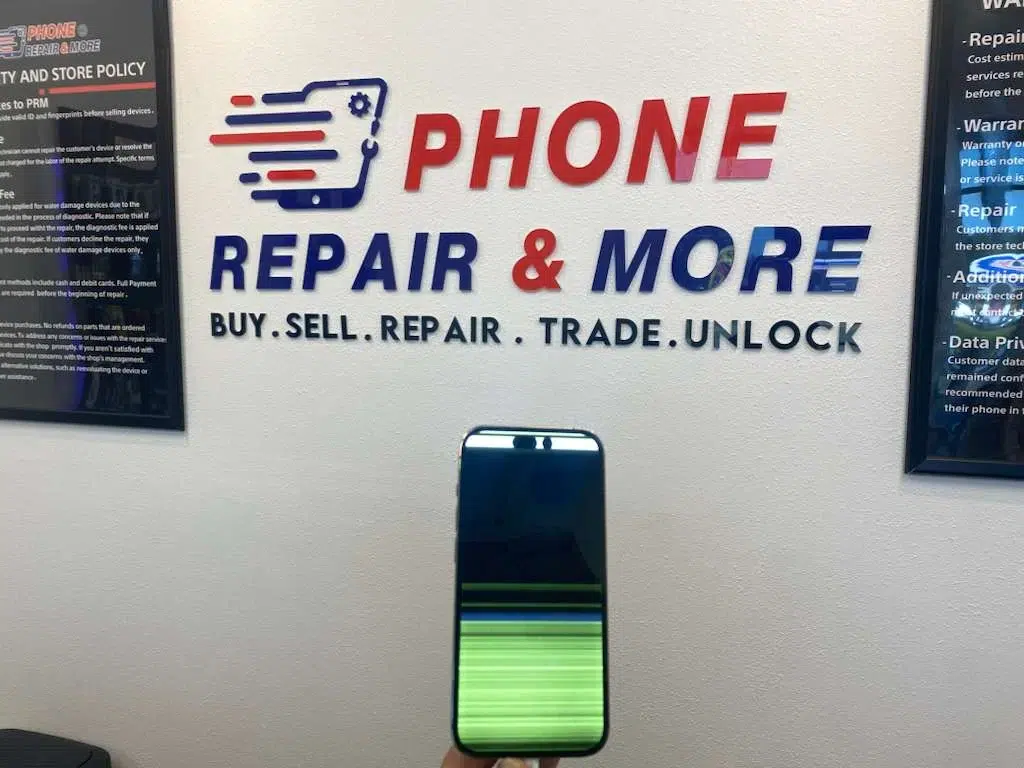
Lines, black spots, flicker, brightness or color issues
These symptoms usually indicate panel damage (not “just glass”). A complete assembly replacement is often the highest quality fix.
Black screen but the phone still has life
If it vibrates, rings, or connects to power but the display stays black, it could be a display failure or a software crash. Don’t guess—diagnose first.
Stop & bring it in
If the frame is bent, the back glass is shattered, the screen is lifting, or there’s any liquid exposure, avoid pressing the display. In Florida, moisture + a cracked seam can escalate quickly.
True Tone / Face ID / calibration after iPhone screen replacement
What can change after a screen replacement
- True Tone / auto-brightness behavior can change depending on part quality and calibration.
- Display warnings may appear depending on the part and repair route.
- Face ID usually survives a screen job—but mistakes or damage to sensor areas can cause issues.
How to reduce risk (safe, practical)
- Choose high-quality parts (OEM-quality / premium) for a closer “brand-new” feel.
- Avoid pressure on top-sensor areas while the screen is cracked.
- Prefer trusted experts who test touch + brightness + sensors before returning the phone.
What we test & verify after repair
- Edge-to-edge touch mapping (no dead zones)
- Brightness + auto-brightness behavior
- Front camera + Face ID verification
- Proximity sensor behavior during calls
Genuine Apple display expectations (trust + no surprises)
For what “genuine apple” display messaging can look like (and why it appears), see: Apple Support – About genuine iPhone displays. If you specifically want repairs using genuine apple parts, Apple/authorized service is usually the clearest path to apple parts.
How fast can you fix my iPhone screen?
Time-to-fix (turnaround): Apple vs local shop vs DIY
| Route | Typical turnaround | Best for |
|---|---|---|
| Apple Store / authorized | Often 1–2 hours in-store (varies by traffic/parts); mail-in can take multiple business days | Newest iPhones + those prioritizing official processes |
| Local repair service | 30 minutes to a few hours for many models; often same-day | Speed + convenience + competitive pricing |
| DIY | 1–3+ hours (plus rework risk) | Experienced DIYers with an older device |
Our practical promise for Florida customers
Free diagnostics in-store and same-day service on many repairs (parts in stock).
Decision paths: Apple vs local shop vs DIY (safe choices)
Choose Apple / authorized service if…
- You have AppleCare+ and want low-friction repair or replacement
- You prefer repairs using genuine apple parts and official workflows
- You have a new iPhone and resale value matters
Choose a trusted local repair service if…
- You need same-day convenience and clear testing
- You want high-quality outcomes without waiting on mail-in queues
- You want a shop to confirm whether it’s really the screen (vs connectors/board)
Consider DIY only if…
- Your device is older and you accept risk
- You can handle delicate cables and adhesives without rushing
- You’re okay if it becomes a bigger device repair
DIY warning
DIY mistakes can damage sensor areas or connectors. If the phone becomes unresponsive after DIY, a professional repair inspection is usually the safest next move. Many repair companies will say they “guarantee our service”—always ask what’s covered and what isn’t.
What to do right after you crack your iPhone screen
- Protect yourself and the phone screen: If glass is flaking, place clear tape over cracks and avoid pressing the damaged area.
- Back up immediately: A cracked screen can fail suddenly—back up while touch still works.
- Keep it away from water and sand: Cracks weaken seals; Florida humidity and beach sand raise the risk.
Apple Support backup video (watch before you go)
Safe, official steps to back up your iPhone to iCloud.
Before & after repair checklists
Before your appointment
- Back up your device.
- Know your passcode and Apple ID (some steps may prompt you).
- Remove case, screen protector, and accessories.
- Take photos of the damage for your records.
After the repair (test before you leave)
- Touch responsiveness edge-to-edge
- Brightness + auto-brightness behavior
- Front camera + Face ID
- Speaker/earpiece + proximity sensor during calls
If your battery also feels “off” after a drop
Drops can create secondary issues. If your new screen works but battery drain/shutdowns started after the accident, address it early.
Black screen troubleshooting (safe steps first)
Try these in order
- Force restart: Safe first step for software freezes.
- Charge 15–30 minutes: Use a known-good cable and adapter.
- Check for life signs: vibration, sounds, haptics, or computer connection.
- Update via Finder/iTunes (when possible): can fix software issues without wiping data.
- Recovery restore (last resort): may erase data—backup first if possible.
When to go pro
If the device was dropped, got wet, overheats, or stays unresponsive after charging + restart, get a professional diagnosis before replacing parts.
Black spots / dead pixels: will it spread + what to do
Why black spots happen
- Drop damage: dead pixels or internal panel damage
- Software bugs: can mimic display issues
- Power/charging instability: worth checking if behavior is inconsistent
Will black spots spread?
They can. Internal panel damage may expand over time—diagnose early.
Typical cost range for “black spot” symptoms
Many fixes land in the $50–$150 range depending on cause—if the panel is damaged, a full iphone screen replacement is often the reliable long-term fix.
Purple screen of death: causes + safe steps
Common causes
- Physical damage after a drop
- Liquid exposure
- Edge-case software instability (more common on older devices)
What to do (in order)
- Force restart
- Install updates if the phone becomes usable
- Back up immediately if it’s unstable
- Free up storage if nearly full
- Get professional diagnostics if it continues
Prevention (Florida-proof) + trade-in value impact
Prevention tips that actually work in Florida
- Case + tempered glass: helps prevent repeat breaks after your screen is back.
- Avoid dashboard heat: heat weakens adhesives and increases break risk.
- Beach rule: keep sand away from seams and ports.
- Fix small cracks early: small damage can spread into a bigger iphone screen replacement.
Trade-in / resale angle
Selling with a cracked display usually drops value hard. Sometimes a high-quality repair makes sense before selling—other times it’s smarter to sell “as-is” and upgrade. If you’re choosing between repair your iphone vs upgrading to a brand-new model, compare totals and downtime.
Is it worth fixing my broken iPhone screen?
Often yes—especially if the device is otherwise healthy. Screen repair restores usability, helps prevent damage from spreading, and protects resale value. It’s usually worth it when you plan to keep the phone 12+ months or when the repair cost is clearly lower than the value you’d lose by selling it cracked.
Repair if…
- You want your screen back quickly and reliably
- The device is stable (no major water damage / board issues)
- You care about “good as new” daily use
Sell / upgrade if…
- Multiple repairs stack up (screen + battery + back glass + liquid exposure)
- Repair cost is close to upgrading to a new iPhone
Where to get iPhone repair services in Florida (without doorway risk)
This page is your statewide informational guide. For the commercial next step, use our store locator to choose the nearest location for fast diagnosis and repair service. We serve Florida repair customers across the state—especially around Tampa Bay and surrounding communities—without stuffing dozens of city names.
FAQ: iPhone screen repair
1) How long does it take Apple to replace an iPhone screen?
At an Apple Store (Genius Bar), it’s commonly about 1–2 hours, but it depends on store traffic, technician availability, and whether parts are in stock. Mail-in repairs take longer because of shipping and processing time.
2) What is the process for iPhone screen repair at Apple?
Apple typically starts with a diagnostic assessment, then performs the repair, followed by a quality check. They can handle cracked screens, touch issues, and other display problems depending on the device condition.
3) What factors can affect the average iPhone screen replacement time?
Store busyness, technician availability, model/parts availability, and damage complexity (frame bend, water exposure, connector damage). Backing up before you go can also prevent delays.
4) What are the differences between in-store and mail-in repair services?
In-store can be same-day if parts are available. Mail-in includes shipping + queue time, so it can take multiple business days depending on workload.
5) What does it cost to replace an iPhone screen?
Common baselines range from about $129 (SE models) up to $379+ (some Pro Max models). Third-party repair service can be cheaper depending on model and part quality. Prices change—confirm a quote for your exact device.
6) Can I keep Face ID after a screen replacement?
Often yes, but it depends on the device condition and careful handling of sensor areas. Damage around the top sensors or sloppy installs can create issues. Choose trusted experts and verify Face ID before leaving.
7) Will a screen replacement restore water resistance?
Not always. Even with reseal work, water resistance can’t be guaranteed exactly like factory conditions. If moisture exposure is suspected, request a water damage diagnostic.
8) Can I sell my iPhone with a cracked screen?
Yes, but value drops. Sometimes repairing first is worth it if the resale gain exceeds the repair cost. If costs stack up (screen + battery + back glass), selling may be smarter.
Conclusion: get your phone screen back fast (and avoid repeat damage)
When your screen is cracked, the best path is the one that matches your model, timeline, and risk tolerance. Apple routes are best for repairs using genuine apple parts; trusted local repair service is best for speed and convenience; DIY is best only for confident users with older devices. If you want the highest quality result with clear testing, start with a quick diagnosis and choose the safest repair or replacement option.
Tip: If you’re comparing repair vs upgrade, you can also explore selling options. Sell your iPhone here.