
Repair guides · practical next steps
Phone repair guides that make the next step clearer.
Explore practical guidance for phone, Apple, Samsung, laptop, tablet and console problems—plus repair-cost comparisons, data-safety checklists and questions to ask before approving service.
Repair-or-replace decisions
Data-safety preparation
Cost and timing context

Latest repair guidance
Find the guide that matches the problem.
Search by device or issue, then use the topic filters to narrow the library. The six source-page articles remain visible even when the live WordPress feed is unavailable.
Showing 6 repair guides
Source-page articles
iPhone 16 Not Charging
USB-C charging problems can start with debris, moisture, heat or a damaged port. Check the safest first steps before deciding on repair.
By MidoRead guide

Best Buy & Geek Squad Repair Guide
Compare service pricing, policies and repair options before deciding where to take a phone, computer or Apple device.
By MidoRead guide
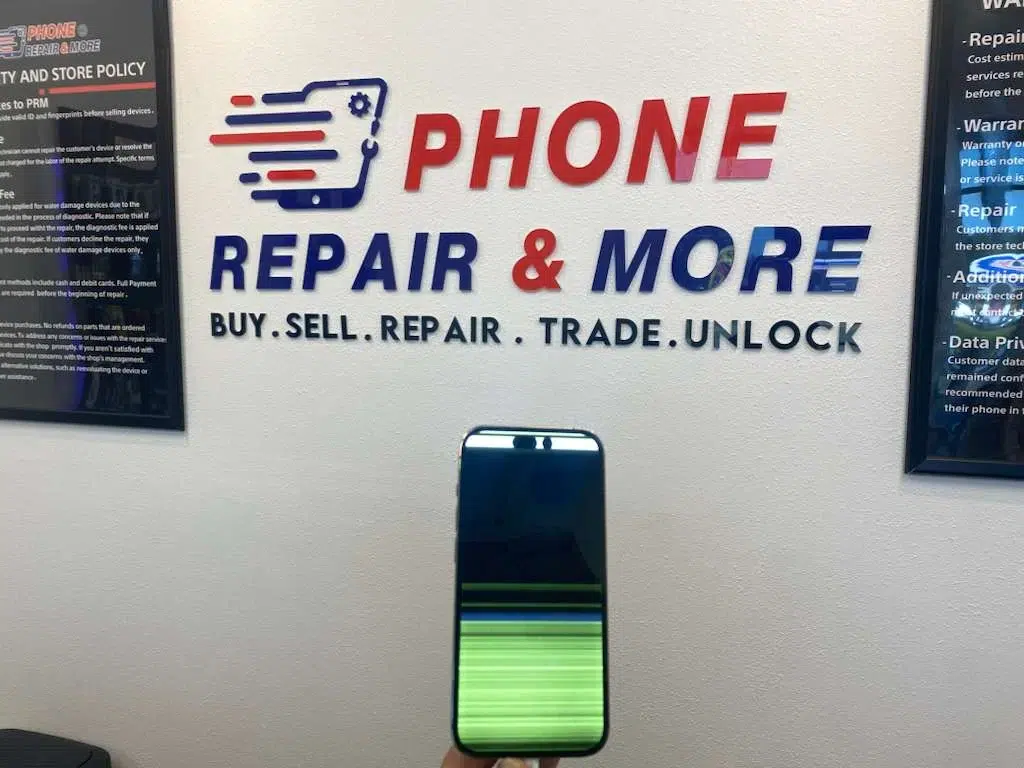
Phone Screen Replacement Guide
Know when cracked glass, dead touch, black spots or display lines point to a full screen replacement.
By MidoRead guide

AppleCare & iPhone Repair Guide
Understand AppleCare, warranty coverage and common iPhone repair choices before approving service.
By MidoRead guide

Phone Repair Guide
Prepare your phone for service, protect personal data and know what to test when the repaired device comes back.
By MidoRead guide
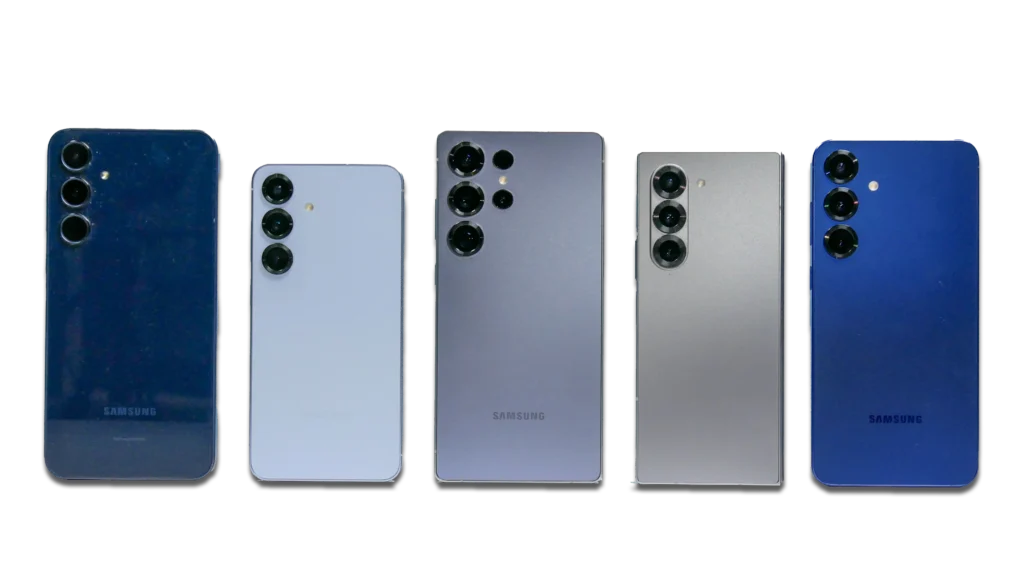
Samsung Phone Repair Guide
Review common Samsung screen, battery and charging issues, including cost, timing and data-safety considerations.
By MidoRead guide
No guides match that search yet.
Try a broader term such as screen, charging, Apple or repair cost.
Browse by device
Start with what you need to fix.
The service pages explain what Phone Repair & More® repairs. The guide library helps you understand the problem and prepare for the next step.
01
02
03
04
Phone repair
Screen, battery, charging, camera, audio and liquid-damage guidance.
Apple repair
iPhone, iPad, Mac, Apple Watch and AirPods repair decisions.
Laptop & computer
Battery, screen, charging, storage and performance troubleshooting.
Game consoles
PlayStation, Xbox, Nintendo and handheld-console repair guidance.
Use the guide, then use the diagnosis
Good repair decisions begin with the right questions.
Protect the device and the data.
Start with safe troubleshooting, backups and preparation before attempting a fix or handing over the device.
Compare the real options.
Use model, condition, repair cost and replacement value together rather than making the decision from one number.
Confirm with a diagnostic.
A guide can narrow the possibilities. A free in-store diagnostic can confirm the issue and quote before work begins.
Need more than a guide?
Bring the problem to a repair team.
Start online or find one of nine Florida locations for a free diagnostic and a quote you approve before repair begins.