
Exact MacBook model
Model and year affect parts, ports, battery design, display assembly and repair options.
5.0 from 15,000+ Google reviews Free diagnostics • 8 Florida stores • Many repairs same day
Check repair pricingMacBook Guide · Before Service
Identify the symptom, protect your data and know what to expect before you bring a MacBook in for repair.
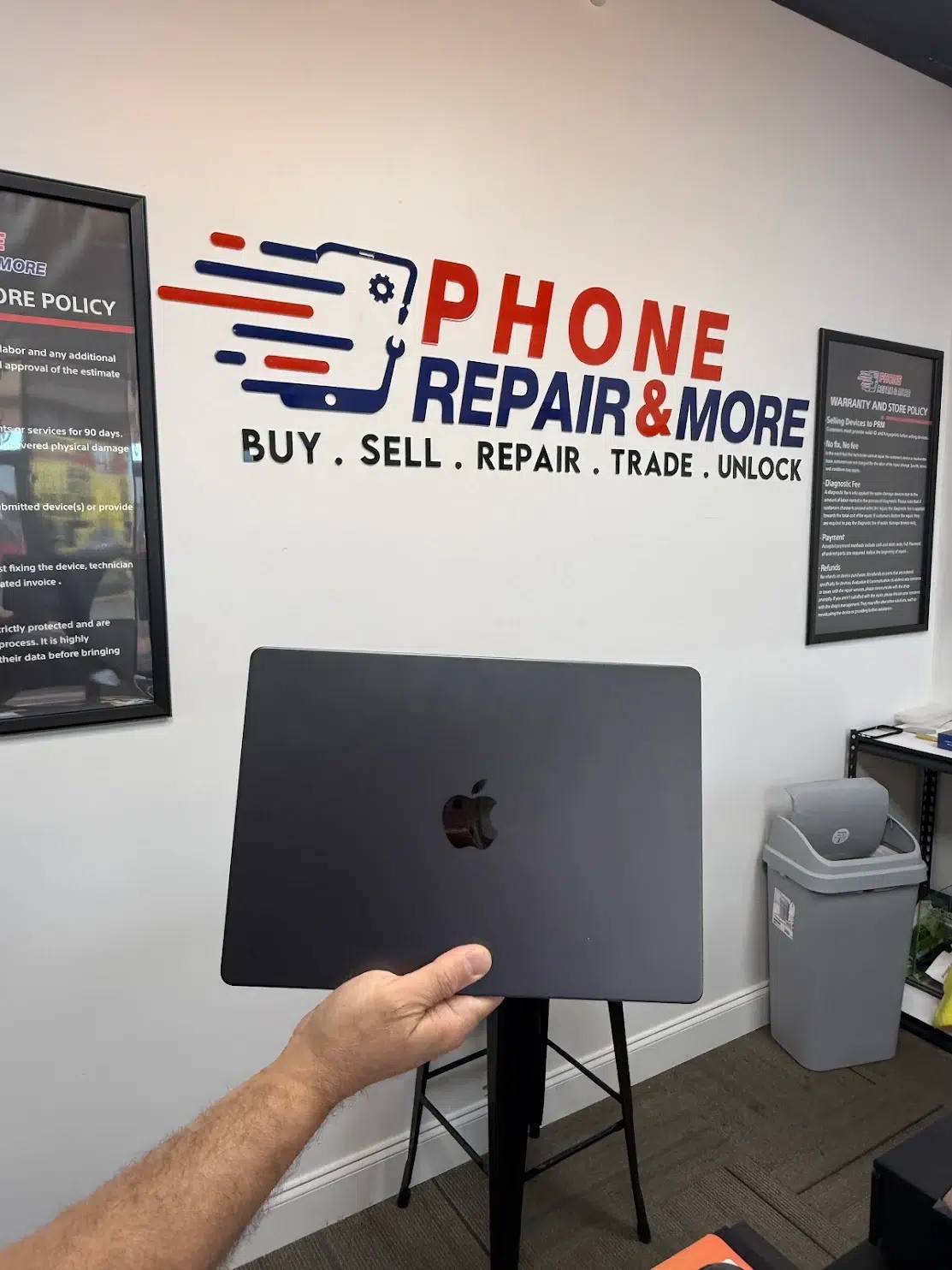
Before service
Model and year affect parts, ports, battery design, display assembly and repair options.
Note any drop, spill, update, new accessory or charger, and when the problem started.
If the Mac still works and your files matter, back them up before service when you can.
Bring the charger or adapter if the problem involves power, charging or an external display.
Symptom guides
Vertical or horizontal lines, artifacts, flicker and lid-position clues.
MacBook Screen Lines →Tell a display problem apart from a startup or no-power problem.
Computer Black Screen →Check whether the MacBook truly has no power.
Laptop Won’t Turn On →Separate the adapter, cable, charging settings, battery and charging port.
Laptop Not Charging →Repair or replace?
Consider the repair quote, the MacBook's overall condition, how well it handles your work, whether it still gets software updates, the condition of the battery and display, the cost of a replacement, and the effort of moving your data. A newer MacBook with one repairable fault and an older one with several emerging problems can lead to very different decisions.
For typical prices, see the MacBook price table on our Laptop Repair page or our Laptop Repair Cost guide.
MacBook research
Our MacBook Repair Report analyzes 582 MacBook service records: the most common repair categories, how the data was collected, and what the numbers can and can't tell you.
Book service
Bring your MacBook to any of our eight Florida stores for a free diagnostic. We repair MacBook screens, batteries, charging ports, keyboards and liquid damage. See services and prices on our Laptop Repair page, or book online.
FAQ
MacBook repair guide
Bring your MacBook to any of our eight Florida stores for a free diagnostic. You approve the quote before any work starts.