
Video and HDMI output
PS5 or Xbox powers on, but the screen is blank, flickers or loses signal. We check the display chain, HDMI connector and board condition before a soldering quote.
5.0 from 17,000+ Google reviews Free diagnostics • 8 Florida stores • Many repairs same day
Check repair pricingA PS5 that shows no signal, an Xbox that will not power on, a Switch that will not charge or a controller with stick drift? Bring it to our Sheldon Road store in Town ’n’ Country or our Carrollwood store on N Dale Mabry Hwy. PS5 and Xbox HDMI port repair is $89.99, the diagnostic is free and you approve the quote before work begins.

Phone Repair & More® provides game console diagnostics and repair at 5537 Sheldon Road in Town ’n’ Country and at 10019 North Dale Mabry Highway in Carrollwood. Both stores serve customers with PlayStation, Xbox and other supported console problems. You do not need to know which part is broken before you visit.
PS5 or Xbox powers on, but the screen is blank, flickers or loses signal. We check the display chain, HDMI connector and board condition before a soldering quote.
No beep or light, one-beep shutdown, brief power then off, repeated boot loops or a console that will not leave Safe Mode.
Fan becomes loud, console displays temperature warnings, games trigger shutdowns or the system runs hot even in an open space.
Games fail to read, a disc becomes stuck, the system cannot complete updates or storage errors interrupt play.
Nintendo Switch docking or charging trouble, damaged USB ports and controllers that charge only at an angle.
DualSense, DualShock, Xbox Wireless, Elite and supported Joy-Con controllers with drift, buttons, triggers or pairing issues.
Several faults can cause the same on-screen symptom. Use these examples to decide what you can safely check yourself and what requires a bench diagnostic.
Possible causes include the HDMI cable, TV input, port contact damage, connector solder joints or the video-output circuit.
A black screen can reflect a handshake/input issue, physical HDMI damage, startup state or internal board fault.
Airflow, heatsink restriction, fan behavior and power delivery can all cause shutdowns; a higher-load game may expose the problem first.
Power cords, the outlet, external adapters on some models, internal supply and board faults are possible.
A corrupt update, unreadable storage, failing drive or system-level fault can look like a console that is “dead.”
The drive mechanism, alignment, laser or associated circuitry can cause read errors and unexpected ejects.
The service path depends on the PlayStation generation and whether the system has a disc drive. We check the actual symptom instead of describing every blank screen as a damaged HDMI socket.
A damaged or detached port may produce no signal, a flickering picture, or a connection that works only when the cable is pressed. Inspection determines whether the port, board pads or another video component is involved.
Restricted vents, dust, a failed fan, heatsink problems or another power fault may trigger heat warnings or shutdowns. We inspect the cooling path before recommending cleaning or part replacement.
Read/eject faults, USB connection problems, system update errors and “cannot start” messages require different tests. Model-specific restrictions matter on digital-only units.
We also evaluate older PlayStation generations for HDMI output, storage/boot faults, cooling, disc drives, ports and controllers.
If the console has power and the TV reports “No Signal,” a physical HDMI connector is one possibility. However, a damaged cable, incorrect input or board-level video fault can produce similar behavior.
We recommend testing the inexpensive external causes first, inspecting the connector next and quoting microscope soldering only when the evidence supports it. This reduces unnecessary port replacement and allows a different recommendation if board pads or surrounding components are damaged.
For more detail, see the PS5 No Signal diagnostic guide and the separate PS5 HDMI research report.


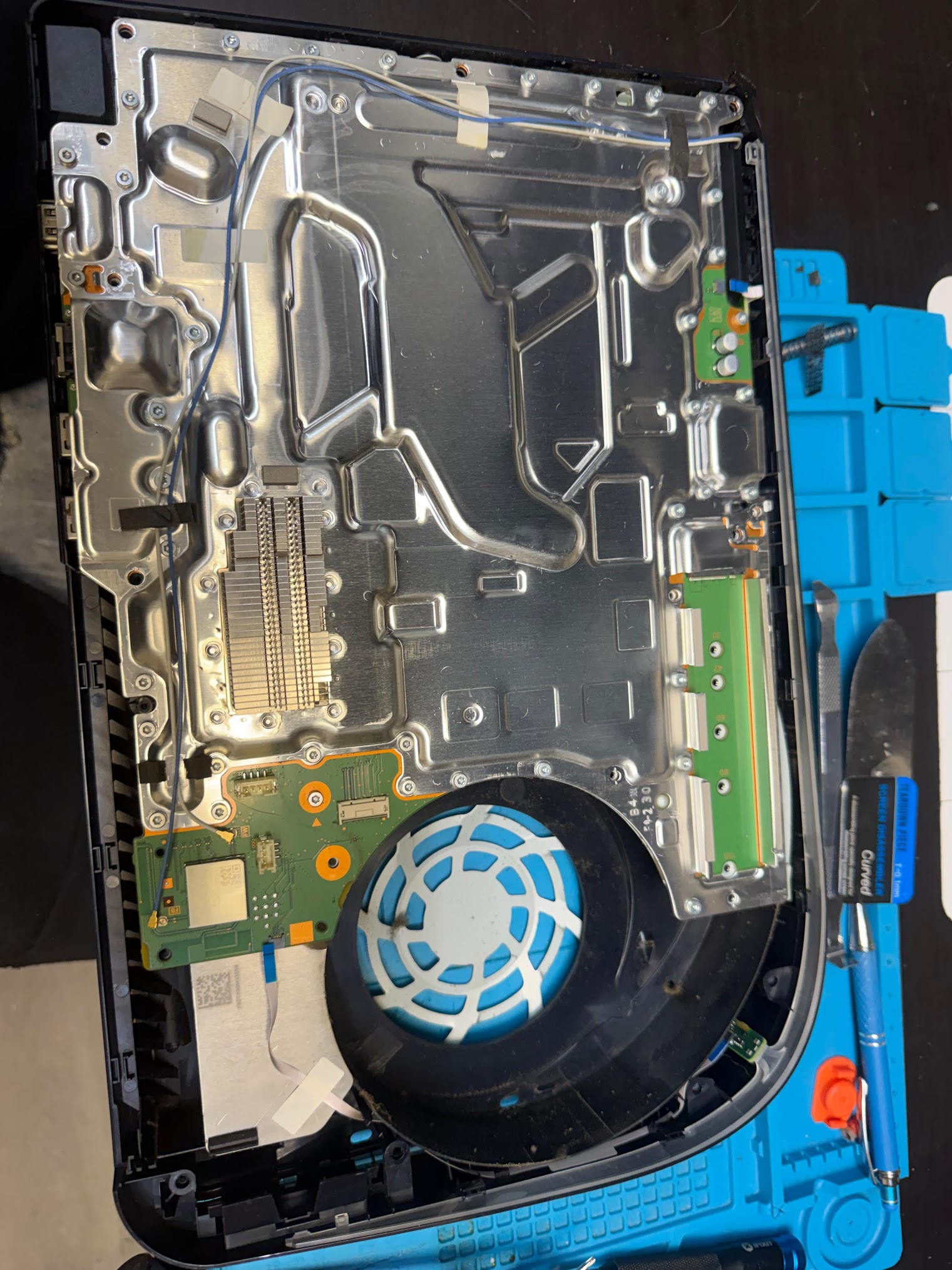
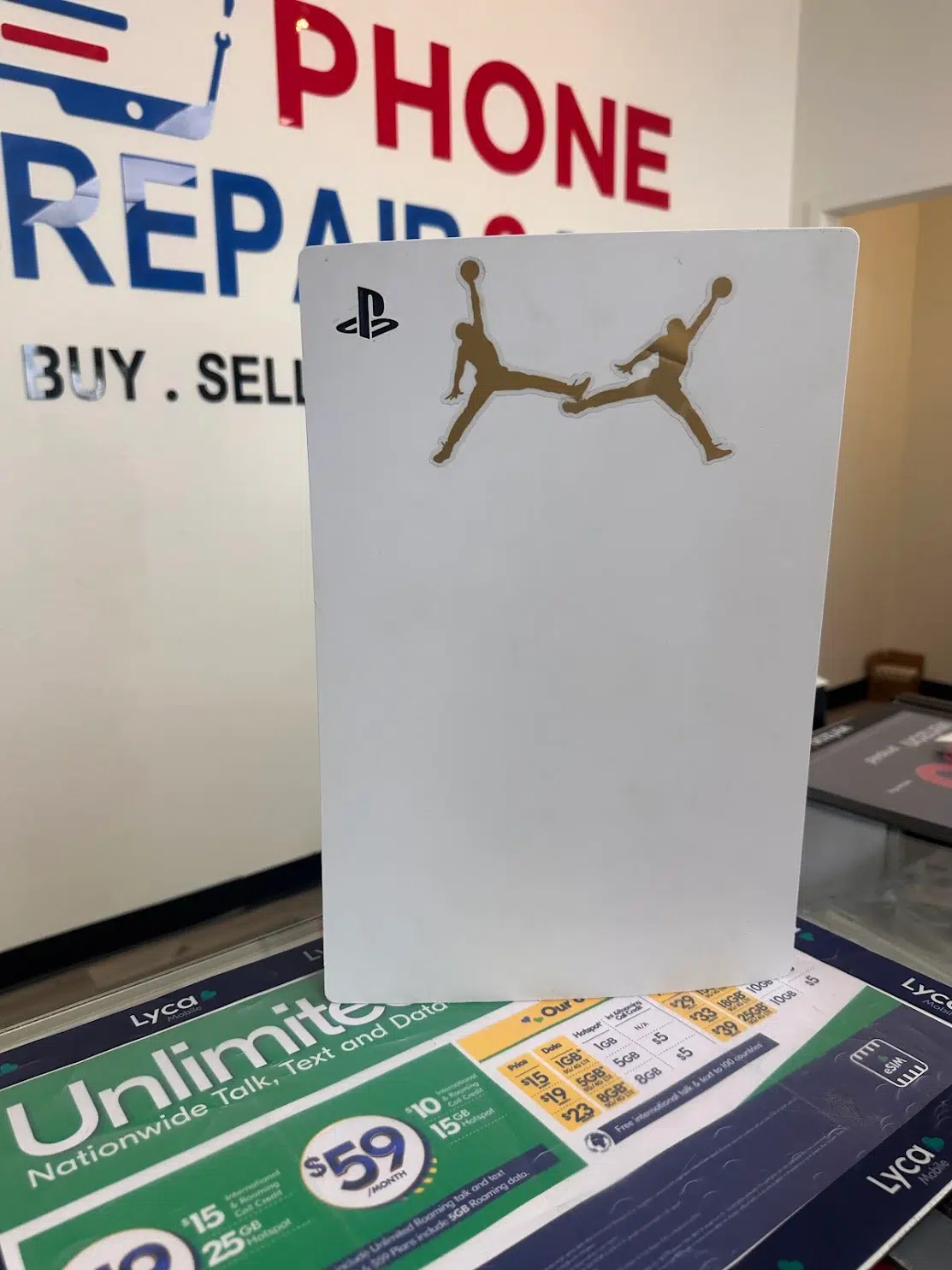
“Super reasonable prices and turnaround. Dropped off my PS5 for an HDMI repair and was done in 2 days for a great price. Couldn’t find anyone else in the area to do the repair. Very happy with the service.”
Xbox consoles share some symptoms with PlayStation but use different assemblies, software and power designs. We quote the work for the exact console model and condition.
Series X, Series S, One, One S and One X can show no video due to cables, ports or electronics. We inspect the output connector and test the signal path.
A startup beep followed by immediate shutdown differs from complete no-power. The power supply, board, stored fault state or overheating may be involved.
Dashboard freezing, update loops, crashes while loading or missing storage require software and drive-health checks where supported.
Abnormal noise or overheating can be caused by debris, worn fans, blocked airflow or a more complex internal issue.
Nintendo Switch, Switch Lite and Switch OLED have different charging assemblies. Switch USB-C port repair is $69.99 and charging IC repair is $89.99.
The USB-C port may be physically damaged, obstructed or electrically intact while a charging-control component has failed. Replacing the port alone is not always enough.
A dock, HDMI lead, input or console connection problem may cause loss of display. We separate dock and console issues where possible.
A character moves without touching the stick; triggers, shoulder buttons or charging may also fail. Cleaning is not always a permanent fix for worn components.
Portable gaming PCs may need charging, display, joystick, battery or cooling assessments. Parts availability and model-specific construction determine feasibility.
Real console tickets from our two Tampa stores. PS5 is the single biggest console we see, and HDMI is the most common console problem by a wide margin.
Carrollwood handles 502 of the 771 console tickets and the Sheldon Road store 269. Both stores repair consoles.
Of the 678 PS5 and Xbox tickets, 469 were logged as HDMI or no-signal problems — about seven in ten.
Starting prices for both the Sheldon Road and Carrollwood stores. Your exact price is confirmed after the free diagnostic, before any work starts.
| Console | HDMI port | Power supply | Hard drive | Fan / other |
|---|---|---|---|---|
| PlayStation 3 / 4 / 4 Slim / 4 Pro | $89.99 | From $49.99 | From $59.99 | $49.99 |
| PlayStation 5 / 5 Digital / 5 Slim | $89.99 | From $49.99 | From $59.99 | $49.99 |
| Xbox One / One S / One X | $89.99 | From $49.99 | From $59.99 | From $29.99 |
| Xbox Series X / S | $89.99 | From $49.99 | From $59.99 | From $29.99 |
| Nintendo Switch / Lite / OLED | USB-C port $69.99 | Charging IC $89.99 | — | Maintenance $49.99 |
Controller stick drift repair is $35 for common controllers. Diagnostics are free on every console.
PS5 Digital and PS5 Slim have different assemblies; Series S has no disc drive; Switch Lite behaves differently from TV-output Switch models. Bring the exact model.
An HDMI socket can be damaged alone or together with pads and nearby board components. The same external symptom can have different repair scopes.
The store can confirm in-stock parts, work queue and a realistic estimate. Board-level repairs or deeper faults may require more time than a straightforward controller service.
These checks are deliberately non-invasive. If the console has liquid damage, a burning smell, smoke or abnormal heat, stop and bring it in without repeated power tests.
We use a straightforward workflow so you know which fault is being investigated, whether repair is feasible and what your approval covers.
Bring the console, model information, and any relevant controller, dock or power adapter. Describe “no signal,” error codes, overheating or cable damage in your words.
We examine the relevant video, power, charging, cooling or storage path. A symptom alone does not tell us which part failed.
We explain the repair, the timing and the price. Nothing is opened or replaced until you approve it, and the repair carries a written warranty of up to 90 days.
Applicable post-service checks can include display output, stable power, fan response, game startup or controller behavior. We confirm the result before pickup.
Both stores repair PlayStation, Xbox and Nintendo consoles. Call first for a handheld PC, a specialty board repair or a hard-to-find part so we can confirm it is in stock.
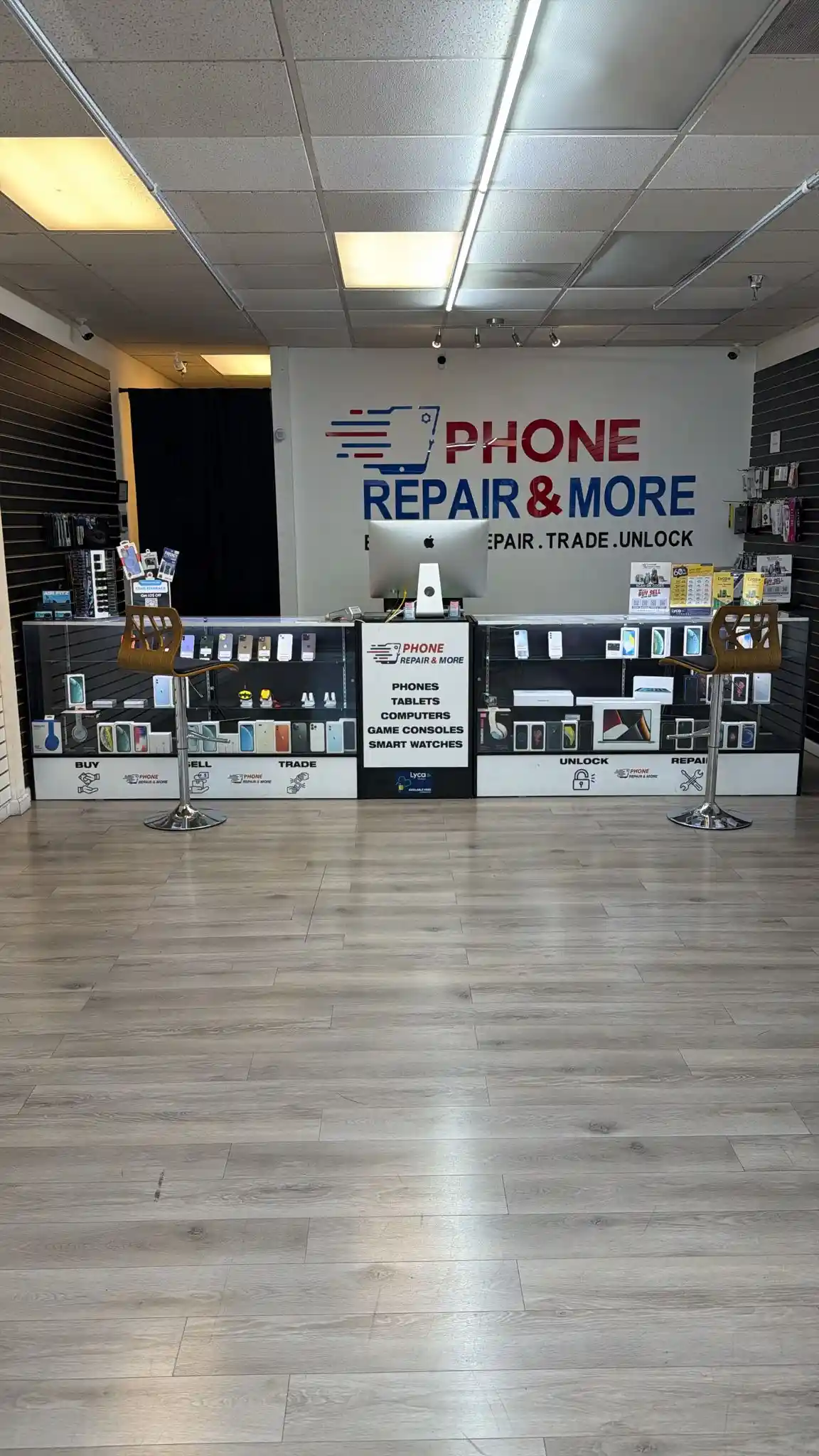
5537 Sheldon Rd, Suite F, Tampa, FL 33615
Closest for Town ’n’ Country, Westchase, Citrus Park and the Westshore corridor. Monday–Saturday, 9am–8pm; Sunday closed. Walk-ins welcome.
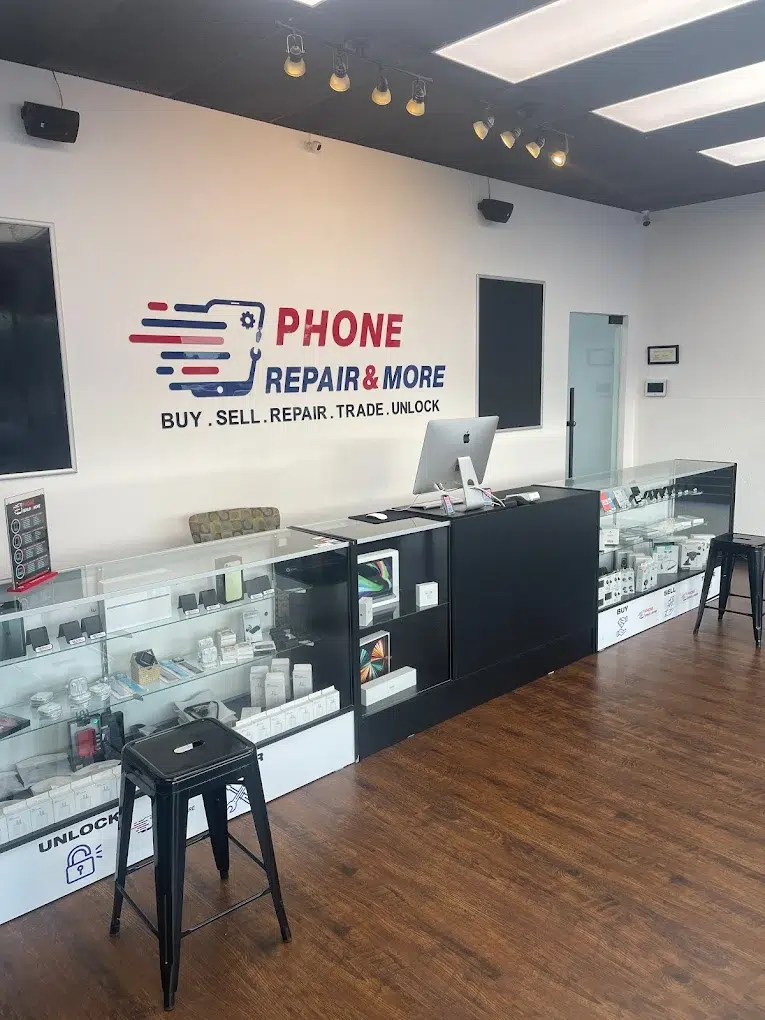
10019 N Dale Mabry Hwy, Suite 600, Tampa, FL 33618
Closest for Carrollwood, Northdale, Lake Magdalene and Lutz. Monday–Saturday, 9am–8pm; Sunday closed. Walk-ins welcome.
Direct answers for the most common decisions, with no guessing about failed parts.
Yes, at both stores. We rule out the cable and TV input, inspect the port under magnification and confirm whether it is the connector or the board. PS5 HDMI port replacement is $89.99.
A faulty HDMI cable, incorrect TV input, physically damaged HDMI port and internal video circuitry are among the possibilities. One symptom does not prove a broken port. Try a known-good cable and another TV input before inspection; avoid pushing or rocking a loose connector.
Yes, for supported HDMI, startup, power, cooling, storage and other hardware or software faults. The exact service depends on your generation and diagnostic findings. Series S does not have a disc drive.
We can assess it. Bring the console after checking the outlet and detachable power cable. A one-beep shutdown, no lights at all and a power cycle during gaming are different cases that need different testing.
PS5 and Xbox HDMI port repair is $89.99, power-supply repair starts at $49.99, hard drives at $59.99 and Switch USB-C port repair is $69.99. A board with extra damage can cost more; the final price is confirmed after the free diagnostic.
HDMI port and board-level work takes longer than a phone screen — how long depends on the board and parts. Controller repairs are quicker. Call your store for the current wait.
Unplug it if it is abnormally hot or smells burnt. Dust, ventilation, fan failure, heatsink interface and power faults may be involved. We inspect the cooling and power paths instead of assuming it only needs cleaning.
We evaluate supported Switch, Switch Lite and Switch OLED charging issues. Both a physically damaged USB-C port and charging-control circuitry are possible; replacing the port without testing the circuit may not solve the fault.
Yes. Stick drift repair is $35 for common controllers, and we also fix buttons, triggers, charging and connection problems on DualSense, DualShock, Xbox and Joy-Con controllers.
We inspect disc insertion, ejection and reading on disc-equipped models, and assess startup, drive and software errors when appropriate. Tell us about important data or saved games before approving resets or storage work.
It depends on the estimate, age, model, cosmetic/board condition and what a replacement would cost. We can explain whether a practical repair is sensible after diagnosis.
Yes, the diagnostic is free. Repairs come with a written warranty of up to 90 days, covering the repair we performed and the part we fitted, honored at any of our Florida stores. It does not cover new physical or liquid damage after the repair.
Use the Sheldon Road location in Town ’n’ Country at 5537 Sheldon Rd, Suite F, (813) 374-7162, or the Carrollwood location at 10019 N Dale Mabry Hwy, Suite 600, (813) 894-4333. Either can advise on the problem and current service availability.
Call your preferred Tampa or Carrollwood store, describe the symptom, and get a free diagnostic with a quote before repair work begins.
Phone Repair & More® is an independent, third-party repair service. We are not affiliated with, endorsed by or authorized by Apple Inc., Samsung, Google, Sony, Microsoft or Nintendo. All product names, logos and brands are trademarks of their respective companies.