
Computer will not turn on
No power indicator, no fan, or a brief flash followed by silence. Desktop power-supply checks differ from laptop charging-path checks.
5.0 from 17,000+ Google reviews Free diagnostics • 8 Florida stores • Many repairs same day
Check repair pricingSlow laptop? Cracked MacBook screen? Desktop that will not power on? Gaming PC that shuts down under load? Bring it to our Sheldon Road store in Town ’n’ Country or our Carrollwood store on N Dale Mabry Hwy. Laptop screens start at $135, the diagnostic is free and you approve the quote before any work starts.
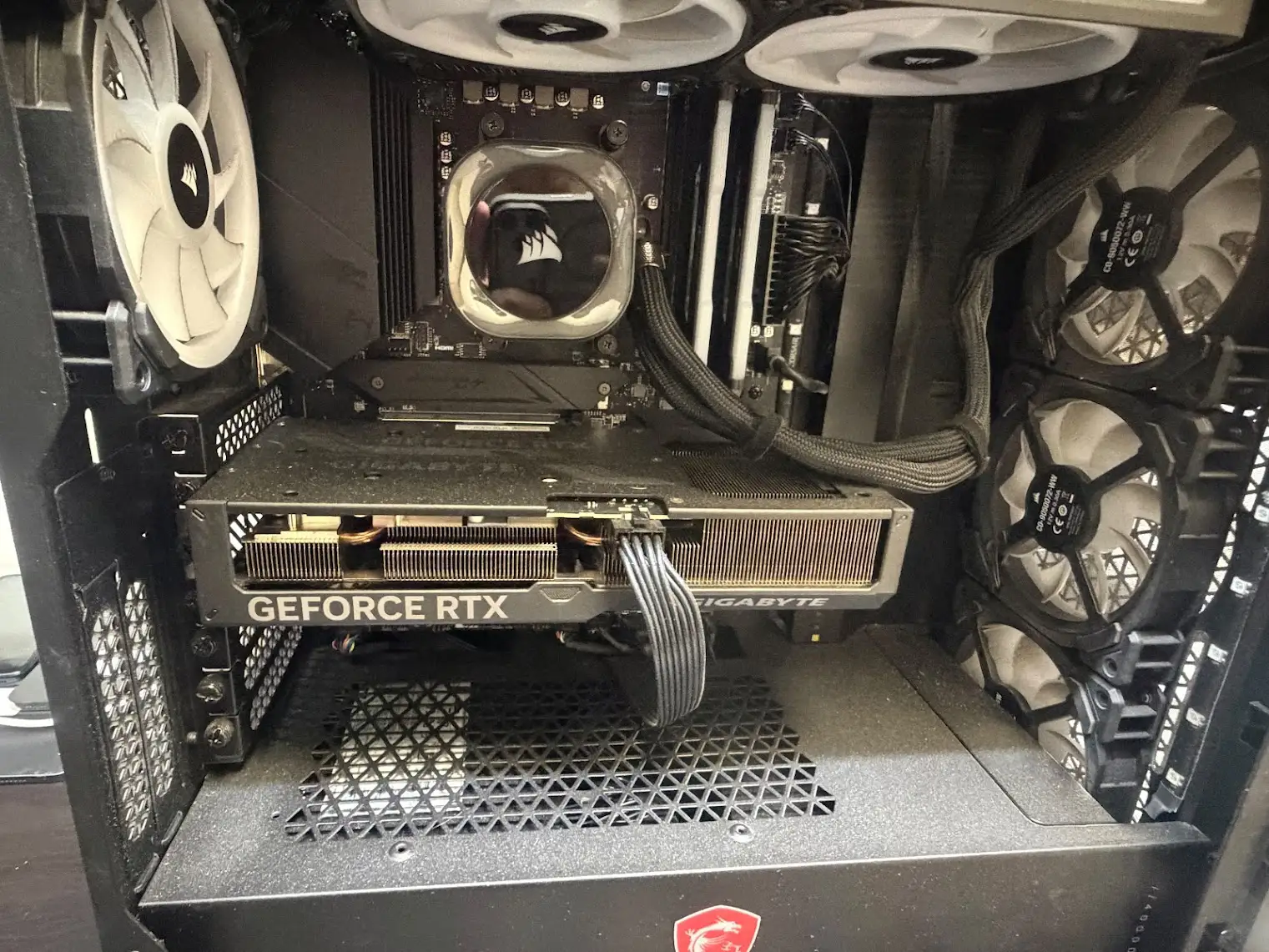
Phone Repair & More® offers computer diagnostics at 5537 Sheldon Road in Town ’n’ Country and 10019 North Dale Mabry Highway in Carrollwood. We evaluate PC laptops, MacBooks, desktop towers, all-in-ones, selected Surface/2-in-1 and Chromebook models, and custom gaming PCs.
No power indicator, no fan, or a brief flash followed by silence. Desktop power-supply checks differ from laptop charging-path checks.
The computer appears on but a monitor is blank, laptop panel stays dark or display cuts in and out.
Long startup, browser stalls, software errors, storage access delays and unexpected crashes.
Laptop glass, LCD/OLED panels, flickering screens, hinges that strain the panel and external-display differences.
Rapid drain, charging intermittently, battery swelling or a MacBook reporting service needed.
Loose barrel jack, damaged USB-C connector, worn charger cable, or power delivery that fails under load.
Windows BSOD, automatic repair loop, BitLocker recovery screen, corrupted updates or a Mac stuck on the logo.
Fans running hard at idle, thermal throttling, hot keyboard or sudden power-offs while gaming.
No boot device found, bad drive health, failed migrations, limited memory or a machine with files you cannot lose.
Before paying for a reinstall or replacing a computer, identify which resource is failing. Our diagnostic starts by ruling out data-loss risk and checking the basics.
A failing hard drive or SSD can cause minutes-long startup, freezing while opening files, disk errors and corrupted updates. Older spinning hard drives may benefit greatly from an SSD upgrade, but data recovery risk comes first.
Browser extensions, duplicate startup tools, scheduled tasks and years of accumulated software can slow an otherwise healthy machine.
Multiple video calls, design applications, dozens of tabs and gaming can exceed available RAM. Some laptops allow upgrades; others have memory permanently soldered.
A clogged cooling path or failing fan can reduce performance even when the computer still boots normally. Thermal issues are particularly noticeable in thin laptops and gaming PCs.
A computer that takes five minutes to reach the desktop may need an SSD, malware cleanup or a startup configuration change. Those are different services, with different prices and data risks.
Where supported, we can discuss SSD upgrades, memory expansion, backup, data transfer and OS repair. We do not promise that every MacBook or compact laptop allows SSD or RAM replacement: modern models can have soldered components.
Before any erase, reset, drive replacement or migration, identify the files that matter and whether a reliable backup exists. Failed drives can deteriorate with repeated power-on attempts.
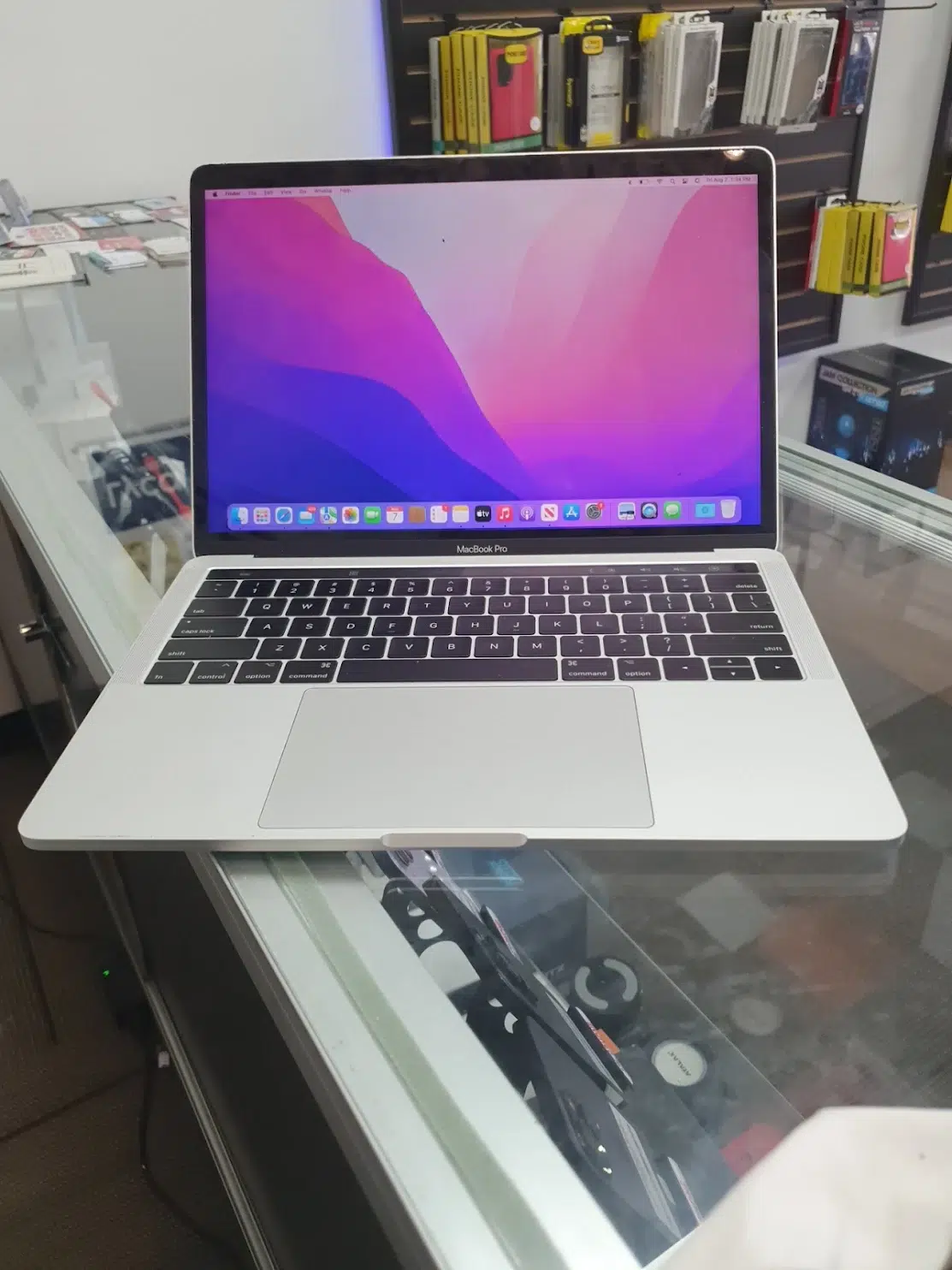
We distinguish electrical no-power, a machine that is on but has no picture, and a computer that displays a logo but cannot load its operating system. Those symptoms call for different repair routes.
Possible causes include the wall adapter, USB-C or DC charging port, battery, embedded controller or motherboard. A working charger and different compatible outlet are safe first checks.
The power-supply unit, shorted component, thermal protection, memory or motherboard can interrupt startup. Opening a high-voltage PSU is unsafe.
A failed monitor input, display cable, RAM/POST issue, GPU output or laptop display assembly can create a blank screen. The monitor and computer need separate checks.
Windows automatic-repair screens, BSOD codes and locked recovery prompts may involve software, updates, encryption keys or inaccessible drives. A reset is not the first answer when data is important.
Startup volume trouble, software corruption, power issues or another hardware fault can prevent macOS loading. Apple Silicon and older Intel Macs require different diagnostic procedures.
Thermal protection, unstable power, battery faults, power supply, software and hardware instability may all be involved. When it shuts down helps narrow testing.
A broken display or charging connector is not always a whole-computer replacement. We identify the exact make and model because the assembly, labor and availability can change substantially.
Cracks, lines, black spots, image only at certain angles, dim display, flicker and dead touch all require model-specific panel evaluation.
MacBook Air and Pro models vary in screen construction and availability. Lines that change with lid movement, broken glass and blank internal screens need separate inspection.
Short runtime, unexpected shutdown, “service recommended” messages and swelling can indicate battery or power-management problems.
A laptop that charges only at an angle may have connector wear, a cracked jack or charger problem. USB-C faults can also involve board-level power circuitry.
Keys may stop responding after wear, impact or liquid. A separating hinge can crack the display frame if opening and closing continue.
Spills may cause corrosion under the keyboard, on the board or at connectors—even if the machine seems normal at first.
A gaming PC that crashes under load needs a different evaluation from a slow office laptop. Power-supply sizing, GPU behavior, CPU temperatures, RAM stability, cooler mounting and airflow can all contribute. We do not treat every black screen as a graphics-card failure.
For custom builds we review component compatibility and practical upgrade options. A customer-installed GPU, liquid cooler or SSD may introduce a cabling, firmware or seating issue; replacing major hardware without checking basics can waste money.
Desktops and all-in-ones are a real part of our computer work at both stores — 81 of our recent computer tickets were PC desktops or all-in-ones.
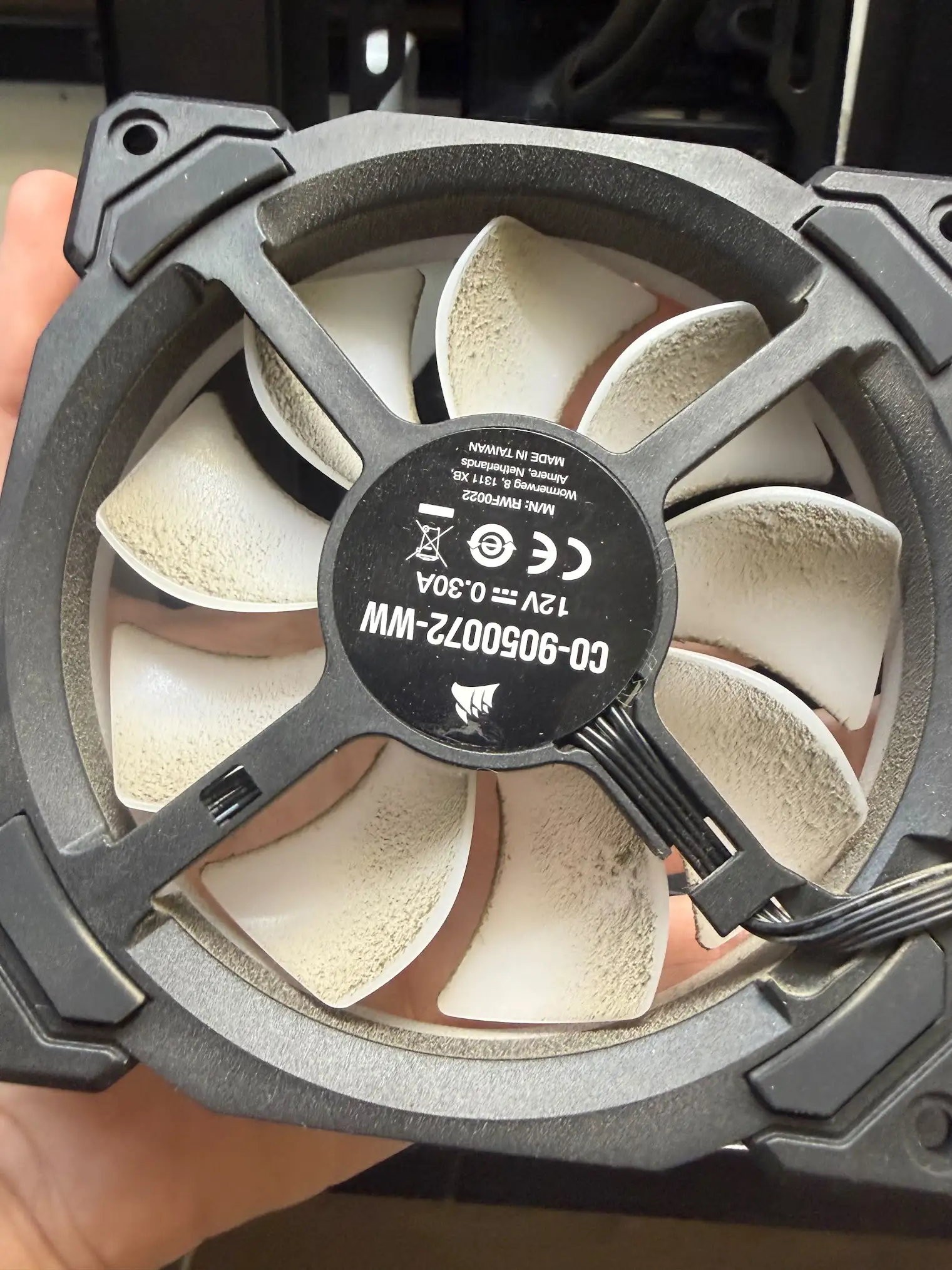
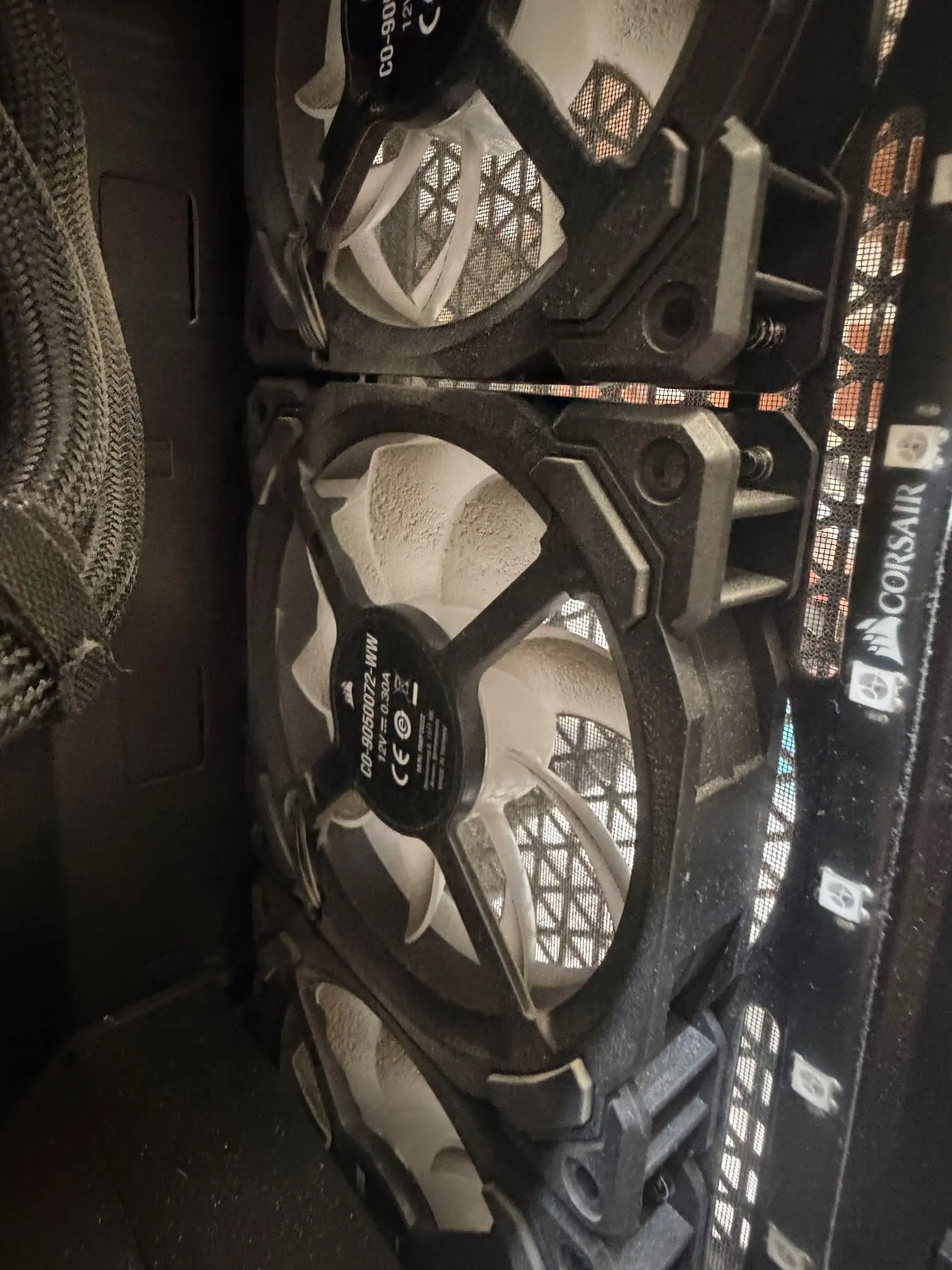
Power instability, GPU or CPU heat, RAM errors, drivers and overclock settings can contribute. We test behavior under safe, controlled workloads.
Monitor input, card seating, power connectors, BIOS settings and compatibility need confirmation before a graphics replacement is recommended.
Airflow restrictions, clogged radiators, pump and fan issues, and thermal interface problems can affect performance. Leaks or electrical risk require immediate shutdown.
SSD migration, supported RAM upgrades, power-supply replacement, fan installation and practical component refreshes are quoted to the specific system.
Tell us before a software reset, OS reinstall or storage replacement if there are documents, photographs, design projects, tax records or passwords you cannot afford to lose.
Real computer tickets from our two Tampa stores. PC laptops are the biggest group, followed by MacBooks and desktops.
Gaming laptops and desktops are counted inside these groups rather than as a separate category.
The three largest issue groups. “Diagnostic” means the visit started with a fault-finding check.
Starting prices at both the Sheldon Road and Carrollwood stores. Ranges reflect model and panel type — your exact price is confirmed after the free diagnostic, before any work starts.
| Device | Screen | Battery | Charging port | Software |
|---|---|---|---|---|
| Windows laptop (Dell / HP / Lenovo / ASUS / Acer) | From $135 | $89.99 | From $59.99 | $49.99 |
| Microsoft Surface | From $135 | $89.99 | From $59.99 | $49.99 |
| MacBook Air 13″ (A1466 – A1932) | $220 – $260 | $99.99 | From $65 | $49.99 |
| MacBook Air 13″ (A2179 – A2681) | $260 – $360 | $99.99 | From $65 | $49.99 |
| MacBook Pro 13″ (A2159 – A2338) | $260 – $350 | $99.99 | From $65 | $49.99 |
| MacBook Pro 15″ Retina | From $449.99 | $99.99 | From $65 | $49.99 |
| MacBook Pro 15″ Touch Bar | From $700 | $99.99 | From $65 | $49.99 |
| MacBook Pro 16″ (A2141 / A2485) | $650 – $730 | $99.99 | From $65 | $49.99 |
Desktop, gaming PC, SSD and RAM upgrades and data recovery are quoted after the free diagnostic, because parts and configuration vary by system.
Try only safe, reversible steps that will not risk your files. For liquid, smoke, damaged charging ports or battery swelling, stop and bring the device to a professional.
Note whether one app or the entire system is slow, whether the fan is loud and whether disk activity stays high. Back up key files before upgrades.
Check the outlet, cable and correct charger. Bring the charger with a laptop. For a desktop, note PSU switch position without opening the PSU itself.
Check brightness and the external monitor input. On desktops, confirm the correct output connection. Do not force a broken laptop lid.
Photograph the error code. Preserve any recovery keys you already control; never publish them or share them in an online form. Avoid factory resets.
Power off, unplug and do not power up “just to see.” Liquid can damage components as current flows.
Disconnect power if safe and stop operating it. Do not puncture or press a swollen battery.
The same basic steps apply to a laptop, a gaming desktop and a MacBook. Repair options, turnaround and eligibility depend on diagnostic results and parts.
Bring the device, charger or relevant accessories and any error messages. Mention spills, prior repairs and important files.
We check the relevant startup, power, storage, display, software and thermal behavior, guided by the observed fault.
We explain the recommended repair, turnaround and total price so you can decide. Every repair carries a written warranty of up to 90 days.
We test the original problem after the authorized work and explain any remaining limitations or data-handling concerns.
The Sheldon Road location serves Town ’n’ Country and West Tampa; the Dale Mabry location serves Carrollwood and North Tampa. Both repair laptops, MacBooks and desktops. For uncommon parts or specialty gaming rigs, call ahead.
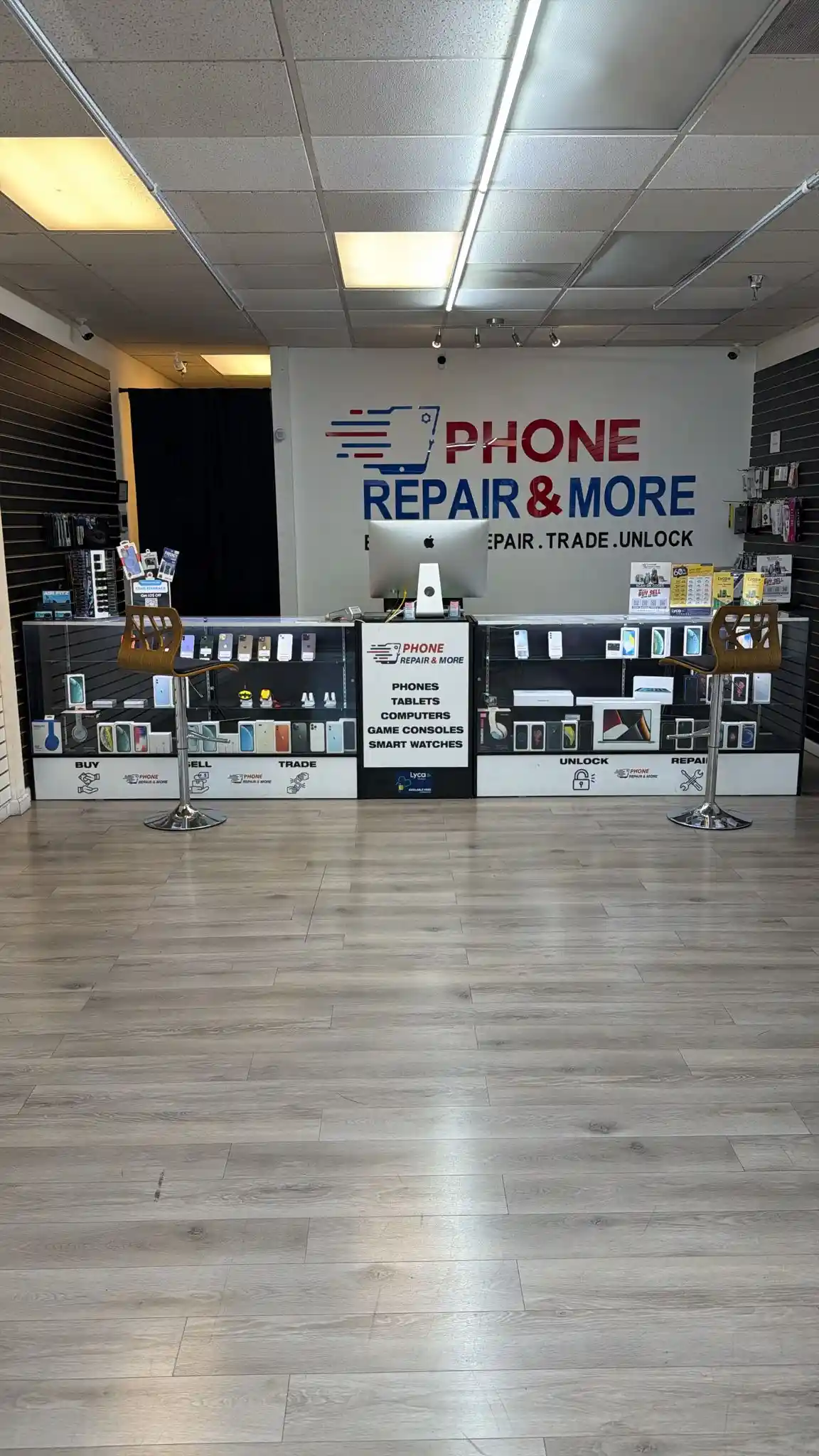
5537 Sheldon Rd, Suite F, Tampa, FL 33615
Closest for Town ’n’ Country, Westchase, Citrus Park and the Westshore corridor. Monday–Saturday, 9am–8pm; Sunday closed. Walk-ins welcome.
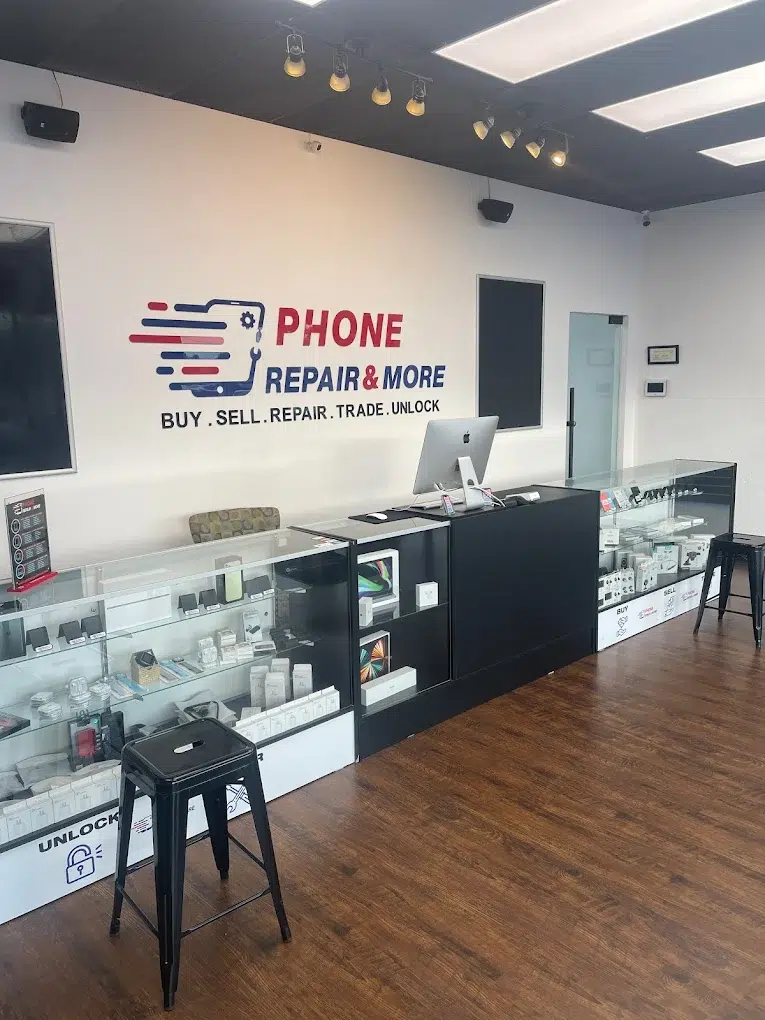
10019 N Dale Mabry Hwy, Suite 600, Tampa, FL 33618
Closest for Carrollwood, Northdale, Lake Magdalene and Lutz. Monday–Saturday, 9am–8pm; Sunday closed. Walk-ins welcome.
“i had issue in my laptop in software.. i stopped by .. after 1 hour the laptop was ready to pick up.. recommend them and thank you”
Answers to the common price, timing, safety and repair-versus-replace questions.
Yes. Both stores repair Windows laptops, MacBooks, desktops, all-in-ones and custom gaming PCs. For an unusual workstation or Chromebook, call first so we can confirm the part.
We evaluate cracked, flickering, lined and blank MacBook displays. The screen type and exact Axxxx identifier determine part options; a black display alone does not prove a failed panel.
Windows laptop and Surface screens start at $135. MacBook Air screens are $220–$360 depending on the model, MacBook Pro 13″ $260–$350 and MacBook Pro 16″ $650–$730. Touch, OLED, high-refresh panels and hinge damage change the quote.
We assess outlet/charger, power-supply or charging-path faults, memory/POST behavior and board response as appropriate. A system that has no power differs from one that runs but shows no picture.
Possible causes include overheating, unstable power, GPU/CPU or RAM faults and software/driver problems. We investigate heat and power behavior rather than assuming a failing graphics card.
Often performance can improve through software cleanup, a compatible SSD or RAM upgrade, but results depend on condition and support. Backups and drive health are reviewed before migration; no technician can guarantee data preservation in every failure case.
Yes. Virus removal and software repair is $49.99. Describe any BitLocker prompts, blue-screen codes, automatic repair loops or error screens. We do not recommend erasing a drive before checking data needs.
Yes. Windows laptop charging-port repair starts at $59.99 and MacBook charging ports at $65. We test the charger and power path first, so you only pay for the part that failed.
Yes. Surface screens start at $135 and batteries are $89.99. Chromebooks and 2-in-1s vary in design and part availability, so call with the exact model before visiting.
Bring it powered off and unplugged. We can evaluate corrosion and affected components, but success and data recovery cannot be guaranteed. Do not charge or repeatedly restart a recently wet device.
We can assess whether data access, transfer or recovery is feasible. A failed drive, encryption or physical damage may require specialist handling. Avoid resets and repeated drive use if files matter.
Yes. We repair desktops and gaming PCs at both stores: power supplies, cooling, storage, upgrades, GPU and display problems and startup faults.
Yes. The diagnostic is free on every device, whether or not you go ahead, and nothing is opened, ordered or replaced until you approve the quote. Repairs come with a written warranty of up to 90 days, covering the repair we performed and the part we fitted, honored at any of our Florida stores. It does not cover new physical or liquid damage after the repair.
Tampa Town ’n’ Country: (813) 374-7162 at 5537 Sheldon Rd, Suite F. Carrollwood: (813) 894-4333 at 10019 N Dale Mabry Hwy, Suite 600. Both are listed open Monday–Saturday, 9 am–8 pm.
Choose your local store and tell us what your laptop, MacBook, desktop or gaming PC is doing. Start with a free diagnostic and approve only the repair you want.
Phone Repair & More® is an independent, third-party repair service. We are not affiliated with, endorsed by or authorized by Apple Inc., Samsung, Google, Sony, Microsoft or Nintendo. All product names, logos and brands are trademarks of their respective companies.